53
EN
TECHNICAL MANUAL - B CLASSIC / B FUTURA / S CLASSIC
SERVICE MENU
SERVICE MENU – INITIAL SETTINGS
SQ26
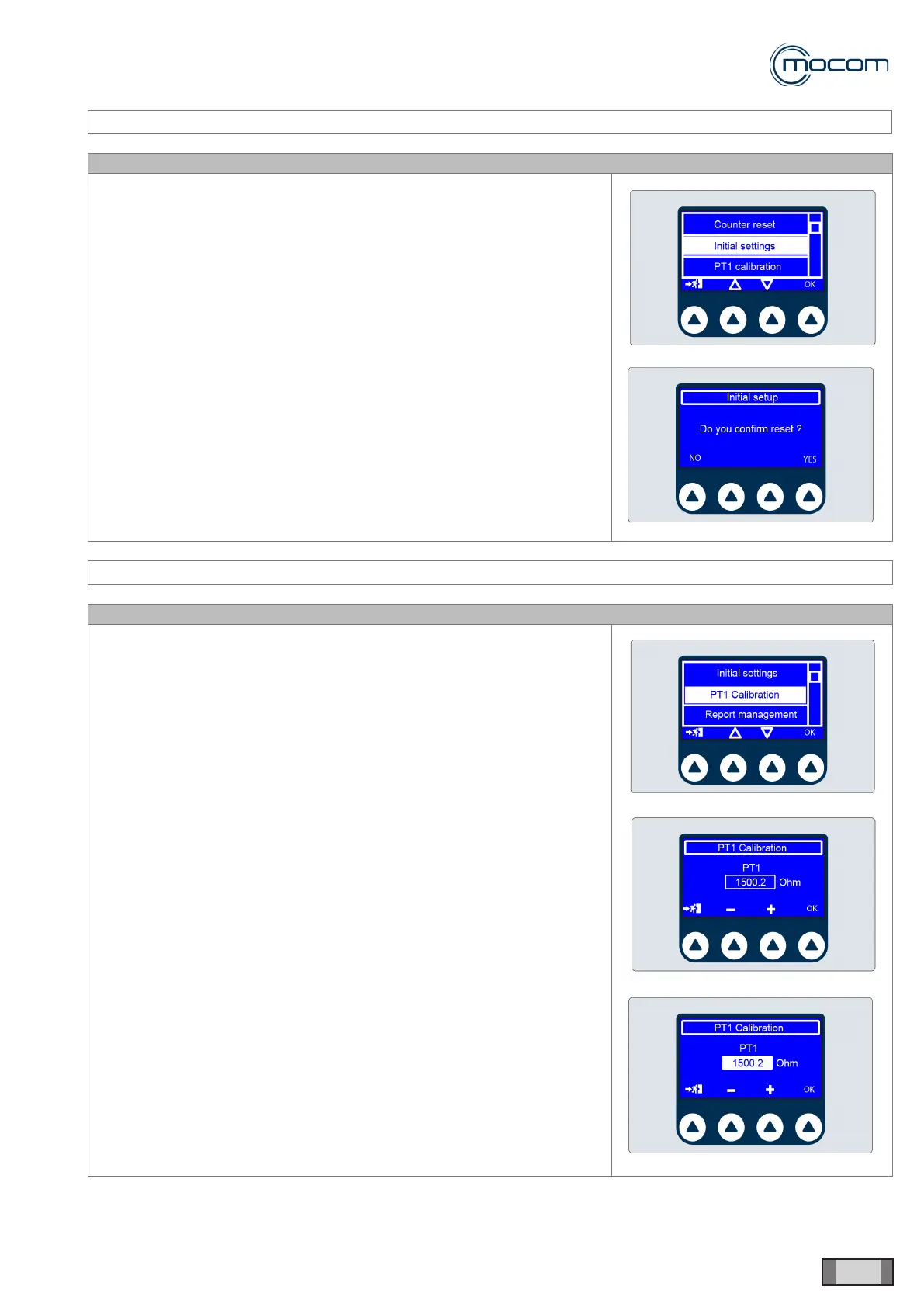
Selecting – INITIAL SETTINGS activates the factory settings screen.
WARNING
When the reset operation is conrmed, the custom settings selected by
user will be deleted; language selection will be retained.
SERVICE MENU – PT1 CALIBRATION
SQ27
Selecting PT1 CALIBRATION displays the check/edit screen for the typical
reading of sensor PT1 at 130.4°C.
This value is indicated on sensor PT1 and is stored at the factory.
If the PT1 sensor is replaced, proceed as follows:
- note typical reading of new sensor
- activate setup system by pressing OK
- change reading using + / - as required
- press OK to conrm.
The system allows a maximum variation range of +/- 10 ohm with respect
to a nominal reading of 1500 ohm at 130.4°C.



 To Next Page