57
EN
TECHNICAL MANUAL - B CLASSIC / B FUTURA / S CLASSIC
SERVICE MENU
SERVICE MENU – LEVEL SENSOR TEST
SQ35
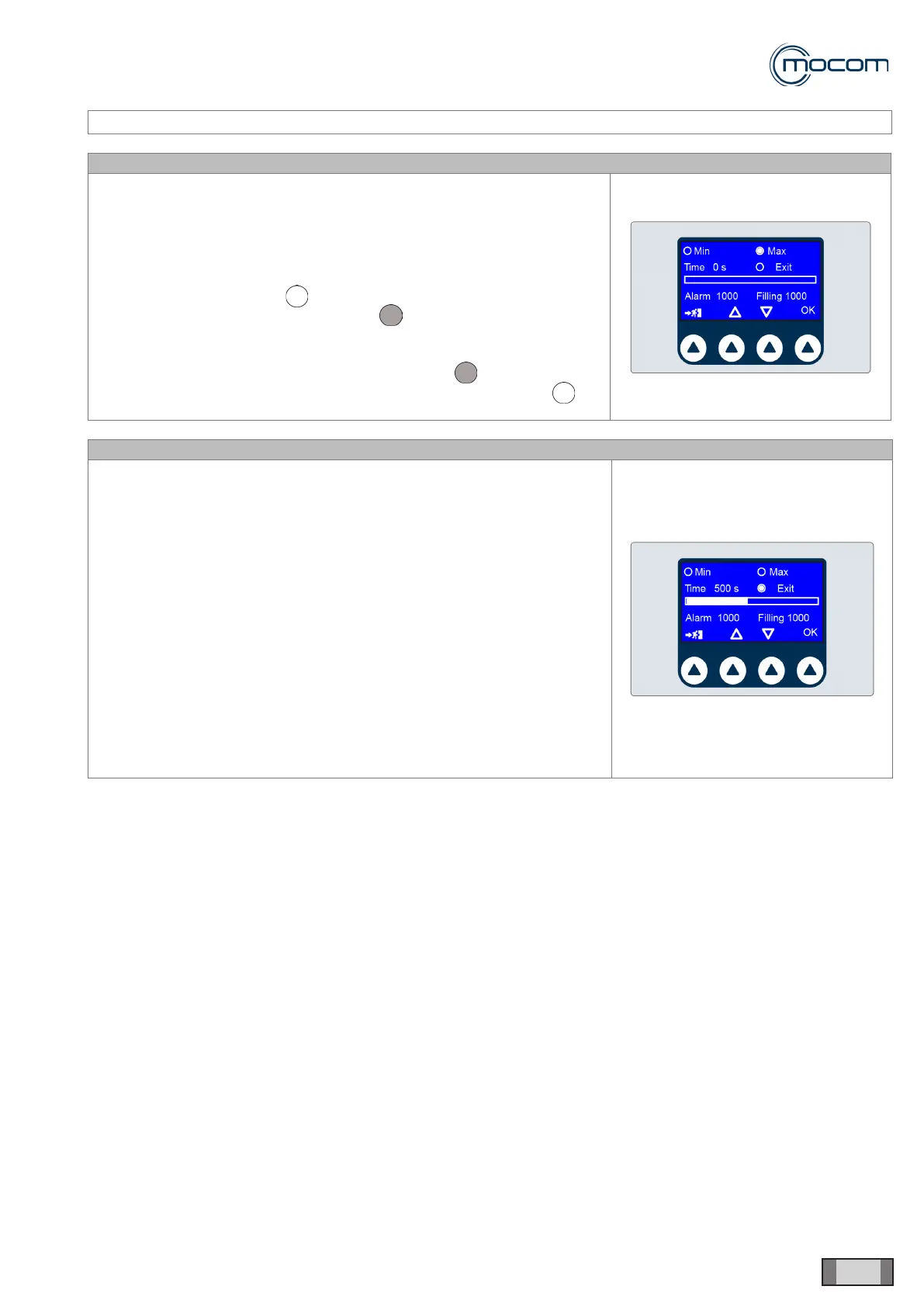
The minimum/maximum level indicators shown in the WATER FILLING
TIMES menu enable manual testing of level sensors.
This test must be performed with an empty feed tank to facilitate access to
the two level sensors.
MAXIMUM LEVEL SENSOR
Note reading of Max lling - indicator, then actuate level sensor
manually and note reading of Max lling - indicator.
MINIMUM LEVEL SENSOR
With an empty feed tank, note reading of Min lling - indicator,
then actuate level sensor manually and note reading of Min lling -
indicator.
SQ36 – EV AUX TIME STORAGE
After connecting the EV AUX KIT and conrmed connection from the
PREFERENCES menu, access the WATER FILLING TIMES menu.
When the rst lling stage from an empty tank is activated, the Outlet –
supply to automatic lling dev. is activated, as well as countdown from
1000”.
Note the lling level until the minimum level sensor is covered, which is
indicated by the Min lling indicator turning off.
A second countdown from 1000” for the second lling phase is activated.
Note lling level up to nearly Max lling, without activating it. At the same
time, note the TIME indicator reading and calculate the difference between
1000” and this reading.
Enter this difference in counters Alarm and Filling and press OK to
conrm.



 To Next Page