67
EN
TECHNICAL MANUAL - B CLASSIC / B FUTURA / S CLASSIC
SERVICE MENU
SERVICE MENU – COUNTER RESET
SQ24
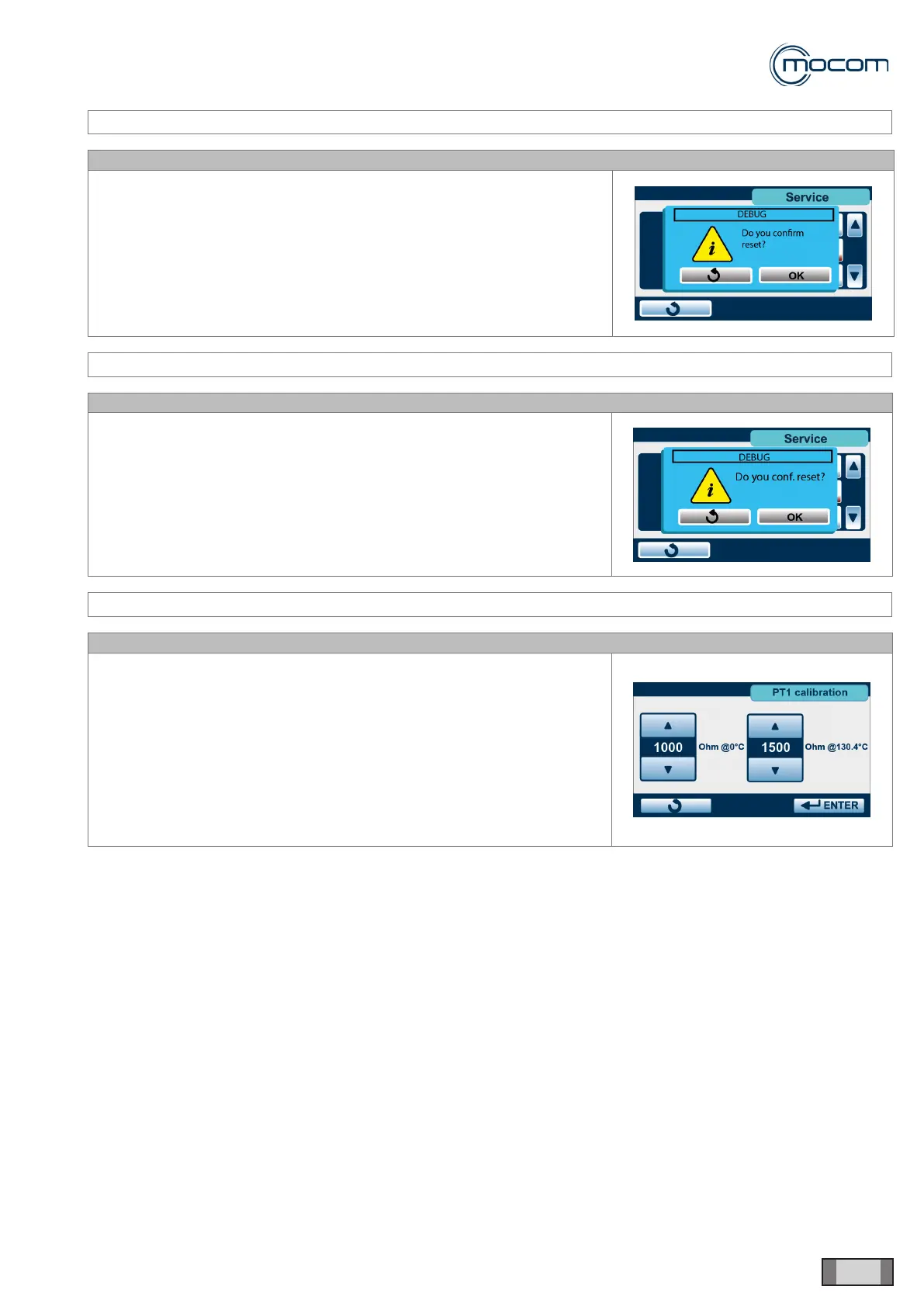
Selecting COUNTER RESET activates the reset selection screen.
WARNING
When counter reset is conrmed, the archive of performed cycles will be
deleted.
SERVICE MENU – INITIAL SETTINGS
SQ25
Selecting – INITIAL SETTINGS activates the factory settings screen.
WARNING
When the reset operation is conrmed, the custom settings selected by
user will be deleted; language selection will be retained.
SERVICE MENU – PT1 CALIBRATION
SQ26
Selecting PT1 CALIBRATION displays the check/edit screen for the typical
reading of sensor PT1 at 130.4°C.
These values are stored at the factory and stamped directly on sensor
PT1.
If sensor PT1 is replaced, note the typical readings of the new sensor,
change indicated values as required and press ENTER to conrm.
The two cursors allow a maximum variation range of +/- 10 ohm with
respect to these nominal readings:
- 1000 ohm at 0°C
- 1500 ohm at 130.4°C



 To Next Page