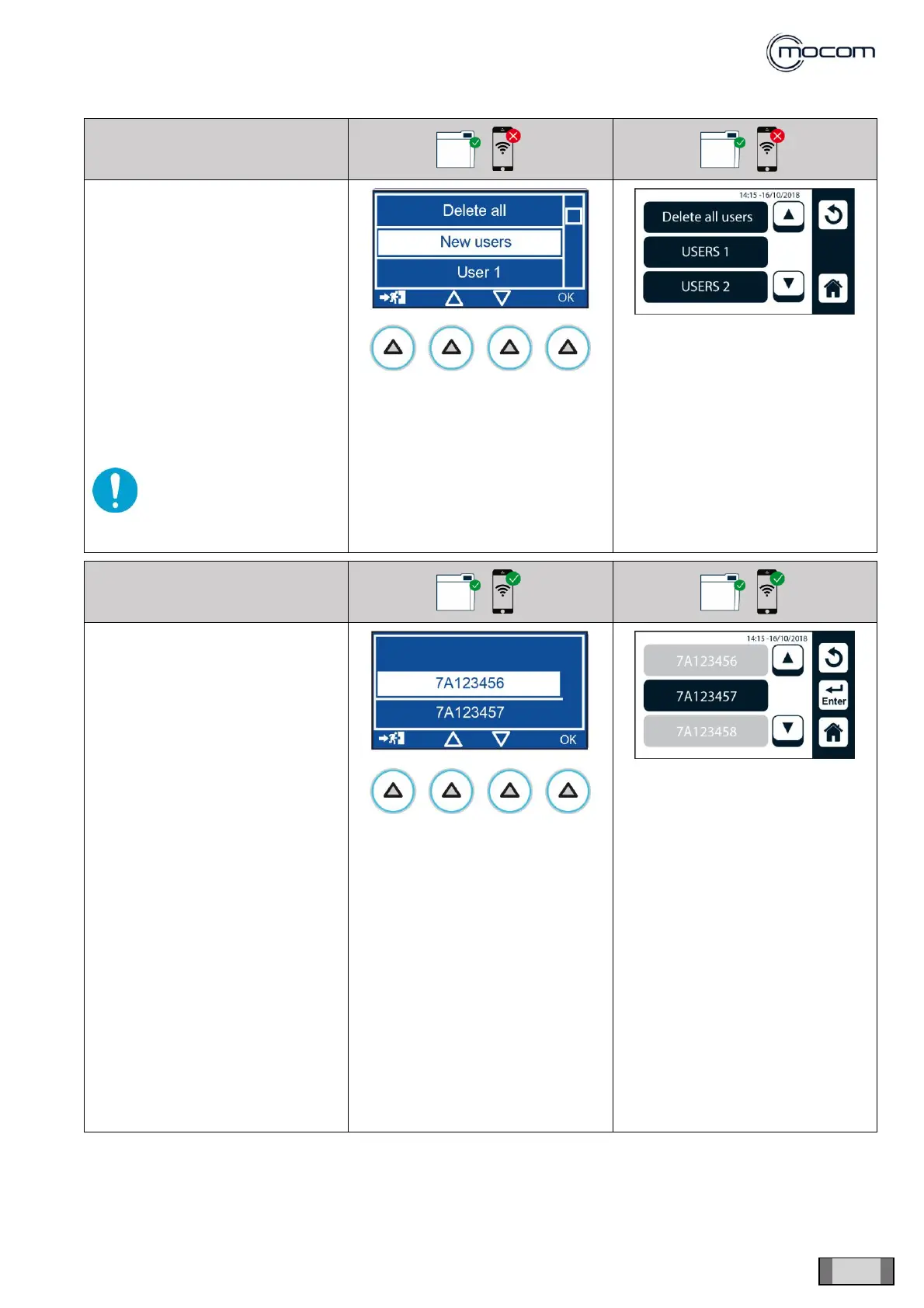
Select USER MANAGEMENT to
display the user list management
screen, normally used by the dental
surgery’s personnel.
The login password is not
requested to users, including the
administrator, when operating from
the SERVICE/USER
MANAGEMENT menu.
It is possible to apply modifications,
delete users, add users, change
authorisations.
The ENTER REF function lets you
enter the product code specific to
each individual model.
This code is stored at the factory
and needs only to be re-entered
after the PCB has been replaced.
The procedure is outlined below.
From the SERVICE MENU, select
REF INPUT and:
- insert a USB memory with the
original FW version or a later
version
- ensure that the USB memory is
detected and this is confirmed by
two beeps
- confirm with ENTER to display
the product codes belonging to
the same series.
- the proper code is reported on
the ID plate on the rear panel
- select the correct code and
confirm it



 To Next Page