SR5 Technical Manual TSP010.doc Issue 3.0 - October 2001
CONFIDENTIAL
Not to be disclosed without prior written permission from Money Controls
Page 28 of 50
♦ Opto Test
This mode is used for checking whether the various opto electronic devices
used in the product are working correctly.
ON = opto blocked or not fitted.
Accept 1
⇒
DCE coin opto
Accept 2
⇒
DCE token opto
Accept 3
⇒
Sorter optos
Accept 4
⇒
Off
Accept 5
⇒
Off
Accept 6
⇒
Off
The test is interactive, so the optos can be blocked and unblocked with a small
piece of card to see if they are working correctly.
The only way to distinguish between a blocked opto – fault – and a missing opto
is to physically look for the optic.
NB: These tests are only useful if the relevant hardware is fiited, i.e. DCE chute
and sorter.
♦ Exit Diagnostics
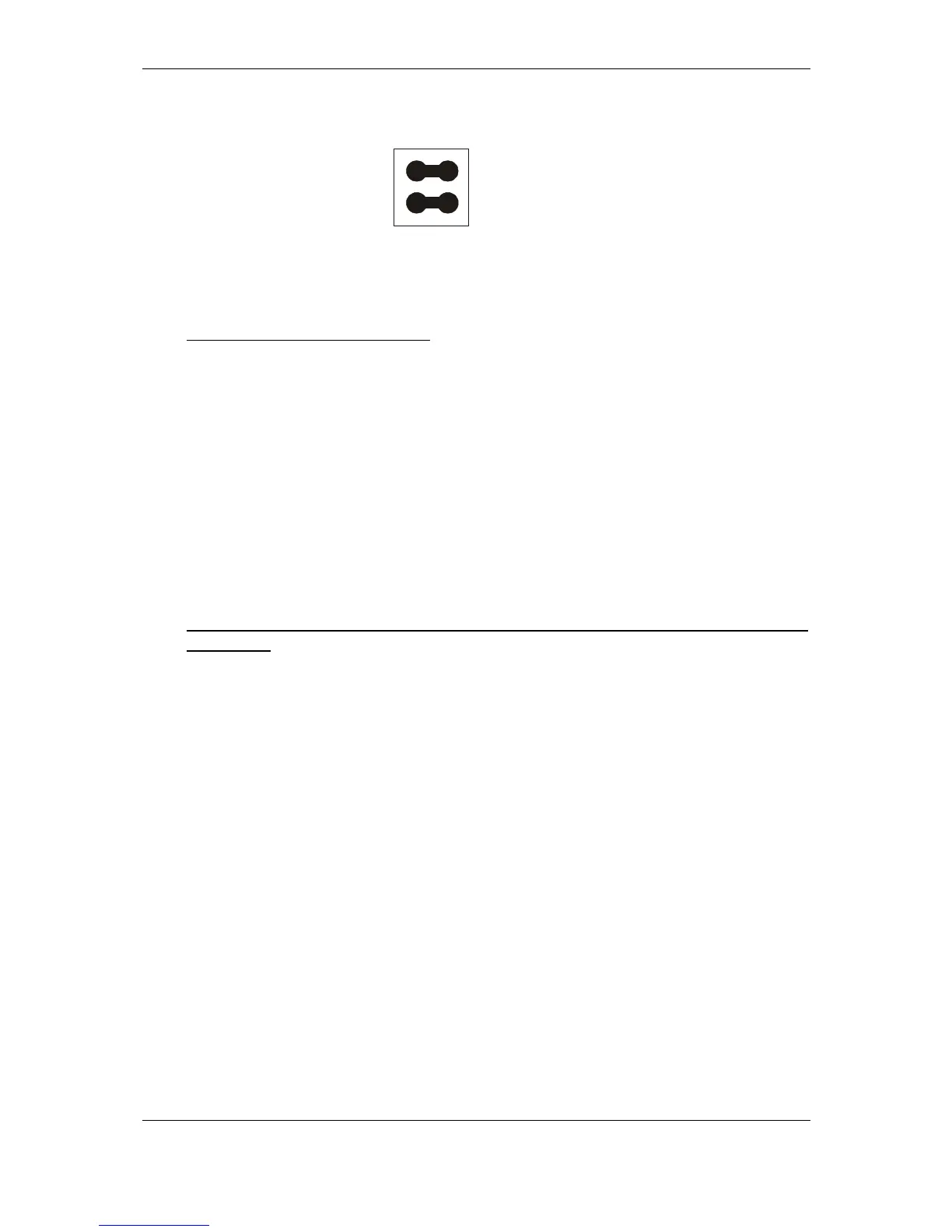
To exit the diagnostic tests, remove the link/s and press the program button
until the LED turns Green.
0V
0V
Jumper
Jumper



 To Next Page