SR5 Technical Manual TSP010.doc Issue 3.0 - October 2001
CONFIDENTIAL
Not to be disclosed without prior written permission from Money Controls
Page 41 of 50
21) Servicing
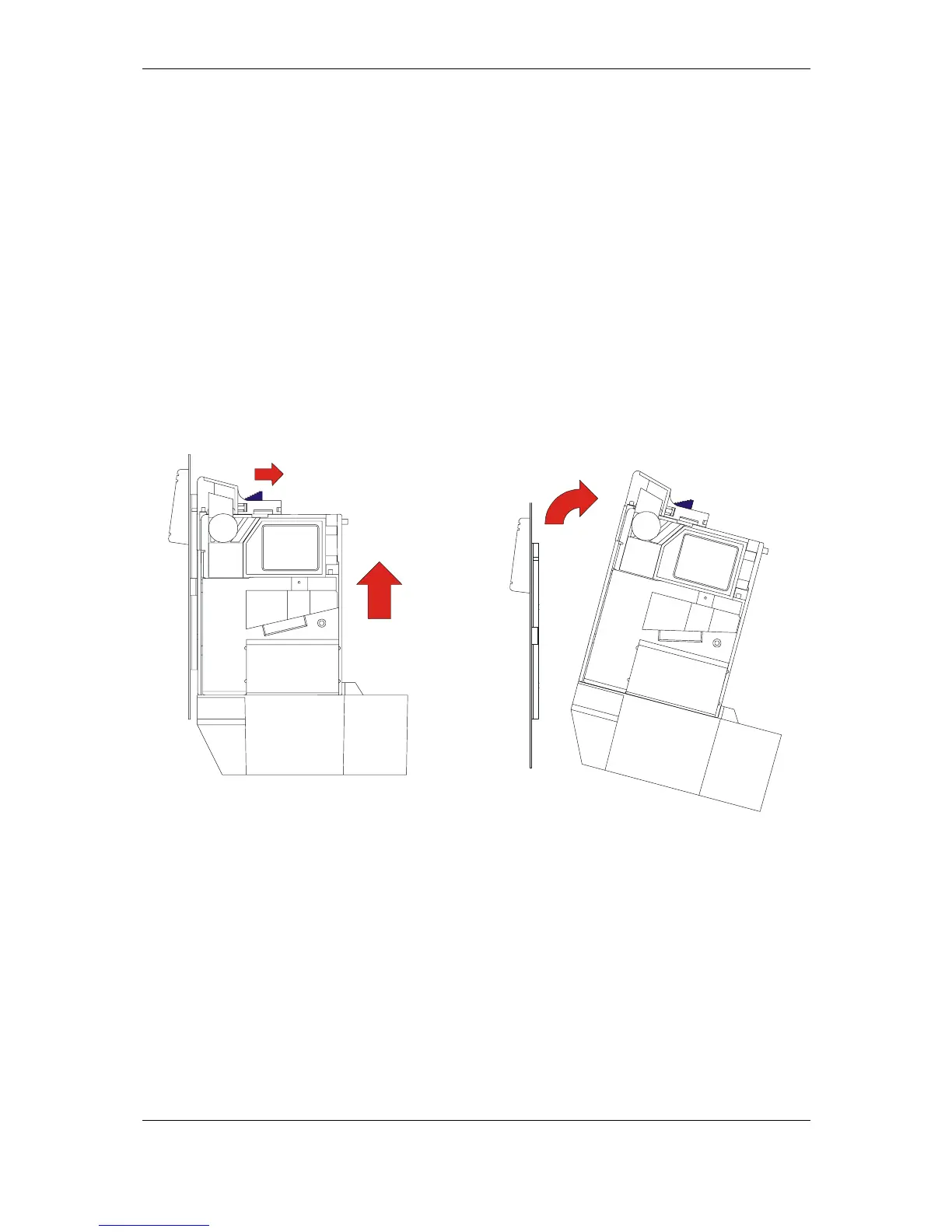
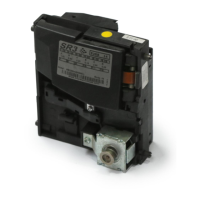
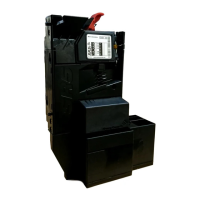
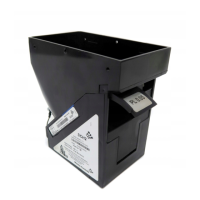
Please refer to Figure 26 for parts details.
♦ Front Entry - Removal and Refitting
To remove the body from the frontplate, first unplug any interface connectors
from the SR5.
Pull back catch (1) and lift the body upwards (2). When the stop position is
reached the body can be withdrawn away from the frontplate (3).
When re-assembling, line up the keyhole slots in the body with the retainers on
the frontplate. Push the body forward and downwards.
When in position, catch (1) will click into the locking slot.
Re-connect all the interface connectors.
Figure 21: Front Entry Removal Diagram
♦ Top Entry - Removal and Refitting
Release the locking catches and carefully lift out the acceptor from the back
channel.
Once the machines harness becomes accessible, remove all the interface
connectors.
Refitting the acceptor is the reverse of removal.
1
2
Slide Blue lever
in direction shown
Lift the SR5
upwards
3
Lift away from
front plate



 To Next Page