SR5 Technical Manual TSP010.doc Issue 3.0 - October 2001
CONFIDENTIAL
Not to be disclosed without prior written permission from Money Controls
Page 6 of 50
3) Operation
Coin validation parameters are factory programmed for optimum acceptance of
up to 16 different coins or tokens and therefore no field adjustment is necessary
beyond token select / Teach and Run (see page 31).
However, the SR5 can now be programmed on site without the use of coins and
for total flexibility, if a new coin/token is required, the Teach and Run function
can be used to program all 16 coins and the token position 12.
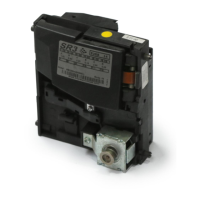
Coins are inserted into a front or top entry acceptor and roll past a set of Series
Resonant sensors. If the characteristics measured from the inserted coin
match the stored window readings in all respects, then the coin is recognised as
being true. The accept gate will then open and the coin will pass through the
accept sensor. Once this happens the SR5 will send a predefined credit signal
to the host machine which will correspond to the coin accepted.
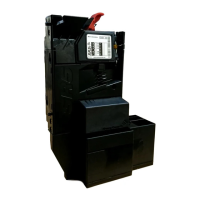
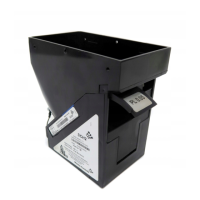
Depending on the SR5 model configuration the coin may then be diverted to
one of 4 different paths or 8 paths if using an active manifold.
If, on comparing the inserted coins characteristics, to all the pre-programmed
parameters, the coin readings do not match, this coin will be deemed invalid,
the accept gate will remain closed and the coin will travel through to the reject
via the reject path. The position of the reject path will be subject to whether a
direct reject or indirect reject option has been fitted.



 To Next Page