Page 21 of 110
Rev. G
DHCP Settings
1. Select Start, then select Settings > Network & Internet > Ethernet.
2. Select Change Adapter Options.
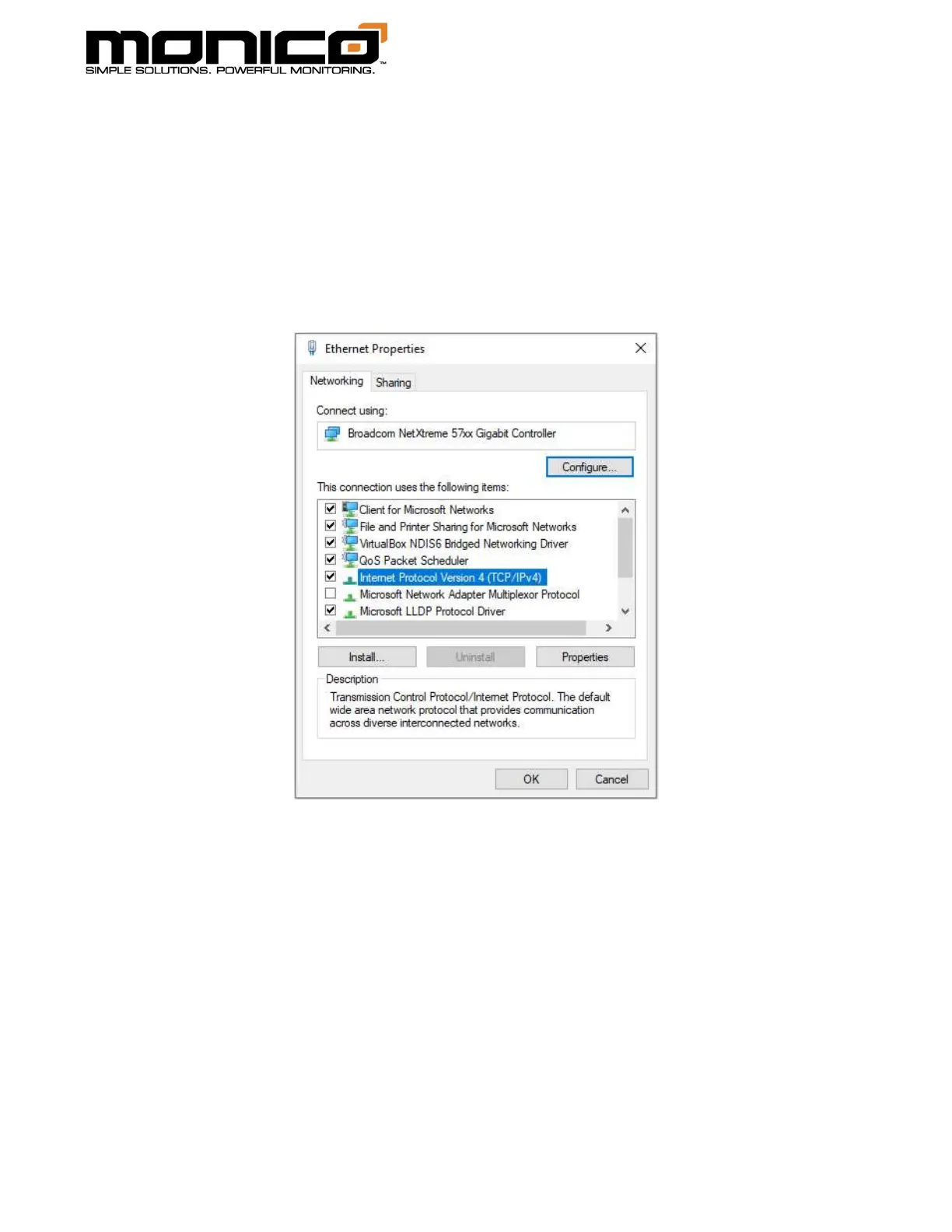
3. Select the Ethernet adapter from the list, and Right Click, select Properties.
4. Select Internet Protocol Version 4 (TCP/IPv4), click Properties.



 To Next Page