EN
8 – English
Some devices are able to emit signals that serve to recognise their state of
operation or possible faults.
If a flashing light is connected to the FLASH output on the control unit, it will
flash at intervals of 1 second during a manoeuvre. If faults occur, the flash-
inglightwillemitasequenceoftwoshorterflashesseparatedbya1second
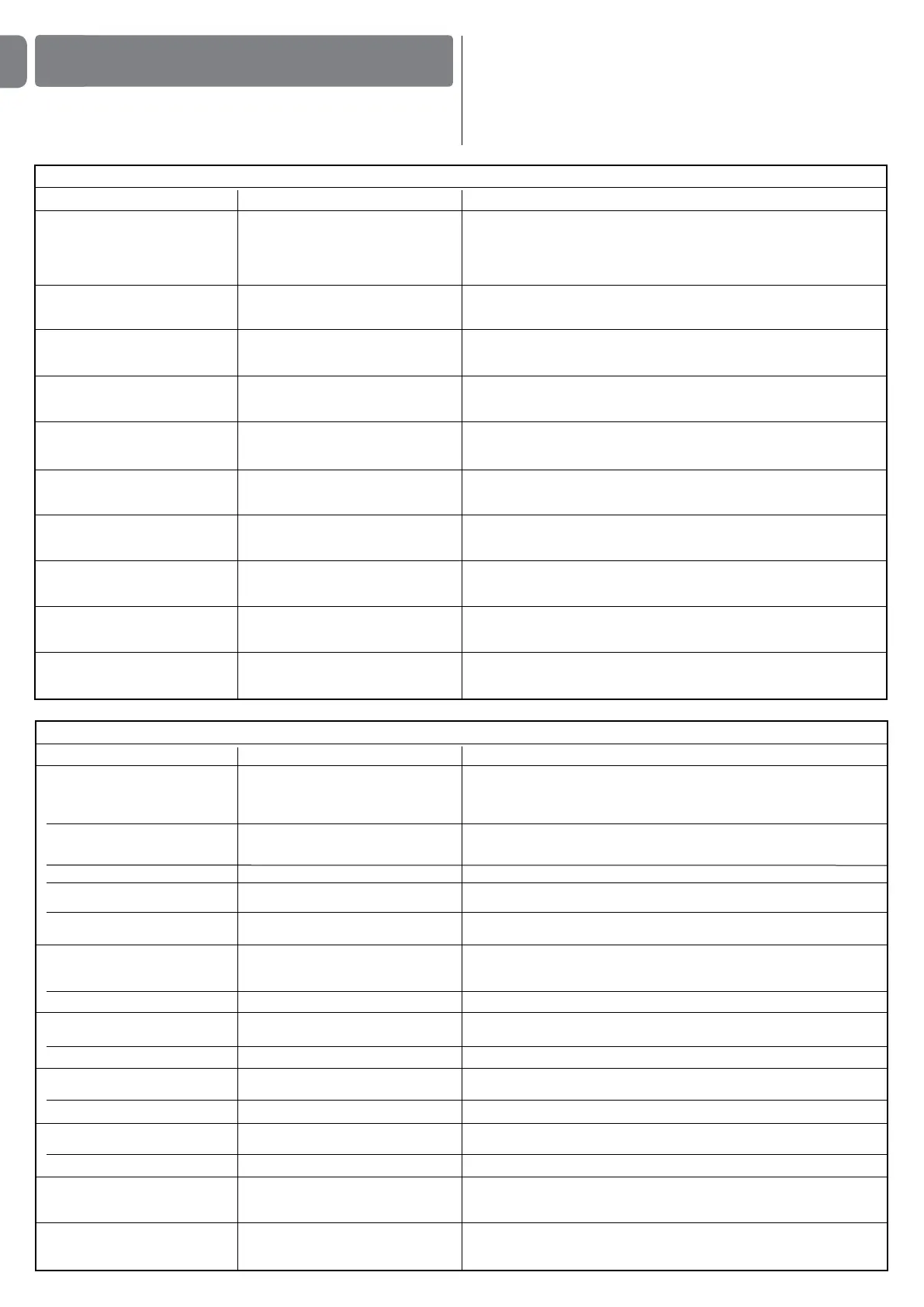
pause. Table 10 shows the cause and solution for each type of signal.
The LEDs on the control unit also emit signals.
Table 11 shows the cause and solution for each type of signal.
It is possible to verify faults that have occurred during the last 8 manoeuvres.
See Table 12.
WHAT TO DO IF…
(troubleshooting guide)
6
7 short flashes
1 second pause
7 short flashes
Electric circuits fault Wait at least 30 seconds, then try sending a command and if necessary
turn off the power supply. If the condition persists, there may be a mal-
function and the electronic board must be replaced.
8 short flashes
1 second pause
8 short flashes
A command is already present
that disables execution of other
commands
Check the type of command that is always present; for example, it could
be a command from a timer on the “open” input.
9 short flashes
1 second pause
9 short flashes
The automation has been blocked by
a “Block automation” command
Release the automation by giving the “Automation release” command.
10 short flashes
1 second pause
10 short flashes
“Obstacle detection” by encoder
function activated
During the movement, the motors have been blocked by higher friction;
identify the cause.
TABLE 10 - Flashing light signals (FLASH)
Flashes Problem Solution
1 short flash
1 second pause
1 short flash
Bluebus system error At the start of the manoeuvre, the devices connected to Bluebus do not
correspond to those recognized during the self-learning phase. One or
more devices may be disconnected or faulty; check and, if necessary,
replace them. In case of modifications repeat the device self-learning pro-
cess (see paragraph 3.4).
2 short flashes
1 second pause
2 short flashes
Photocell activated One or more photocells do not enable movement or have caused a move-
ment inversion during travel; check to see if there are any obstructions.
3 short flashes
1 second pause
3 short flashes
Function activation
“Obstacle detection” by force limiter
During the movement, the motors encountered excessive resistan-
ce; identify the cause and if necessary increase the level of force of the
motors.
4 short flashes
1 second pause
4 short flashes
STOP input activation At the start of the manoeuvre or during the movement, the STOP input
was activated; identify the cause.
5 short flashes
1 second pause
5 short flashes
Error on internal parameters in
control unit
Wait at least 30 seconds, then try giving a command and if necessary turn
off the power supply. If the condition persists, there may be a malfunction
and the electronic board must be replaced.
6 short flashes
1 second pause
6 short flashes
Maximum limit of consecutive
manoeuvres or manoeuvres per hour
exceeded.
Wait a few minutes until the manoeuvre limiting device falls to below the
maximum limit.
TABLE 11 - Signals given by LEDs on control unit (fig. 7)
LED Problem Solution
BLUEBUS
Always off
Always on
1 flash per second
2quickflashes
Series of flashes separated by
one second pause
STOP
Always off
Always on
S.S.
Always off
Always on
OPEN
Always off
Always on
CLOSE
Always off
Always on
L1 - L2 Slow flashing
L3 - L4 Slow flashing
Fault
Serious fault
Everything normal
Input status variation
Various
Activation of the devices connected
to the STOP input
Everything normal
Everything normal
S.S. input activation
Everything normal
OPEN input activation
Everything normal
CLOSE input activation
Change in number of devices
connected to Bluebus or device
self-learning not performed
Change in self-learning of the motor
types or the positions of the mechani-
cal stops
Check that the control unit is powered. Check that the fuses have not
blown: if they have, check the cause of the fault and replace with others
with the same value
A serious fault has occurred: try disconnecting electrical power from the
control unit. If the problem persists it will be necessary to replace the
electronic board
Control unit works correctly
Normal if one of the inputs (PP, STOP, OPEN, CLOSE) changes: photo-
cells activated or a command given via a transmitter
Refer to Table 10
Check the devices connected to the STOP input
STOP input active
S.S. input not active
Normal if the device connected to the S.S. input is active
OPEN input not active
Normal if the device connected to the OPEN input is active
CLOSE input not active
Normal if the device connected to the CLOSE input is active
The device self-learning process must be performed
(see paragraph 3.5)
Self-learning of the mechanical stop positions has not been performed


 To Next Page
 Loading...