5 - 82 MX101 PRODUCT REFERENCE GUIDE
QR Inverse
Parameter # F1h 4Bh
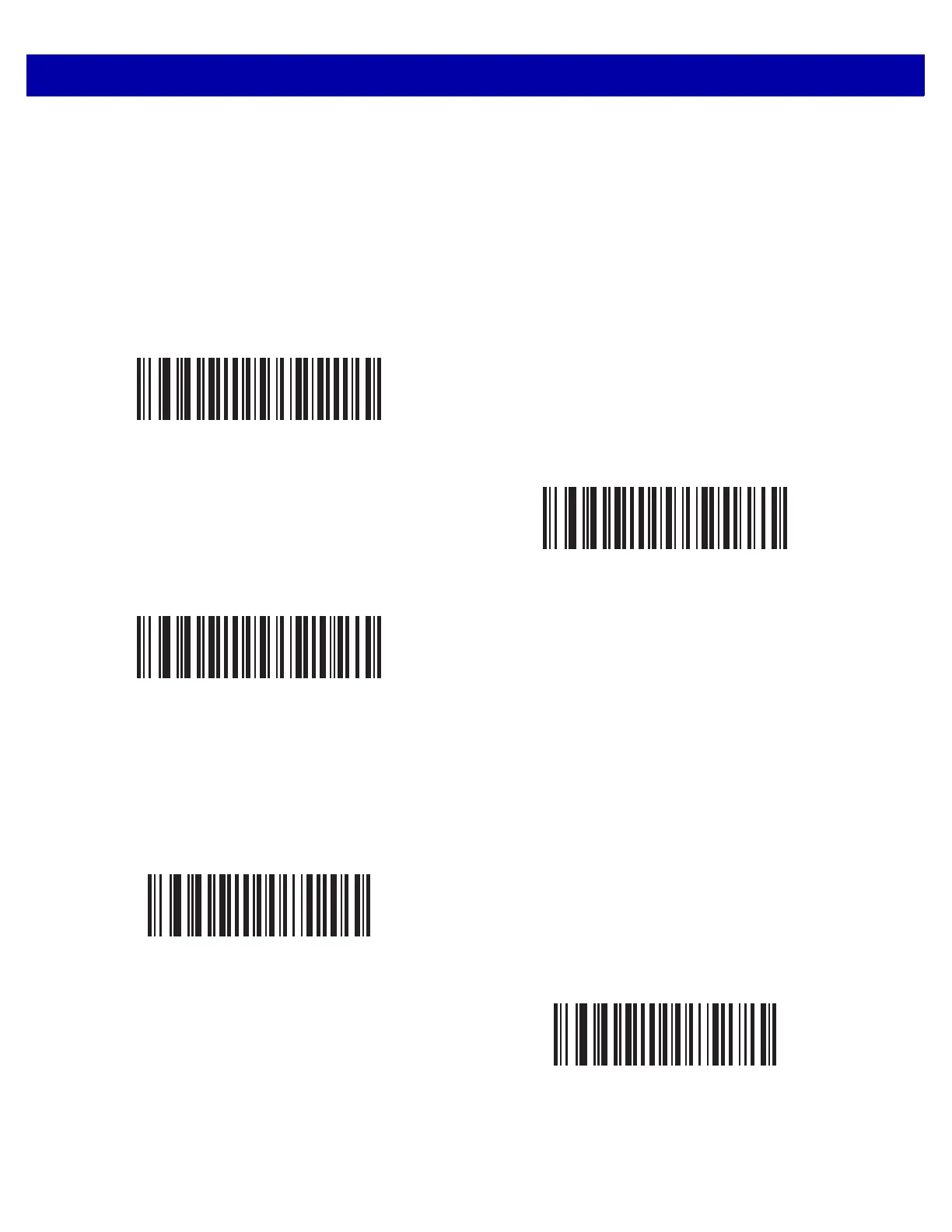
This parameter sets the QR inverse scanner setting. Options are:
•
Regular Only - the scanner decodes regular QR bar codes only.
•
Inverse Only - the scanner decodes inverse QR bar codes only.
•
Inverse Autodetect - the scanner decodes both regular and inverse QR bar codes.
MicroQR
Parameter # F1h 3Dh
To enable or disable MicroQR, scan the appropriate bar code below.
*Regular
(00h)
Inverse Only
(01h)
Inverse Autodetect
(02h)
Enable MicroQR
(01h)
*Disable MicroQR
(00h)














 To Next Page