9 - 2 MX101 PRODUCT REFERENCE GUIDE
Troubleshooting
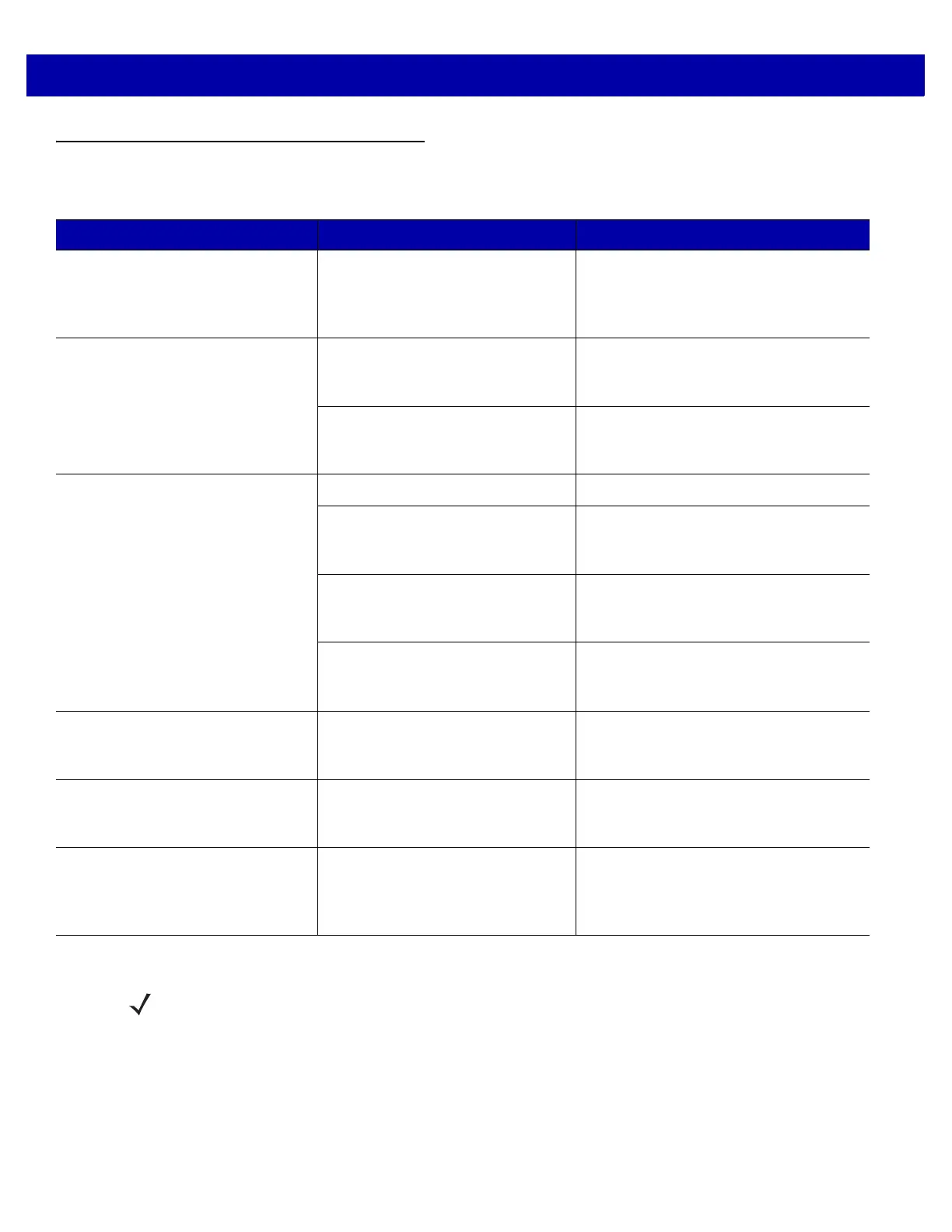
Table 9-1
Troubleshooting
Problem Possible Causes Possible Solutions
Digital scanner emits short low/short
medium/short high beep sequence
(power-up beep sequence) more
than once.
The USB bus may put the digital
scanner in a state where power to
the scanner is cycled on and off
more than once.
Normal during host reset.
Digital scanner emits illumination,
but does not decode the bar code.
Digital scanner is not programmed
for that bar code type.
Program the digital scanner to read that
type of bar code. See
Chapter 5,
Symbologies
.
Bar code symbol is unreadable. Scan test symbols of the same bar code
type to determine if the bar code is
defaced.
Digital scanner decodes bar code,
but does not transmit the data to the
host.
USB interface cable is loose. Re-connect the cable.
If the digital scanner emits 5 low
beeps, a conversion or format error
occurred.
Configure the digital scanner's conversion
parameters properly.
If the digital scanner emits
low/high/low beeps, it detected an
invalid ADF rule.
Program the correct ADF rules. Refer to
the Advanced Data Formatting
Programmer Guide.
If the digital scanner emits high/low
beeps, the scanner is buffering
Code 39 data.
Normal scanning a Code 39 bar code and
the Code 39 Buffering option is enabled.
Digital scanner emits low/high beeps
during programming.
Input error or
Cancel
bar code was
scanned.
Scan the correct numeric bar codes
within range for the parameter
programmed.
Digital scanner emits
low/high/low/high beeps during
programming.
Out of ADF parameter storage
space.
Erase all rules and re-program with
shorter rules.
Digital scanner emits low/high/low
beeps.
Clearing Code 39 buffer. Normal when scanning the Code 39
Buffering
Clear Buffer
bar code or upon
attempt to transmit an empty Code 39
buffer.
NOTE If after performing these checks the digital scanner still experiences problems, contact the distributor or
Motorola Solutions support. See page xiii for contact information.














 To Next Page