4 - 12 MX101 PRODUCT REFERENCE GUIDE
Timeout Between Decodes, Same Symbol
Parameter # 89h
Use this option in Presentation Mode to prevent multiple reads of a symbol left in the scanner’s field of view.
The timeout begins when you remove the symbol from the field of view.
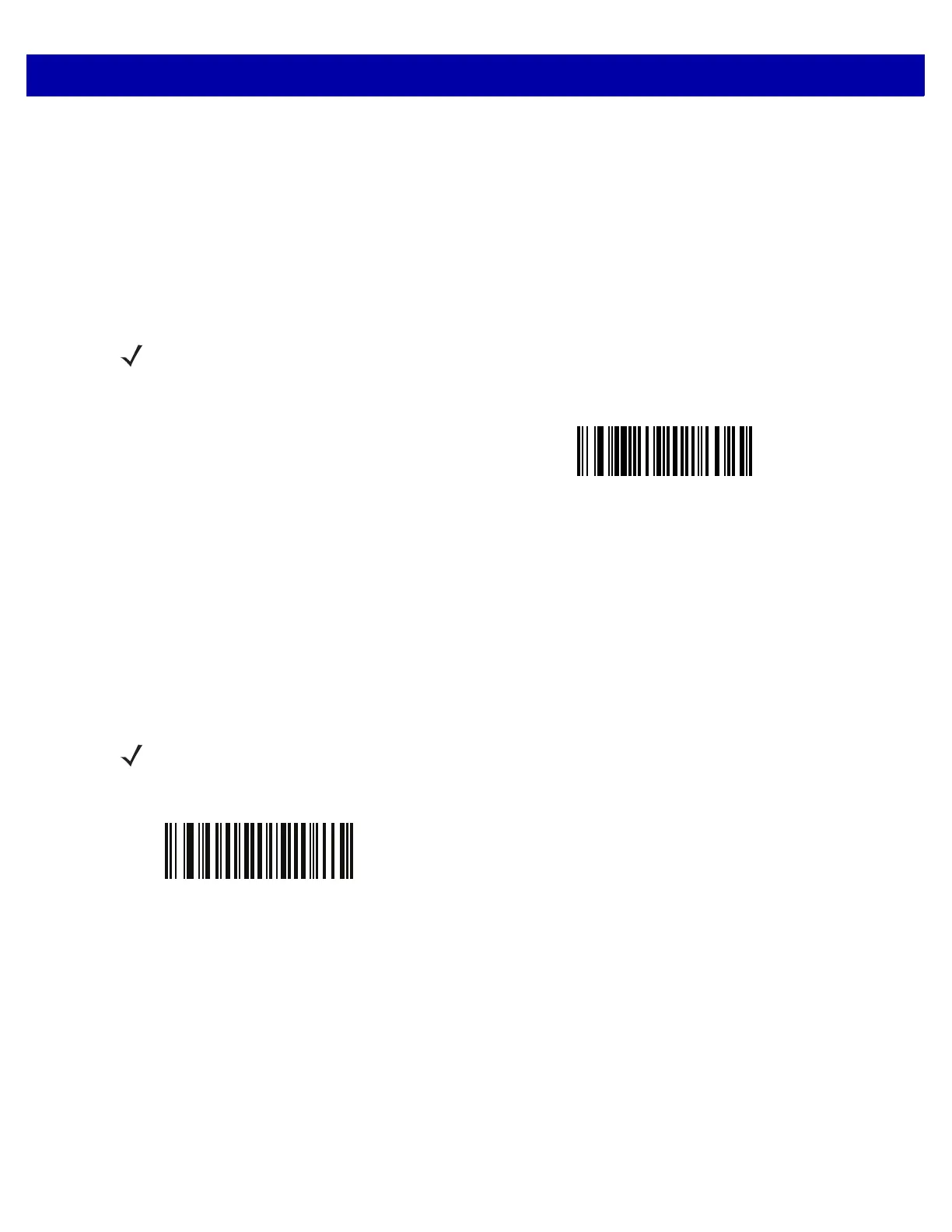
To select the timeout between decodes for the same symbol, available in 0.1 second increments from 0.0 to
9.9 seconds, scan the bar code below, then scan two numeric bar codes from Appendix D, Numeric Bar Codes
that correspond to the desired interval. The default interval is 0.3 seconds.
Timeout Between Decodes, Different Symbols
Parameter # 90h
Use this option in Presentation Mode to control the time the scanner is inactive between decoding different
symbols. It is programmable in 0.1 second increments from 0.1 to 9.9 seconds. The default is 0.2 seconds.
To select the timeout between decodes for different symbols, scan the bar code below, then scan two numeric
bar codes from Appendix D, Numeric Bar Codes that correspond to the desired interval, in 0.1 second
increments.
NOTE The Timeout Between Decodes, Same Symbol value must be greater than the Timeout Between
Decodes, Different Symbols value.
Timeout Between Decodes, Same Symbol
NOTE The Timeout Between Decodes, Different Symbols value cannot be greater than or equal to the
Timeout Between Decodes, Same Symbol or the Decode Session Timeout on page 4-11 value.
Timeout Between Decodes, Different Symbols














 To Next Page