2 - 2 MX101 Product Reference Guide
Beeper and Decode LED Signals
The digital scanner has a visual green LED indicator and issues different beep sequences, and patterns to
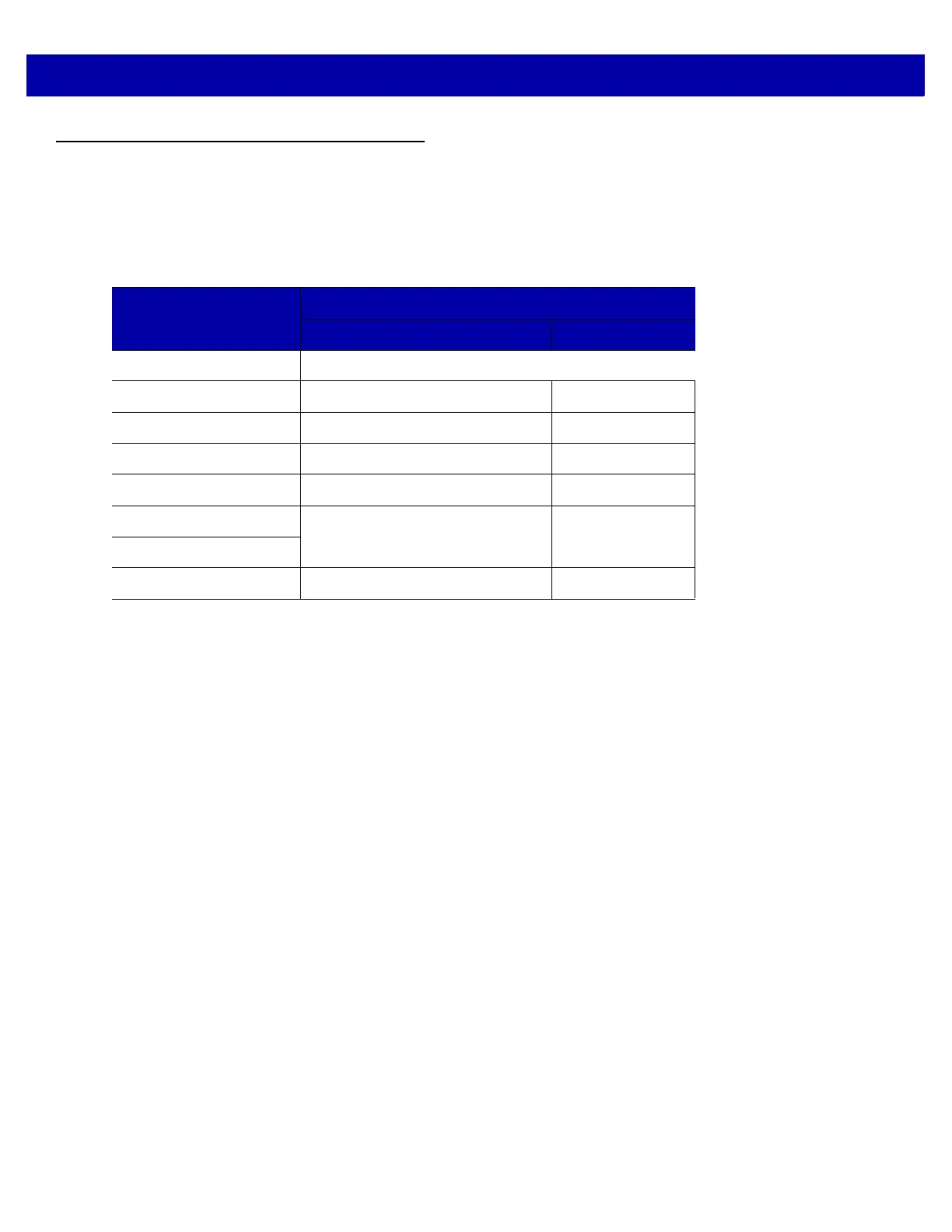
indicate status. Table 2-1 defines beep sequences that occur during both normal scanning and while
programming the digital scanner.
Table 2-1
User Interface Indications
Description
Indication
Beeper Decode LED
No Decode No Audible Sound No Light
Decode Middle Tone Flash of Light
Bootup Low Tone, Middle Tone, High Tone No Light
Transmission Error Four Low Tones No Light
Entry Error Low Tone, High Tone Flash of Light
Defaults Set
High Tone, Low Tone, High Tone,
Low Tone
Flash of Light
Parameter Entered
Number Entry Expected High Tone, Low Tone Flash of Light














 To Next Page