4 - 14 MX101 PRODUCT REFERENCE GUIDE
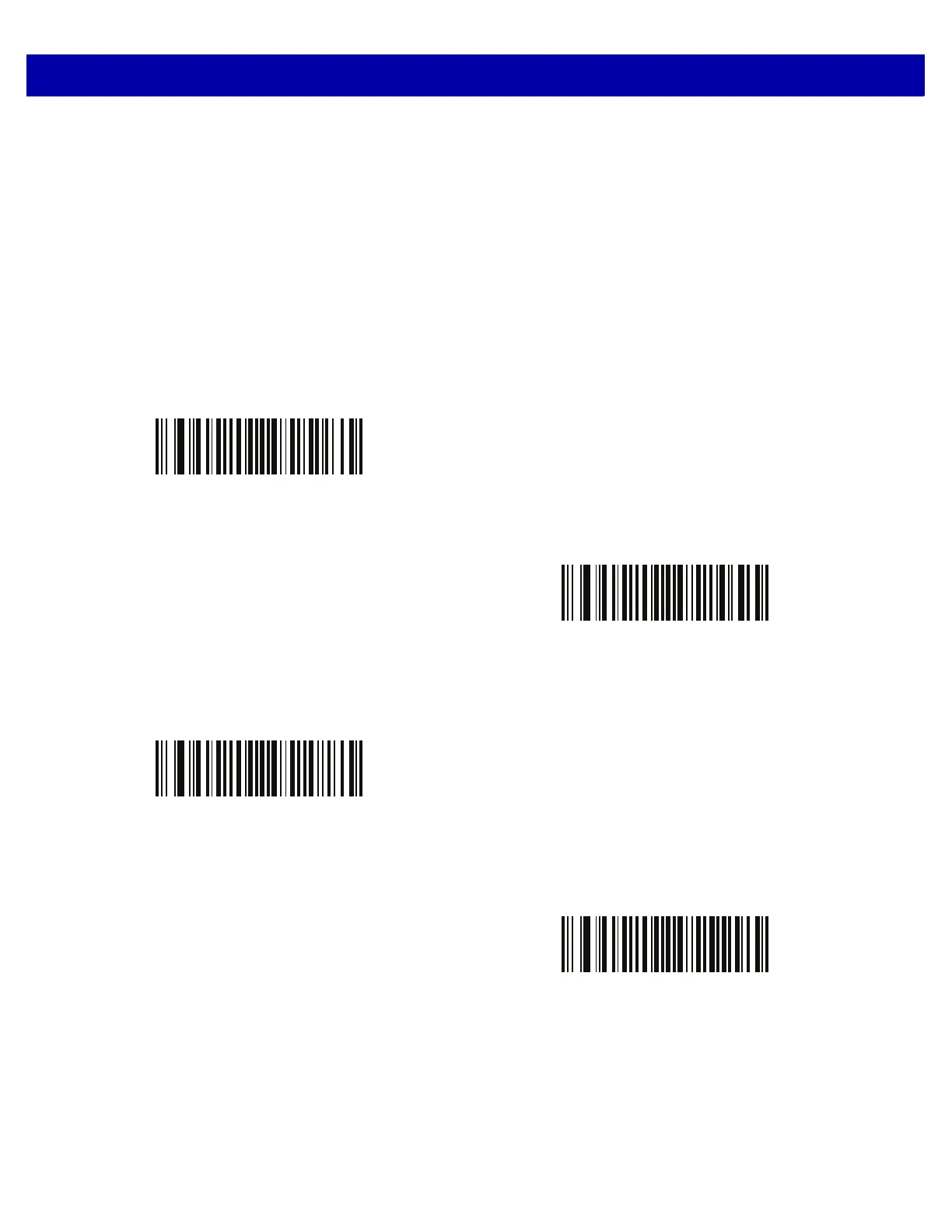
Range Restrict
Parameter # F1h 75h
Attribute # 629
Range restriction can be enabled by setting a parameter value greater than zero and disabled when setting a
value of zero. When enabled it allows for reducing the reading range of a UPC family bar code to a restricted
range in inches. The parameter value represents a maximum reading range of a 100% UPC family bar code.
The value is approximate and small variations to a restriction limit are to be expected.
When scanning bar codes of different densities (i.e., 60%, 80%, and 200%) the range limit is scaled up/down
proportional to the density.
* Disable
(00h)
3 inches
(03h)
5 inches
(05h)
7 inches
(07h)














 To Next Page