User Preferences & Miscellaneous Options 4 - 17
Mobile Phone/Display Mode
Parameter # F1h CCh
This mode improves bar code reading performance with target bar codes displayed on mobile phones and
electronic displays.
Validate Concatenated Parameter Bar Codes
Parameter # F1h B4h
The scanner can encounter invalid parameters when using concatenated parameter bar codes intended for
different scanner models or different versions of a scanner. This parameter determines how to process
concatenated parameter bar codes when the scanner encounters an invalid parameter setting in the bar code.
Disable this to ignore invalid parameters and configure valid parameters. Enable this to ignore all parameters if
one or more are invalid.
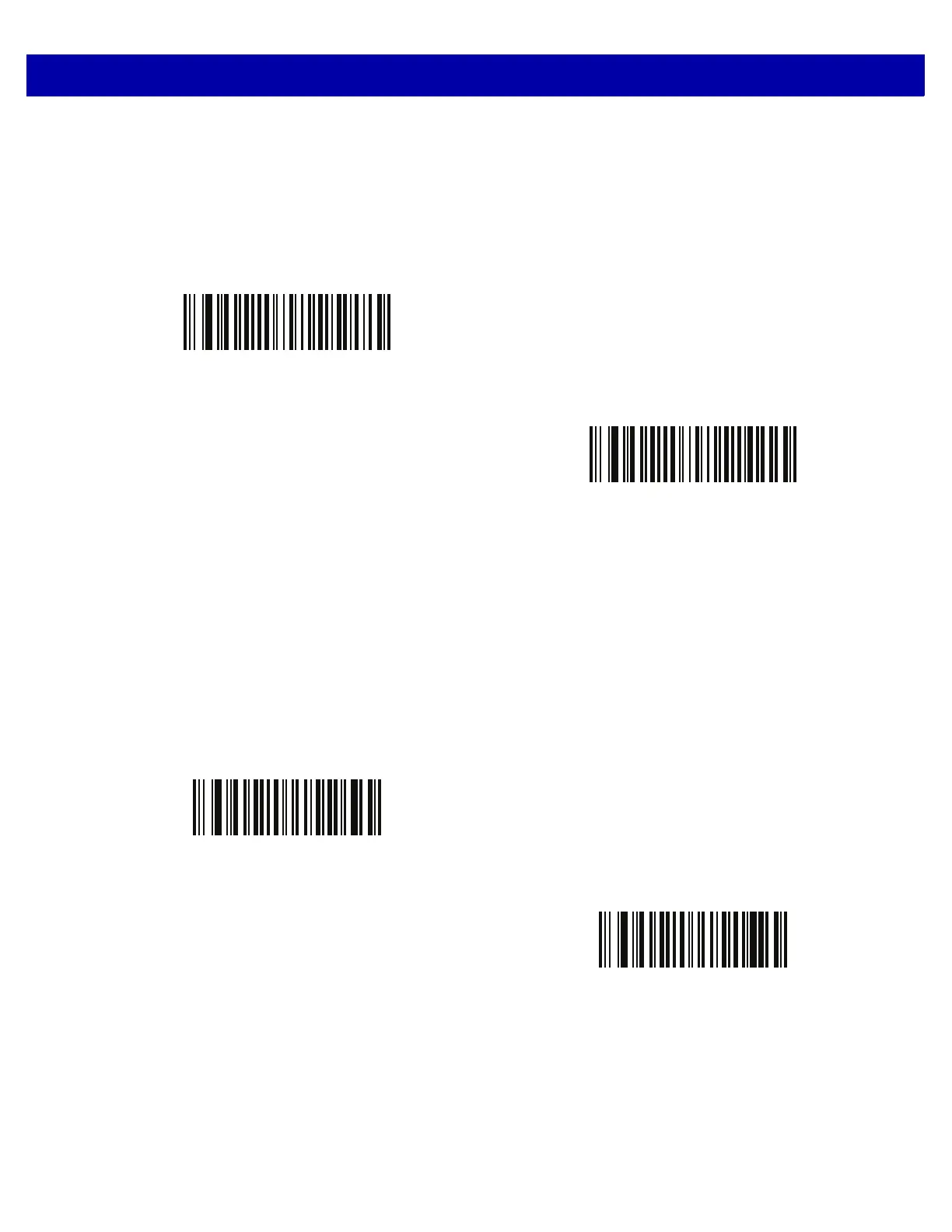
Disable Mobile Phone/Display Mode
(00h)
*Enable Mobile Phone/Display Mode
(03h)
*Disable Validate Concatenated Parameter Bar Codes
(00h)
Enable Validate Concatenated Parameter Bar Codes
(01h)














 To Next Page