Installing the MX101 Customer Side Scanner 8 - 9
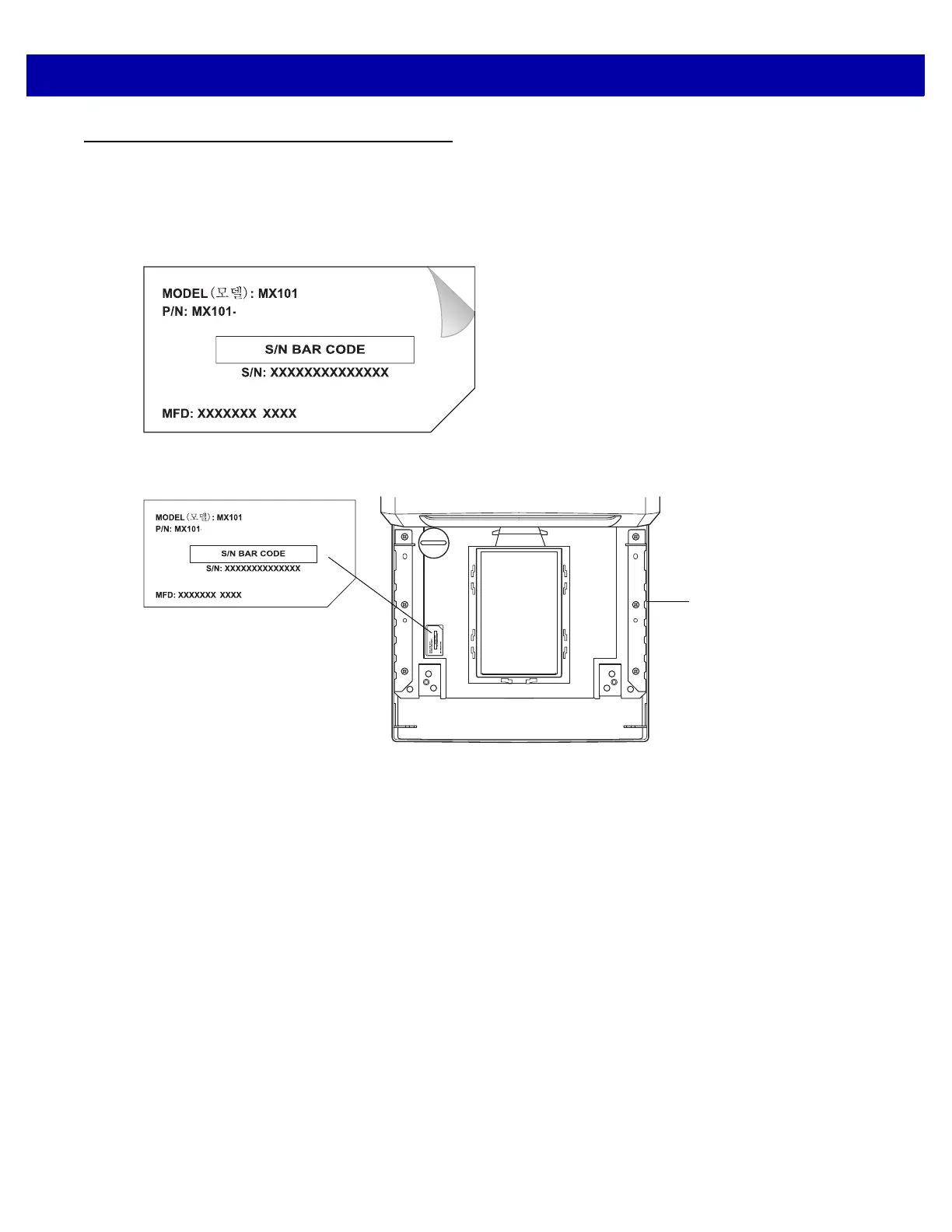
Affixing the MX101 Identification Label to the MP6000
The MX101 identification label included in the MX101 packaging must be affixed to the MP6000 as shown
below. Failure to affix the label to the MP6000 voids the MX101 warranty.
1. Peel the label from its backing.
Figure 8-14
MX101 Identification Label
2. Affix the label to the indentation under the MP6000 platter.
Figure 8-15
Affixing to the MP6000
XXXXXXXXXX
MP6000 View
Under Platter














 To Next Page