User Preferences & Miscellaneous Options 4 - 11
Trigger Modes
Parameter # 8Ah
•
Presentation Mode - When the scanner detects an object in its field of view, it triggers and attempt to
decode. The range of object detection does not vary under normal lighting conditions. This applies to
decode mode only.
•
Host - A host command issues the triggering signal. The scanner interprets an actual trigger pull as a
Level triggering option.
Decode Session Timeout
Parameter # 88h
This parameter sets the maximum time decode processing continues during a scan attempt. It is
programmable in 0.1 second increments from 0.5 to 9.9 seconds. The default timeout is 9.9 seconds.
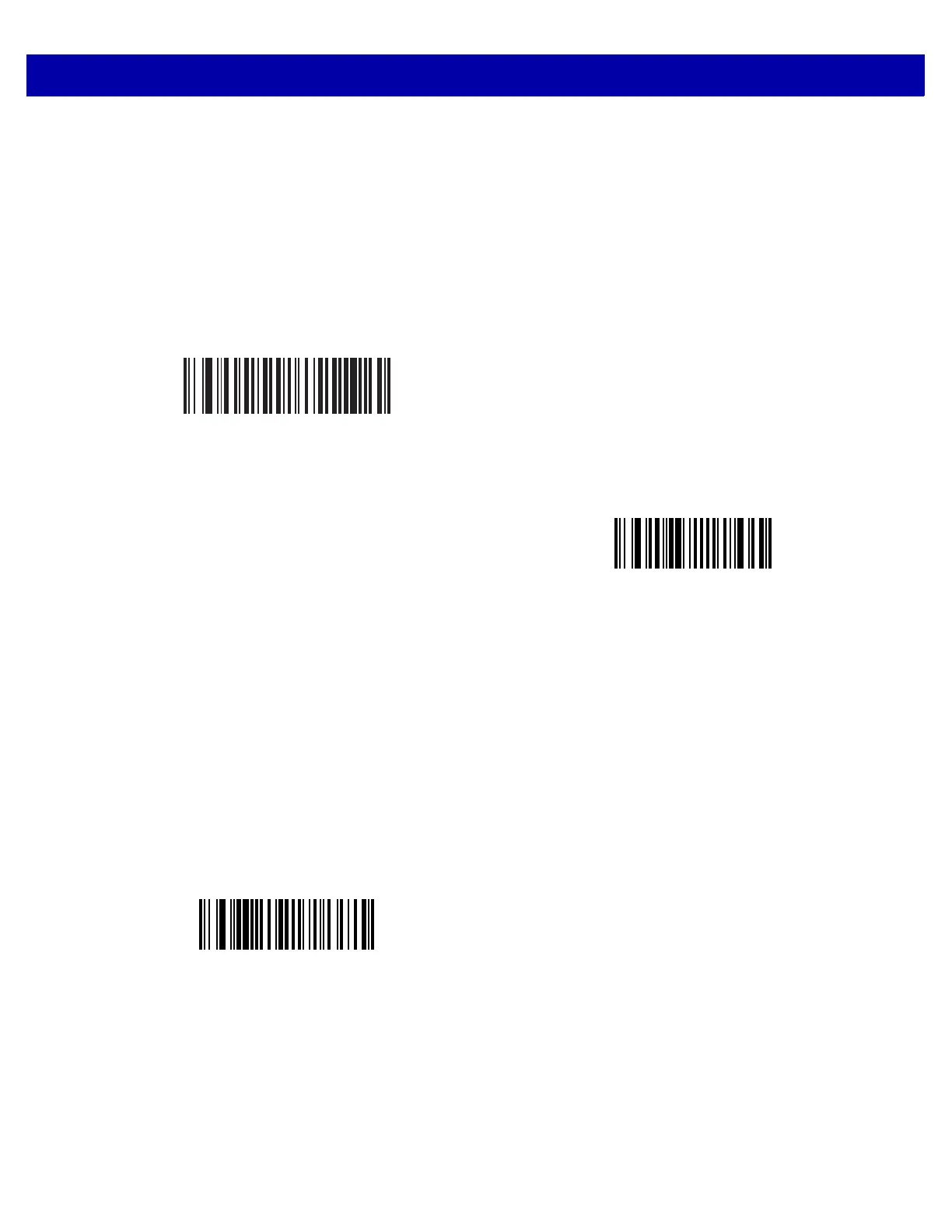
To set a Decode Session Timeout, scan the bar code below. Next, scan two numeric bar codes from
Appendix D, Numeric Bar Codes that correspond to the desired on time. Provide a leading zero for single digit
numbers. For example, to set a Decode Session Timeout of 0.5 seconds, scan the bar code below, then scan
the 0 and 5 bar codes. To correct an error or change the selection, scan Cancel on page D-2.
* Presentation Mode
(07h)
Host
(08h)
Decode Session Timeout














 To Next Page