User Preferences & Miscellaneous Options 4 - 21
Prefix/Suffix Values
Key Category Parameter # P = 63h, S1 = 62h, S2 = 64h
Decimal Value Parameter # P = 69h, S1 = 68h, S2 = 6Ah
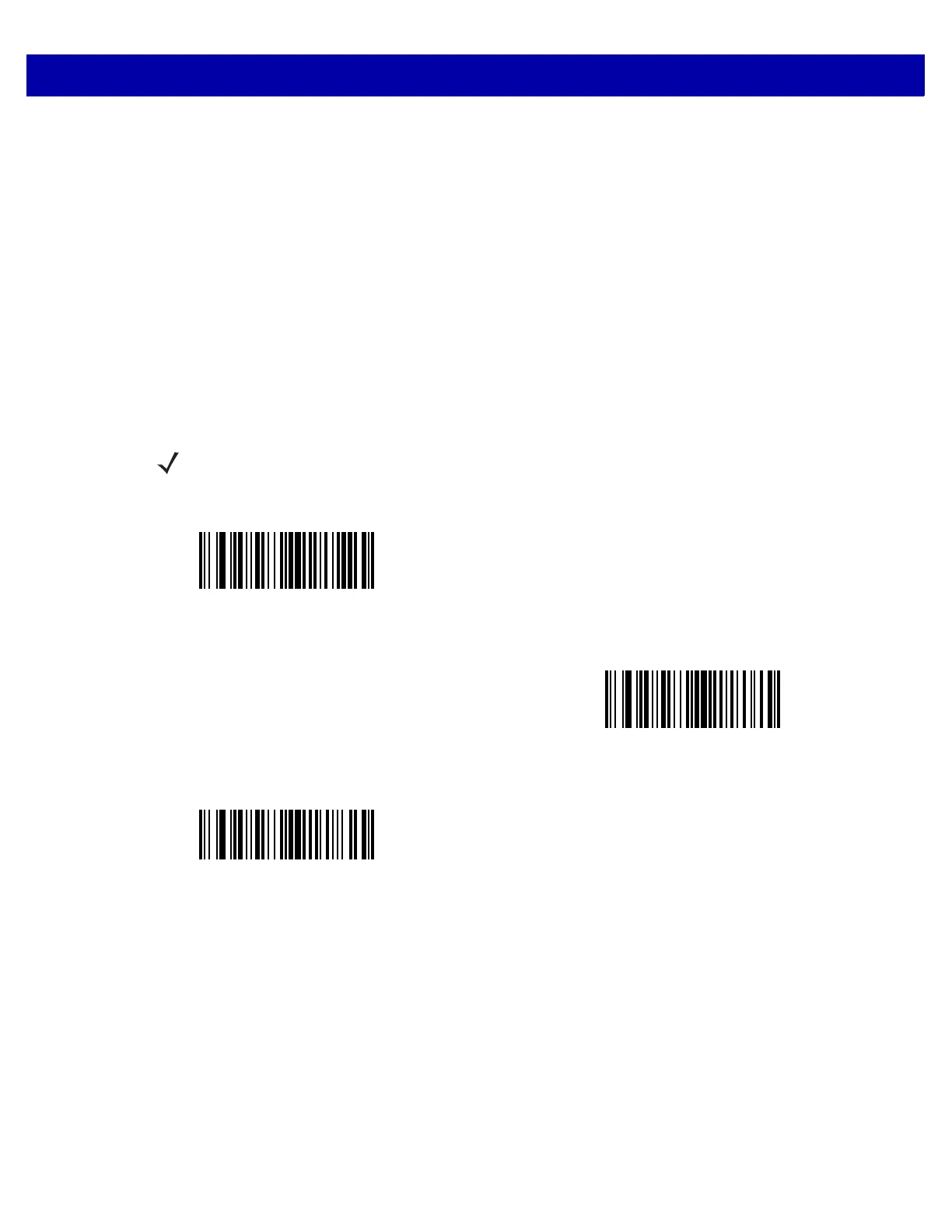
You can append a prefix and/or one or two suffixes to scan data for use in data editing. To set a value for a
prefix or suffix, scan the prefix or suffix bar code below, then scan a four-digit number (i.e., four bar codes from
Appendix D, Numeric Bar Codes) that corresponds to that value. The first digit defines the key category (type
of character to send) and is stored in the key category parameter. The remaining three digits define the value
of the character and are stored in the decimal value parameter. Be sure to use both key category and decimal
value parameters to define the prefix/suffix value. See Table E-1 on page E-1 for the four-digit codes.
When using host commands to set the prefix or suffix, set the key category parameter to 1, then set the 3-digit
decimal value. See Table E-1 on page E-1 for the four-digit codes.
To correct an error or change a selection, scan Cancel on page D-2.
NOTE To use Prefix/Suffix values, set the Scan Data Transmission Format on page 4-22.
Scan Prefix
(07h)
Scan Suffix 1
(06h)
Scan Suffix 2
(08h)














 To Next Page