5 - 2 MX101 PRODUCT REFERENCE GUIDE
Scanning Sequence Examples
In most cases, scanning one bar code sets the parameter value. For example, to transmit bar code data
without the UPC-A check digit, simply scan the Do Not Transmit UPC-A Check Digit bar code under Transmit
UPC-A Check Digit on page 5-18. The scanner issues a fast warble beep and the LED turns green, signifying
a successful parameter entry.
Other parameters, such as Set Length(s) for D 2 of 5 require scanning several bar codes. See the individual
parameter, such as Set Length(s) for D 2 of 5, for this procedure.
Errors While Scanning
Unless otherwise specified, to correct an error during a scanning sequence, just re-scan the correct parameter.
Symbology Parameter Defaults
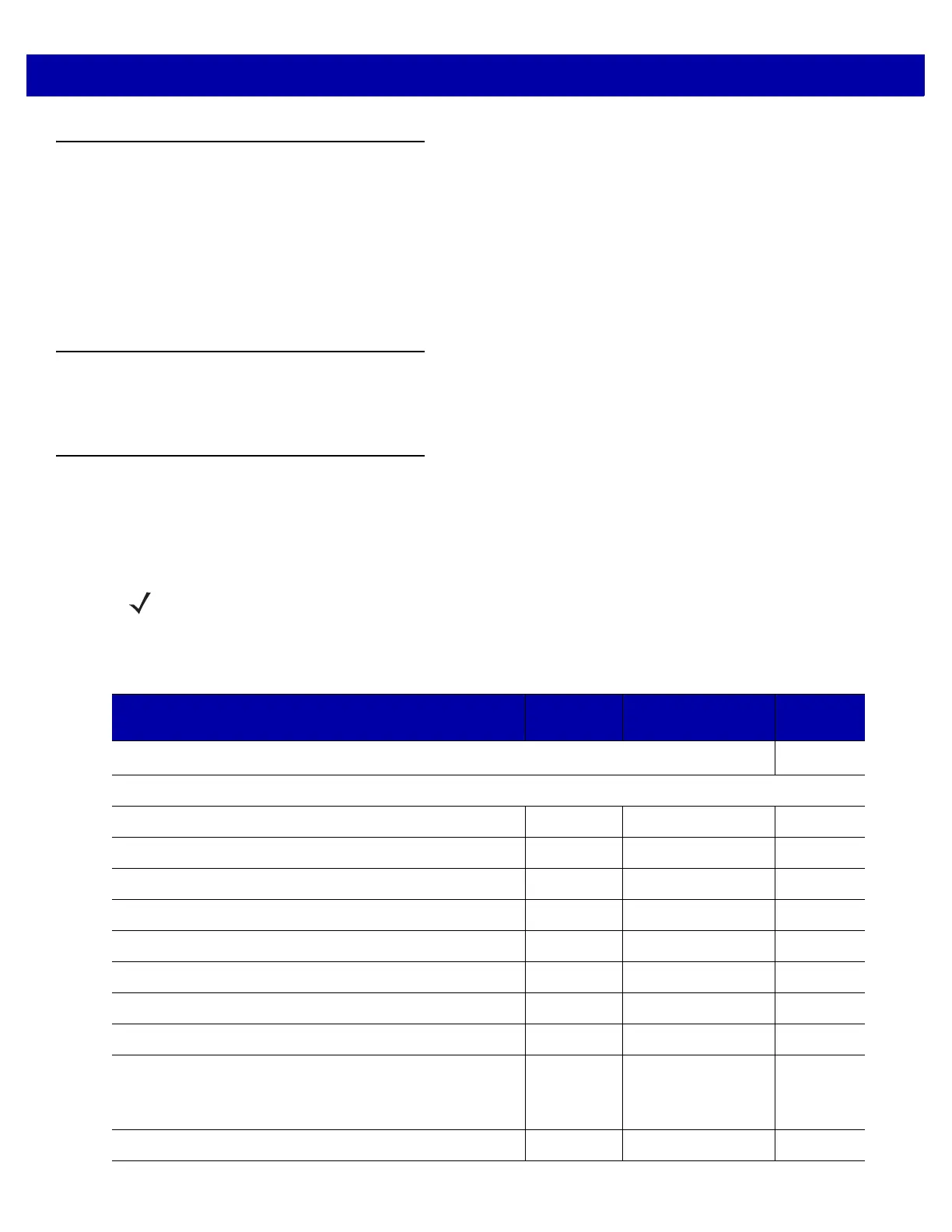
Table 5-1 lists the defaults for all symbologies parameters. To change the default values, scan the appropriate
bar codes in this guide. These new values replace the standard default values in memory. To recall the default
parameter values, scan the Set Default Parameter on page 4-4.
NOTE See Appendix A, Standard Default Parameters for all user preferences, hosts, and miscellaneous default
parameters.
Table 5-1
Parameter Defaults
Parameter
Parameter
Number
Default
Page
Number
Disable All Code Types
5-8
UPC/EAN
UPC-A 01h Disable
5-9
UPC-E 02h Disable
5-9
UPC-E1 0Ch Disable
5-10
EAN-8/JAN 8 04h Disable
5-10
EAN-13/JAN 13 03h Disable
5-11
Bookland EAN 53h Disable
5-11
Bookland ISBN Format F1h 40h ISBN-10
5-12
Decode UPC/EAN/JAN Supplementals (2 and 5 digits) 10h Ignore
5-14
User-Programmable Supplementals
Supplemental 1:
Supplemental 2:
F1h 43h
F1h 44h
N/A
5-16
UPC/EAN/JAN Supplemental Redundancy 50h 10
5-16














 To Next Page