ioLogik E1200 Series Activating the EtherNet/IP Function
Step 3: Log in to Moxa’s license server
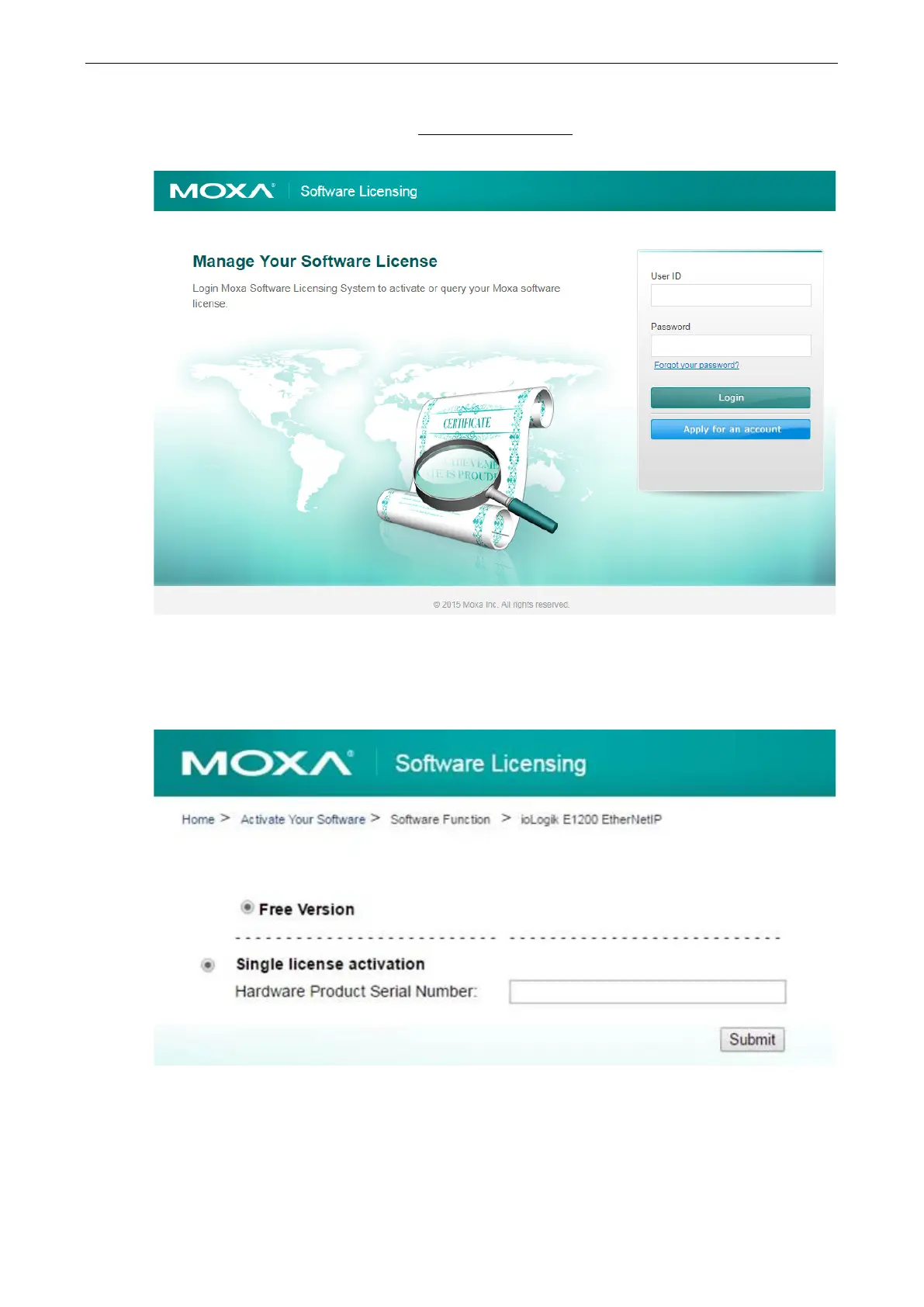
Go to Moxa’s Software Licensing website (http://license.moxa.com
) and log in with your Moxa account and
password, or apply for an account if this is your first visit to the site.
Step 4: Register the device on the Moxa Licensing Server
On the Software Licensing website, navigate to Activate Your Software Software Function ioLogik
E1200 EtherNet/IP. First register a single product by inputting the serial number. Click the Submit button
to register the product.


 To Next Page
 Loading...


