Installing the Transcoder
24 25
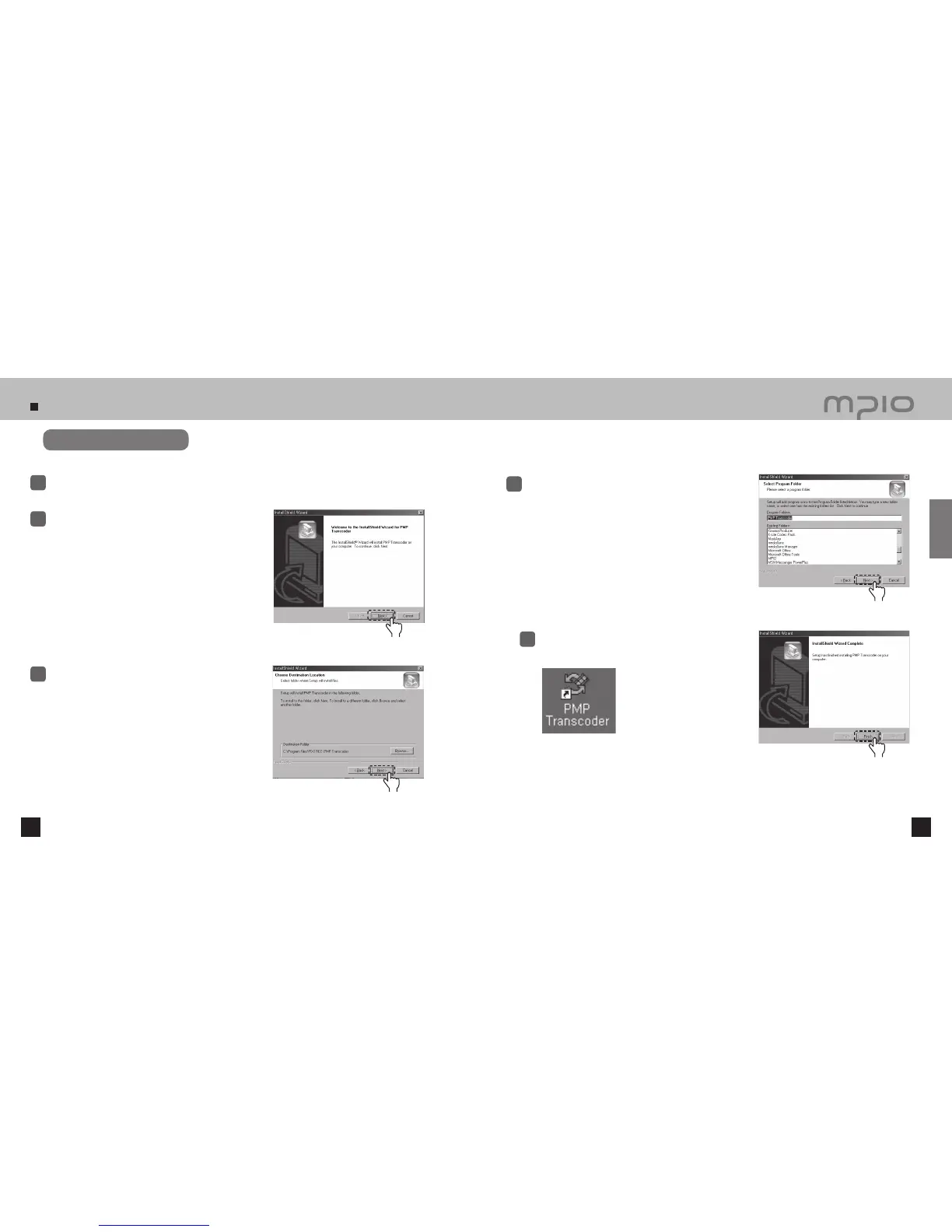
Software installation
Select the PMP Transcoder included in the installation
CD and run it.
1
Use the [Browse] button to select the target installation
directory and then, click the [Next] button.
3
Click the [Next] button.
2
When the installation is complete, click the [Finish] button
The Transcoder icon will appear on the desktop.
5
Click
Click
Click the [Next] button.
4
Click
Click
Connection



 To Next Page