Setting Display
66 67
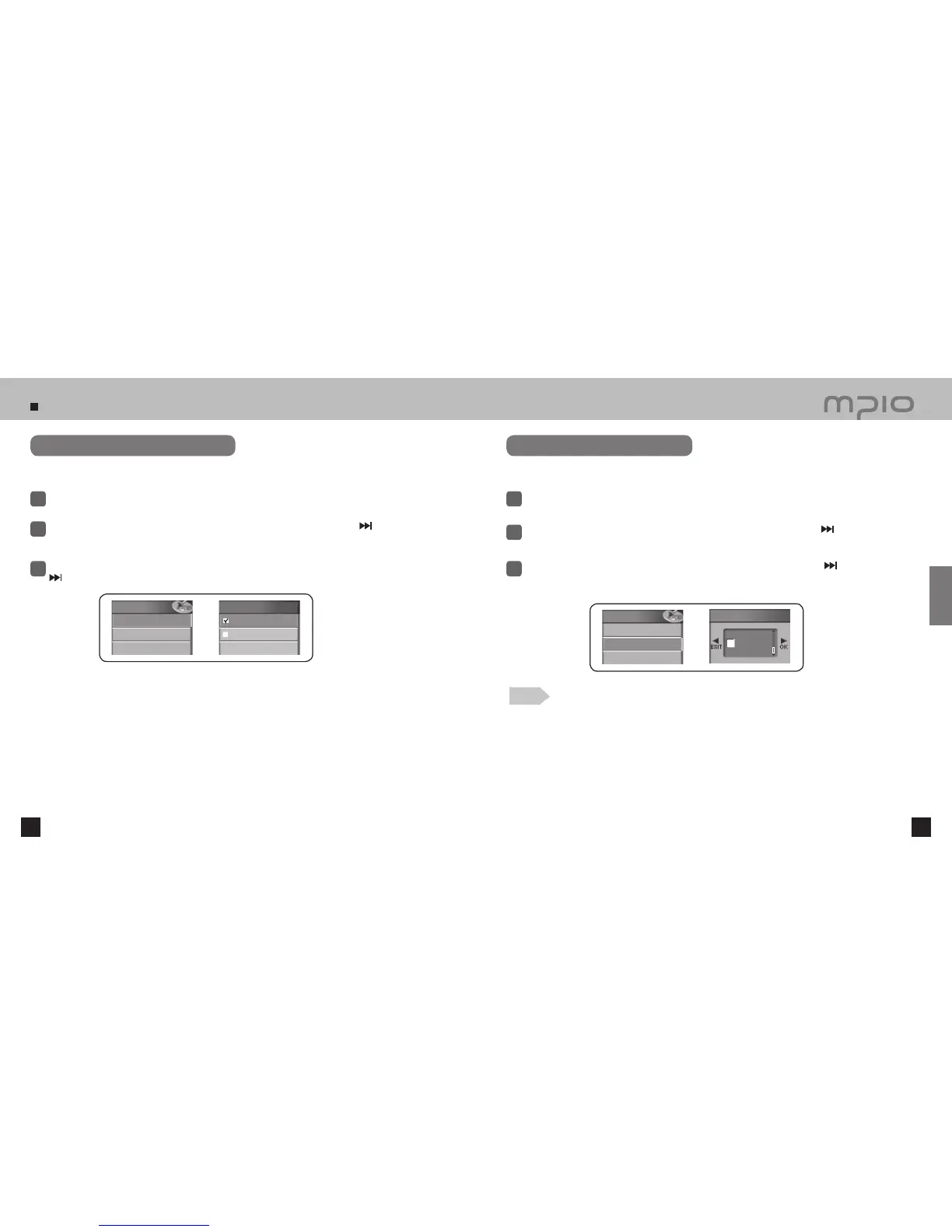
Setting Playing Time Indicator
Select Display in the menu.
1
Push the lever in + /
-
directions to select the Playing Time and then, push the lever in
direction or press it to enter.
2
3
Push the lever in + /
-
directions to select the Playing Time indicator and then, push the lever in
direction or press it to save. After saving, the device will return to its previous menu.
Select the Playing Time indicator shown in the LCD screen.
Running Time: Shows the playing time of the current song.
Remaining Time:
Shows the remaining time of the current song.
Setting Scroll Speed
Select Display in the menu.
1
Push the lever in + /
-
directions to select Scroll Speed and then, push the lever in
direction or
press it to enter.
2
3
Push the lever in + /
-
directions to select the desired scroll speed. Push the lever in
direction toward OK
to save the setting. Pressing the lever shortly will also save the setting. After saving, the device will return to its
previous menu.
Adjust the scroll speed of the text shown in the LCD screen.
Note
●
Scroll Speed can be adjusted from 1~90. It is divided into 16 steps.
Select the desired scroll speed.
Display
4. Playing Time
5. Scroll Speed
6. Lighting Time
Playing Time
Running Time
Remaining Time
Display
4. Playing Time
5. Scroll Speed
6. Lighting Time
Scroll Speed
1
Usage



 To Next Page