Listening to FM Radio
42 43
Recording FM Radio
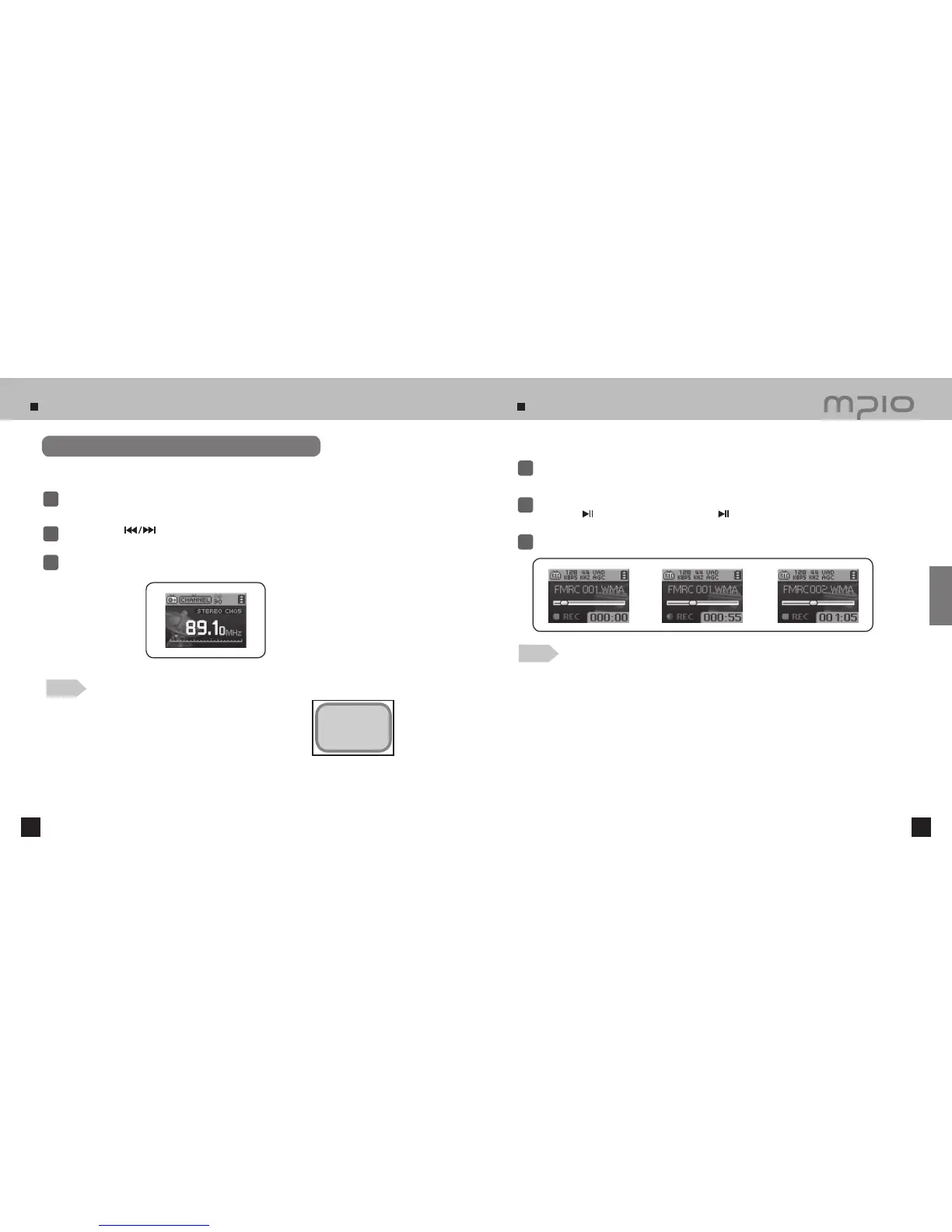
Listening to saved channels (Channel Mode)
Press the FUNC button to select CHANNEL MODE.
1
2
Push the lever in
directions to move between the saved frequencies (channels).
Press the FUNC button to change the reception mode (SCAN↔ CHANNEL).
3
The saved channel is selected.
Note
●
If there aren’t any saved frequencies (channels),
Channel Empty!
message will appear on the screen and the device will remain in
SCAN mode.
●
For more detailed information about the FM Menu, refer to pages
51~54.
Records the selected FM Radio broadcast
Press the REC button while listening to FM Radio to switch to FM Recording Mode.
1
Press the REC button again to begin FM recording.
●
Press the
button to pause recording. Press the
button again to resume recording.
2
Press the REC button to stop recording.
3
Note
●
The recorded files will be saved in order of FMRC001, FMRC002, etc. The recorded files
will be saved in the RECORD folder as WMA files.
●
When saving the recorded files, the recording will stop automatically if there isn’t sufficient
memory space.
Chanel Empty!
Usage



 To Next Page