Setting RADIO
54 55
Setting Recorde Functions
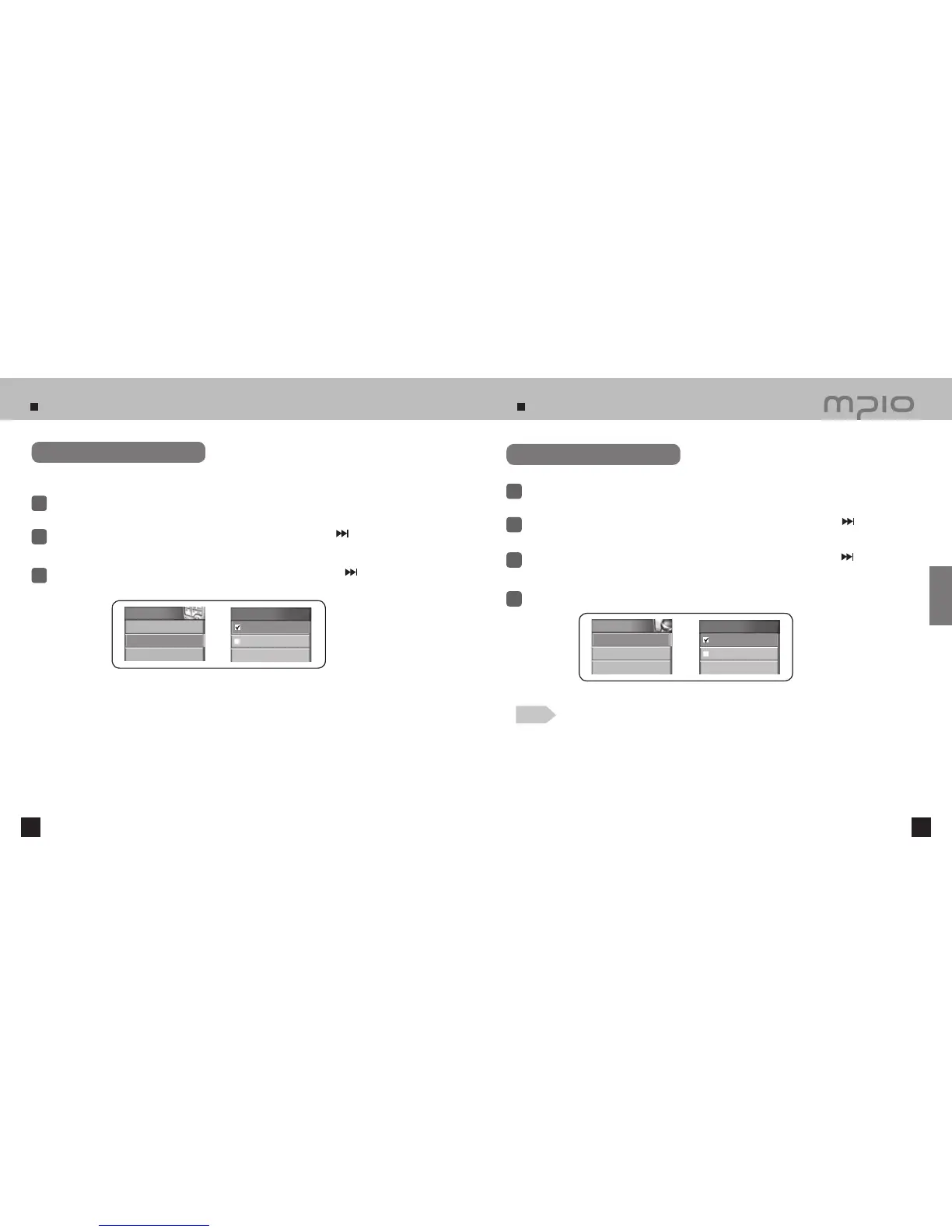
Setting seek steps
Select the seek steps for scanning frequencies.
Select FM Radio in the menu.
1
Push the lever in + /
-
directions to select Seek Step and then, push the lever in
direction or
press it to enter.
2
3
Push the lever in + /
-
directions to select the seek step and then, push the lever in
direction or
press it to save. After saving, the device will return to its previous menu.
Setting Recording Mode
Select RECORD in the menu.
1
Push the lever in + /
-
directions to select Recording Option and then, push the lever in
direction or press it to enter.
2
3
Push the lever in + /
-
directions to select the recording mode and then, push the lever in
direction or press it to save. After saving, the device will return to its previous menu.
4
After exiting from the menu, press the REC button to begin recording.
Note
●
Voice (mic): Select for voice recording
●
Line In: Select for Line In recording or external microphone recording.
(Refer to page 36 for information about connecting line-in inputs.)
FM Radio
4. Auto Preset
5. Seek Step
Seek Step
50KHz
100KHz
Recording Option
Voice (mic)
Line In
RECORD
1.
Recording Option
2. Quality
3. Record Gain
Usage



 To Next Page