Finding music / voice recording files
40 41
Listening to FM Radio
Fast Forward / Rewinding during playback
●
Push the lever in
directions during playback to Fast forward / rewind the music.
Release the lever to resume playback.
Finding files during playback
●
Push the lever in
direction during playback to play the next track.
●
After starting playing back, push the lever in
direction to go back to the last track in the first 5 seconds
and push the lever in
direction after 5 seconds to restart the current track from the beginning.
Finding files when playback is stopped
●
Push the lever in
directions to move to next / previous track when playback is stopped.
Note
●
The MP2 or MP1 format files with extensions changed to MP3 may not played by FG200.
●
When playing VBR files, pushing the lever in
direction within the first 4 seconds may
not play the previous track.
Press and hold the FUNC button to switch to FM Mode. (Refer to “Mode Switching” on page 34)
Changing frequency (Scan Mode)
●
Push the lever in
direction to adjust the frequency.
Setting save channel
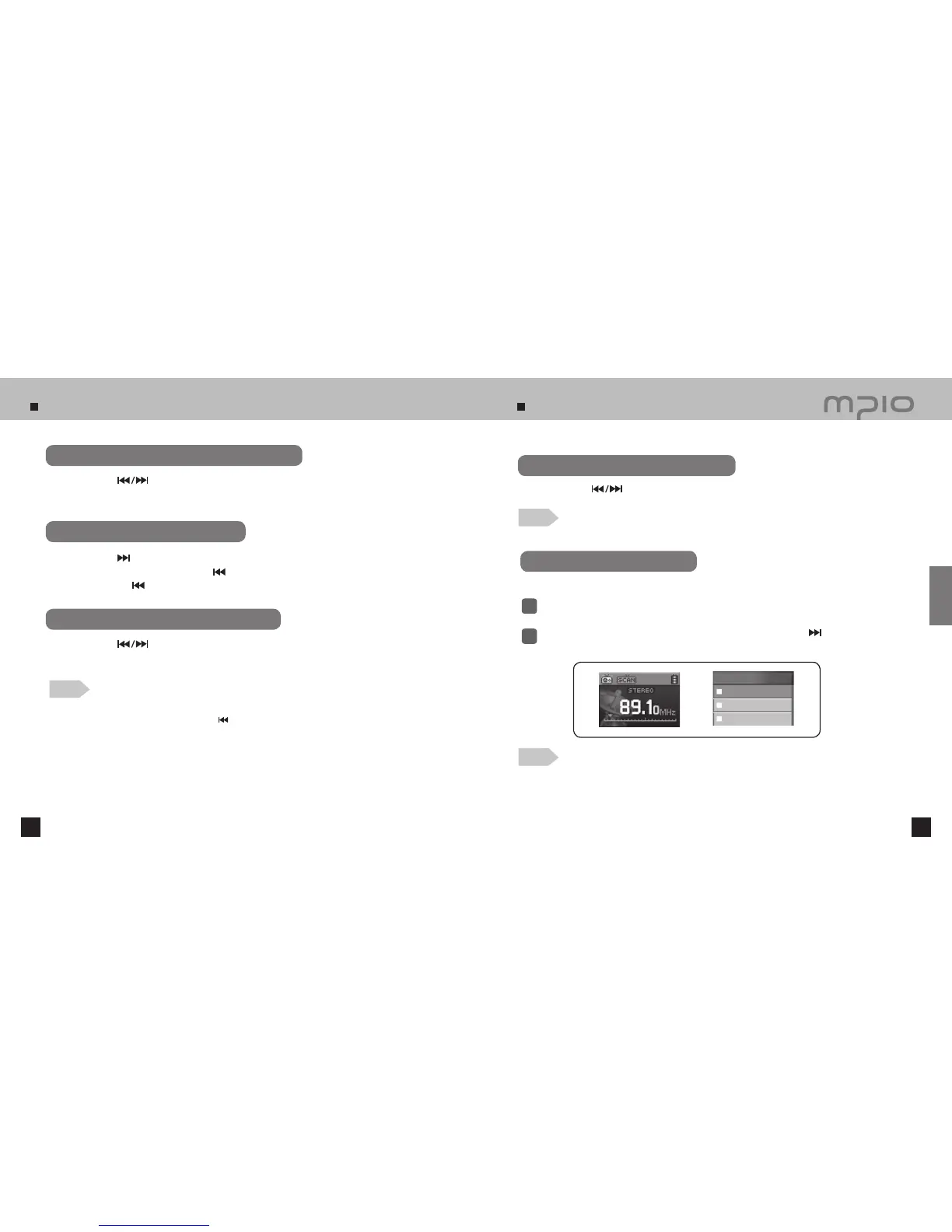
When the lever is pressed while listening to FM Radio, Save channel screen will appear.
Note
●
Frequency seek steps can be changed in [FM Radio]/[Seek Step] Menu settings.
1
2
Push the lever in + /
-
direction to select channel number. Push the lever in
direction or
press it to save the frequency.
Note
●
The channel can be saved up to 30.
●
The stored channels can be checked in the [FM Radio] → [Save channel] Menu.
●
FM Channels cannot be deleted.
A function for saving the selected frequency
CH 01
CH 02
CH 03
Usage
Save channel



 To Next Page