Setting Display
70 71
Setting Screen Saver
Select Display in the menu.
1
Push the lever in + /
-
directions to select Screen Saver and then, push the lever in
direction
or press it to enter.
2
Note
●
The screen saver will not be activated if backlight is set as ON.
●
The screen saver will only be activated during the set light time (5~100 seconds). After that, the
screen will be powered off and screen saver will not be activated.
3
Push the lever in + /
-
directions to select the desired screen save and then, push the lever in
direction or press it to save. After saving, the device will return to its previous menu.
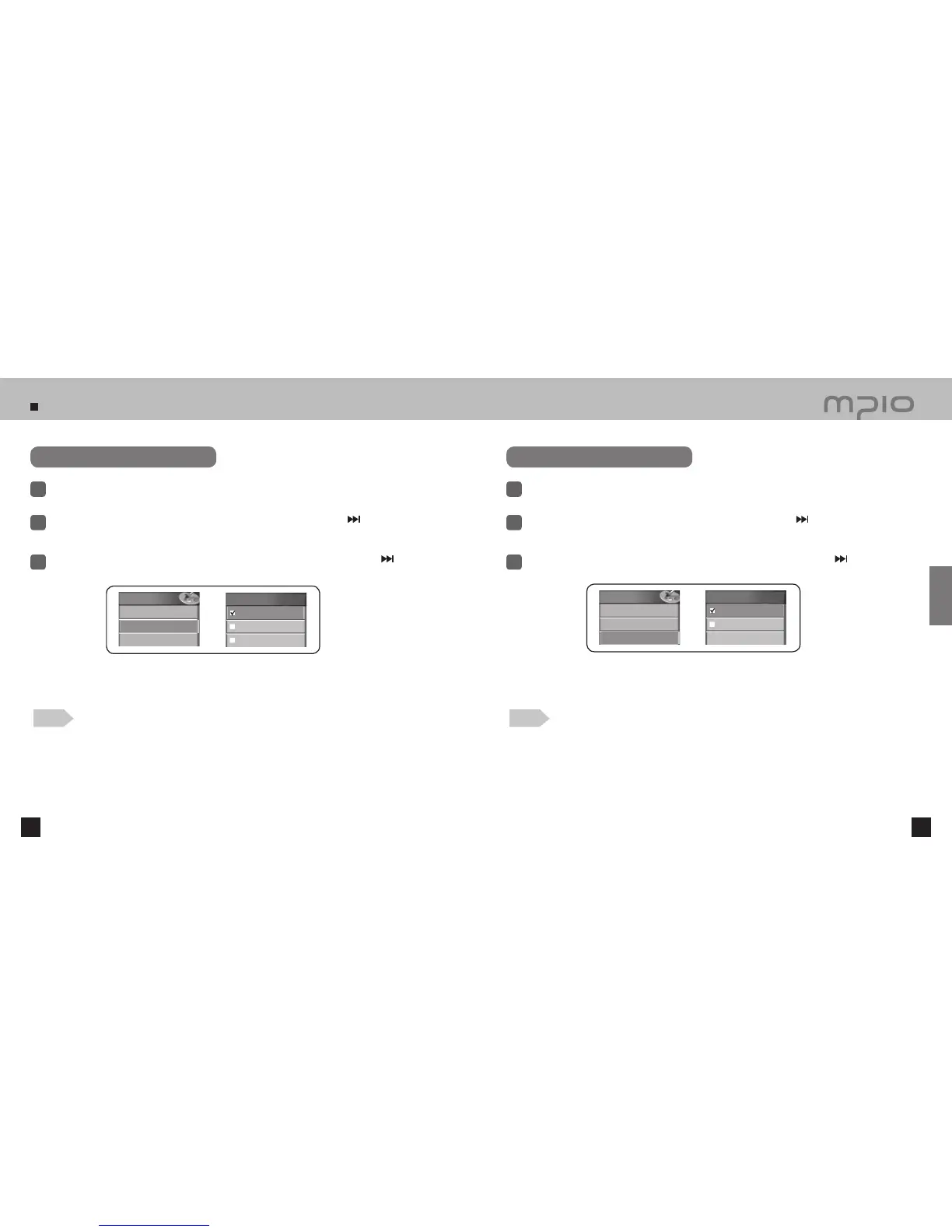
Clock: Shows the date and time.
My Photo: Shows one of the stored photo images.
Slide Image: Shows a slideshow of the stored photo images.
Setting Lyrics
Select Display in the menu.
1
Push the lever in + /
-
directions to select Lyrics and then, push the lever in
direction or press
it to enter.
2
Note
●
For more details on lyric information, see the Inserting a Lyric section in the appendix
(Synchronizing the lyric). This function is not available for other languages than Korean,
Chinese, and Japanese.
3
Push the lever in + /
-
directions to turn LYRICS ON of OFF and then, push the lever in
direction or press it to save. After saving, the device will return to its previous menu.
Off: Hides the lyrics of the current song.
On: Shows the available lyrics information of the current file.
Display
7. Brightness
8. Screen Saver
9. Lyrics
Screen
Saver
Clock
My Photo
Slide Image
Display
7. Brightness
8. Screen Saver
9. Lyrics
Lyrics
Off
On
Usage



 To Next Page