Using the Transcoder
28 29
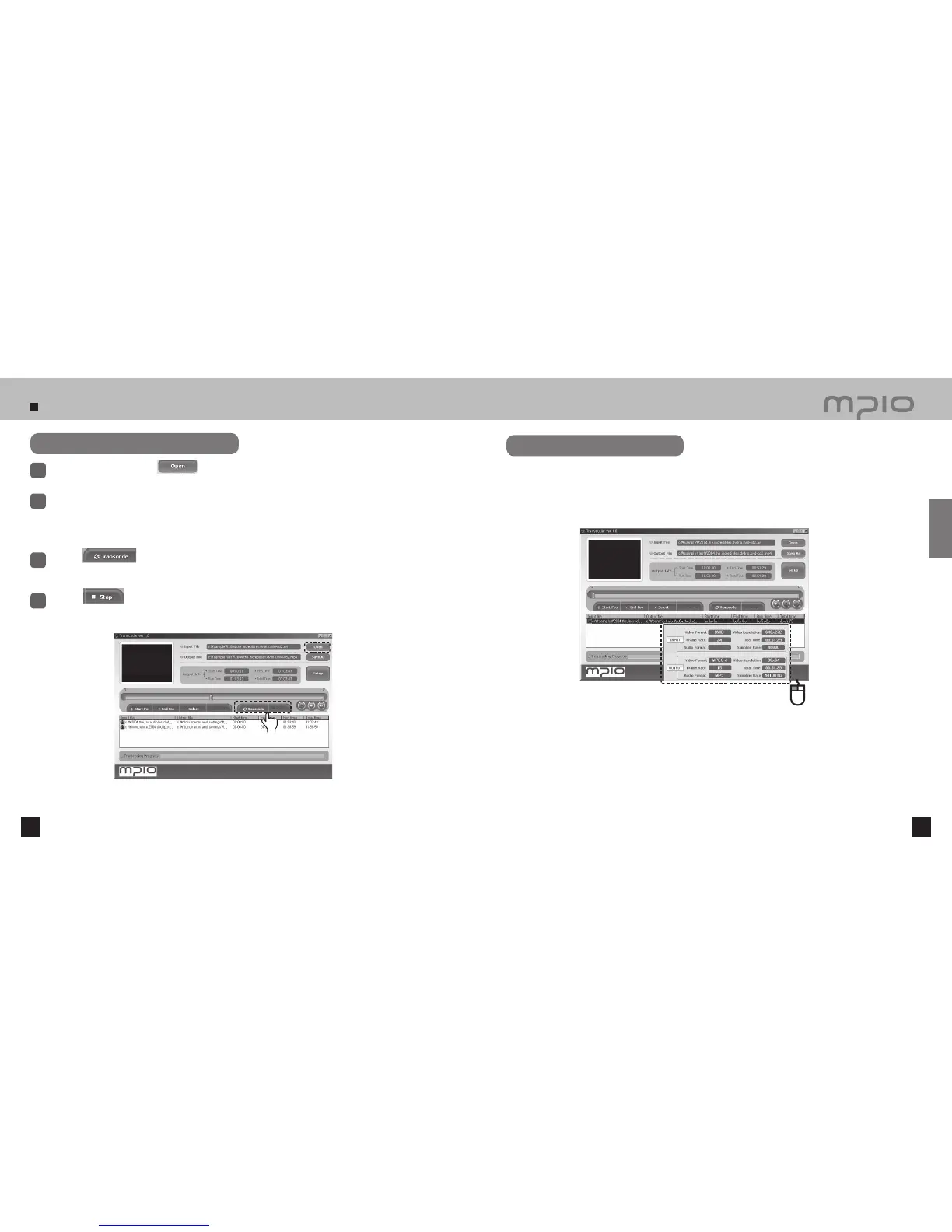
Transcoding registered files
Select the files by clicking the button several times or drag & drop the files to transcode in
the list box.
1
To cancel the selection of files to transcode, select the file to cancel, and click right mouse button and a
pop-up window will appear. Choose “Deselect Selected List” to deselect selected files, or choose “Delete
All List” to cancel all files.
2
Click the button to skip the current file and convert the next file on the list.
4
Click the button to convert all files.
The file currently being converted will be highlighted in the list box.
3
Checking File Information
Select one of the files in the registered file list and double-click or click right mouse button and select “View
File Information” to view the file information. The file information dialogue box will disappear when the
ESC key is pressed or the mouse is clicked on top of the dialogue box.
Click
Connection



 To Next Page