4 Product description
Maschinenfabrik Reinhausen GmbH 202132 7817454/02 ENTAPCON
®
230 Expert
Expert mode
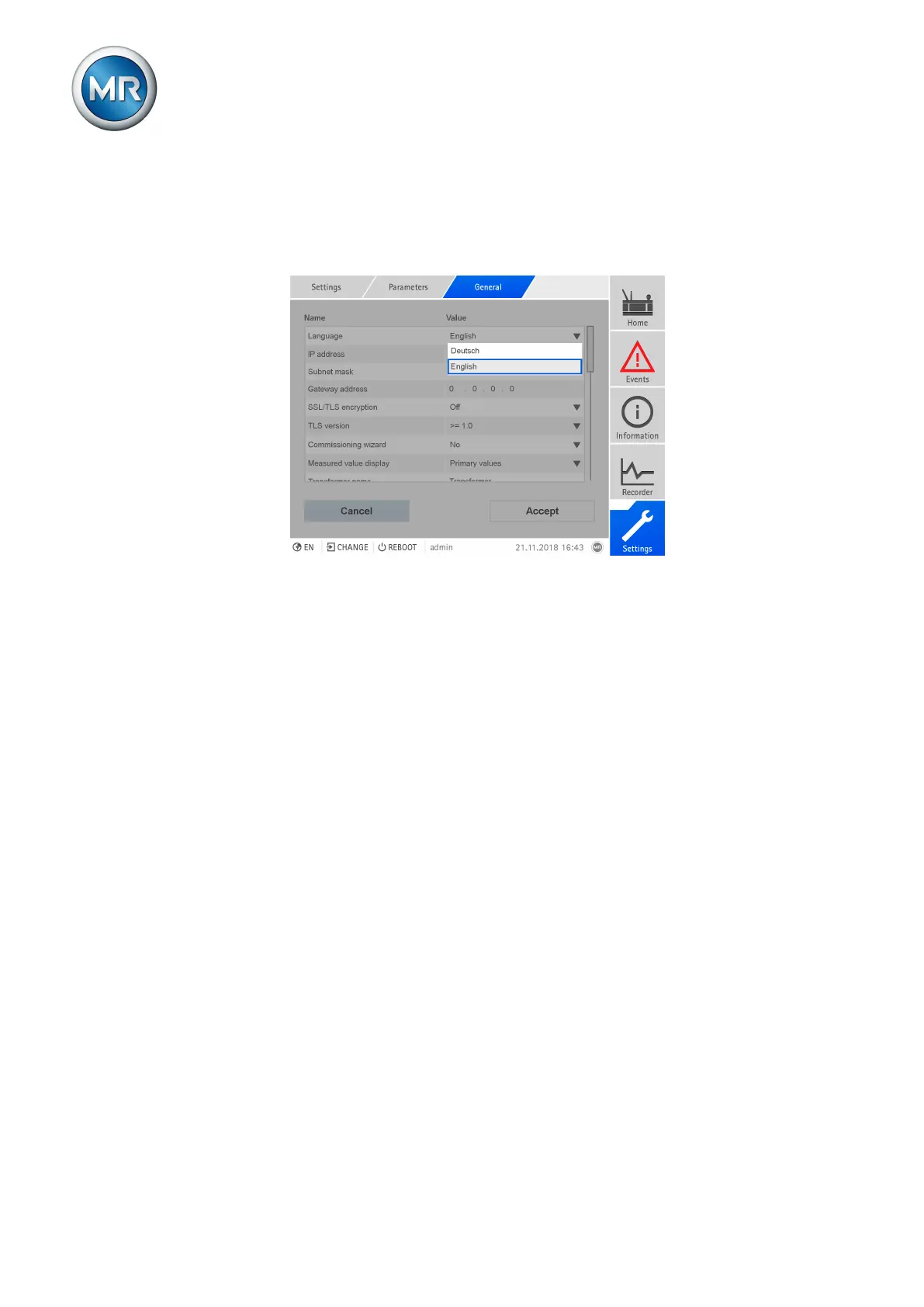
The device has an expert mode for entering the parameters. You can enter
the parameters directly on the overview screen of the respective menu in
this mode.
Figure15: Expert mode
To activate the expert mode, proceed as follows:
1. Go to Settings > Parameters.
2. Select the Expert mode checkbox.
ð Expert mode is active.
Hiding/showing parameters
Depending on how you set the parameters, the device will hide or show ad-
ditional parameters related to this function.



 To Next Page