•
To reset the MIN Reading:
1. Access the Min page.
2. Push and hold the CHANGE/RESET button until the MIN
flag flashes.
3. Push the ON-OFF/PAGE button to reset the MIN.
NOTE:
The following pages appear only if the instrument is
equipped with the Datalogging option.
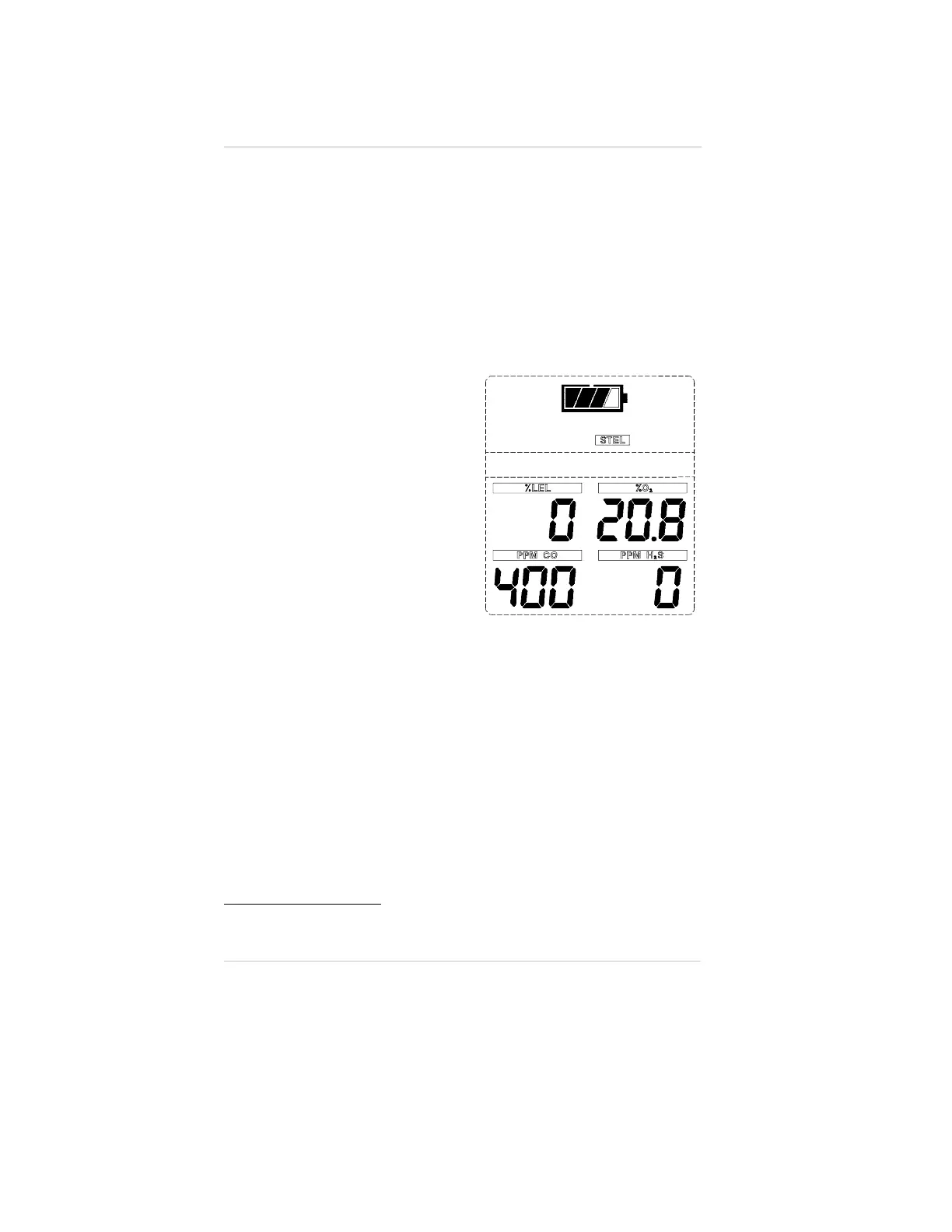
Short Term Exposure Limits (STEL)
(FIGURE 3-12)
•
The STEL flag appear in the
upper portion of the display
to show the average
exposure over a 15-minute
period.
•
When the amount of gas
detected by the Orion
Multigas Detector is greater
than the STEL limit:
•
Alarm sounds
•
Alarm lights flash
•
The STEL flag flashes.
To Reset the Alarm:
1. Access the STEL page.
2. Push and hold the
CHANGE/RESET button until the STEL flag flashes.
3. Push the ON-OFF/PAGE button to reset the STEL.
The STEL alarm is calculated over a 15-minute exposure.
Calculation examples are as follows:
Assume the Orion Multigas Detector has been running for at least
15 minutes.
15-minute exposure of 35 PPM:
(
15
minutes
x
35
PPM
)
15
minutes
=
35
PPM
Figure 3-12. Exposure Page with STEL
Alarm
Chapter 3, Using the Orion Multigas Detector Operating Manual
3-14


 To Next Page