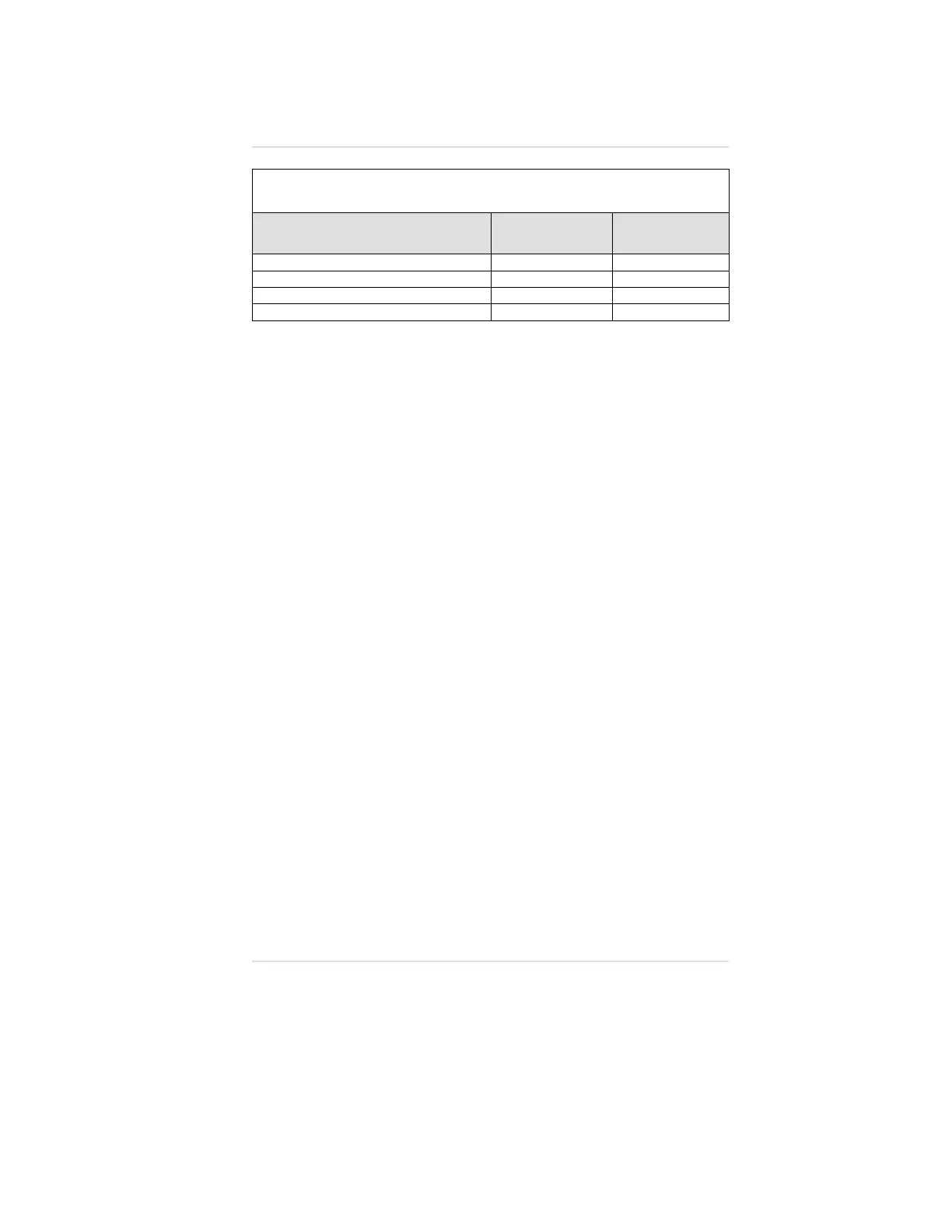
Table 4-4. Available Instrument Selections and
Methods for Changing Selections
OPTION
ORION
FRONT-PANEL
BUTTONS
FIVESTAR LINK
Viewing alarm set-points
•
Changing alarm set-points
••
Changing Auto-Cal values
•
Setting Date/Time
••
Changing Time and Date (Datalog Equipped
Instruments Only)
To Change the Time of Day:
1. Push the ON-OFF/PAGE button until the Time page appears.
2. Push and hold the CHANGE/RESET button until the TIME
flag flashes.
3. Push the ON-OFF/PAGE button to change the time.
4. Push and hold the CHANGE/RESET button to advance
the hour.
5. When the correct hour displays, push the ON-OFF/PAGE
button once to advance to the Minutes page.
•
The minutes should be flashing.
6. Press and hold the CHANGE/RESET button to advance
the minutes.
7. When the correct minute displays, push the ON-OFF/PAGE
button to leave the Time Set mode.
To Change the Date:
1. Push the ON-OFF/PAGE button until the Date page appears.
2. Push and hold the CHANGE/RESET button until the
MM/DD/YY flags flash.
3. Push the ON-OFF/PAGE button to change the date.
4. Push and hold the CHANGE/RESET button to advance
the month.
5. When the correct month displays, push the ON-OFF/PAGE
button once to advance to the Days; Days will flash.
6. Press and hold CHANGE/RESET button to advance the Days.
Operating Manual Chapter 4, Setting up the Multigas Detector
4-5


 To Next Page