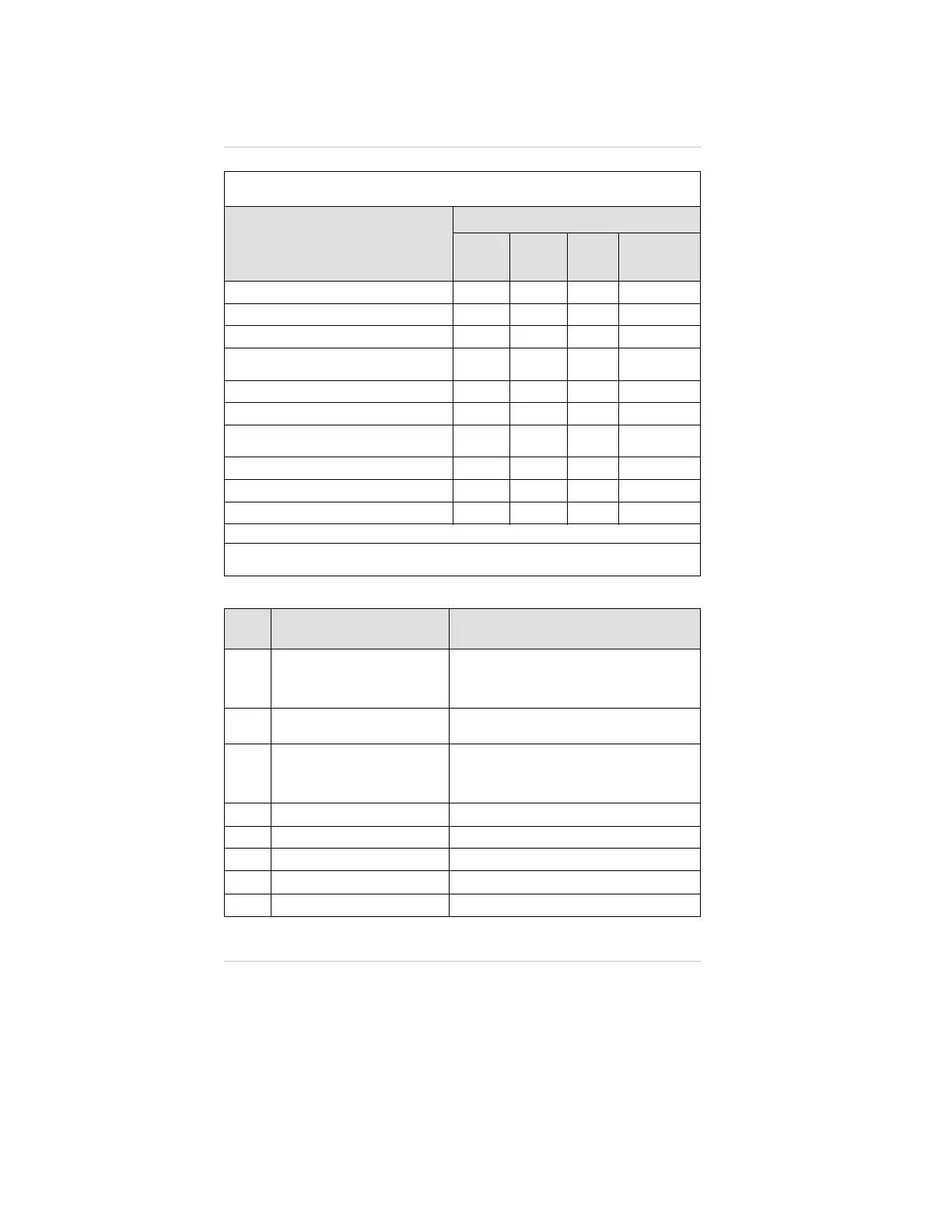
ERROR
CODE
DESCRIPTION CORRECTIVE ACTION
1 Main Board Error
Recharge battery pack. Disconnect
battery from the instrument momentarily
and replace. If error code 1 appears,
check/replace main board
2 Display Error
Check/replace main board; check display
cable
3 EEPROM Error
Reinitialize the instrument (follow
procedure for manual sensor
configuration and answer yes to query
to reinitialize the EEPROM)
4 Combustible Sensor Error Check/replace combustible sensor
5 Oxygen Sensor Error Check/replace oxygen sensor
6 Cannot Write EEPROM Check/replace main board
7 Battery Type Failure Replace battery pack
8 Blown Alarm Fuse Replace battery pack
Table 6-1. Troubleshooting Guidelines
PROBLEM
REPLACE
BATTERY
PACK
*
DISPLAY
MODULE
SENSOR
MAIN
ELECTRONICS
MODULE
Does not turn ON
••
Does not complete Self-Tests
•
Display segments missing or stuck
•
"ERROR" message after battery
installation
•
"ERROR" message during use
•
Battery pack does not hold charge
•
Combustible sensor does not
calibrate
•
Oxygen sensor does not calibrate
•
Toxic sensor does not calibrate
•
Clock not holding time.
•
*
Recharge or replace the cells before replacing battery pack.
In all of the above cases and for any other problems, you may return the Orion
Multigas Detector to MSA for repairs.
Chapter 6, Warranty, Maintenance and Troubleshooting Operating Manual
6-8


 To Next Page