43
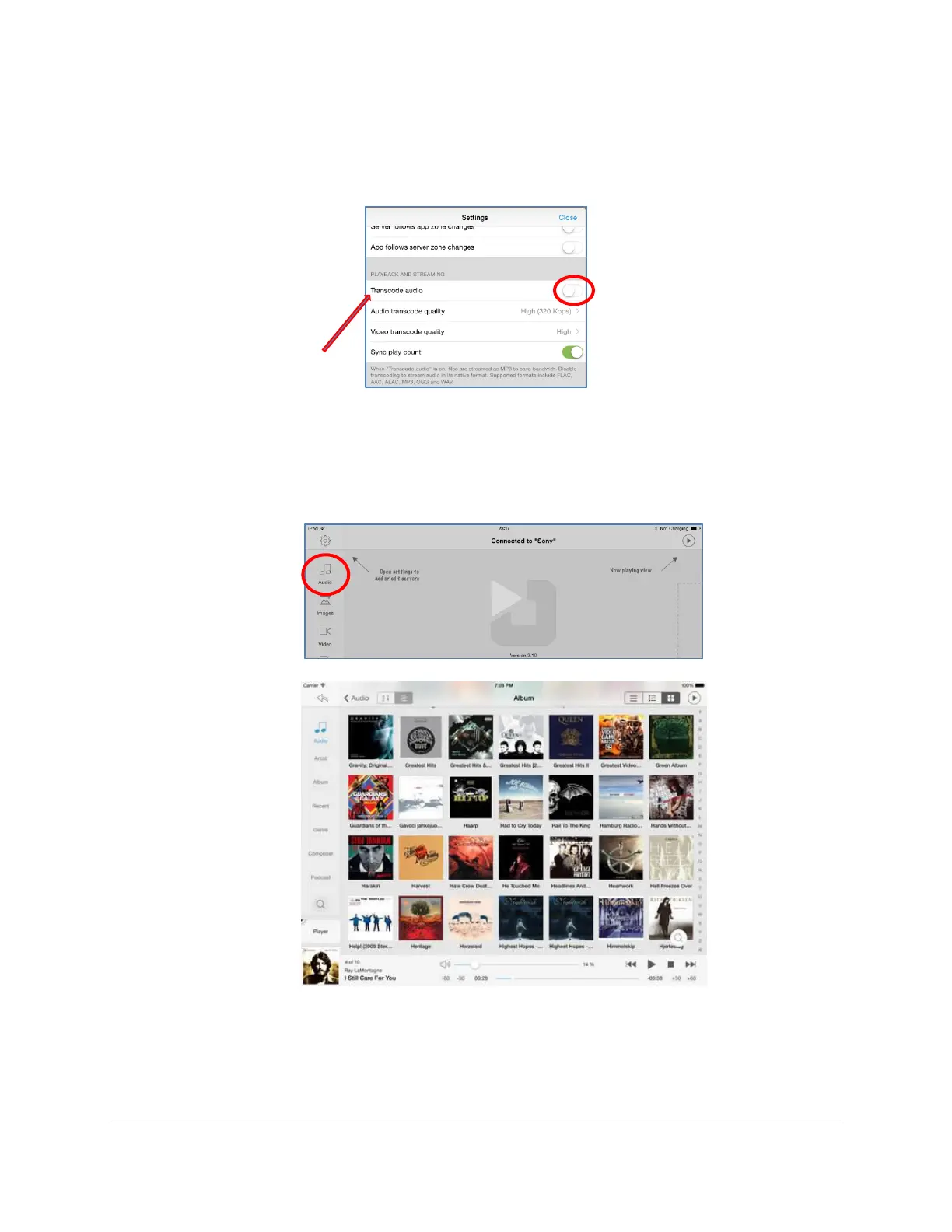
11. Scroll down to
Transcode audio
settings and unselect this option. This is to make sure
you are not accidentally transcoding audio. If you are using the iPad as the playback
device, you might need to change this setting back.
12. You are now ready to enjoy your music library by accessing it remotely using the
Jremote App on the iPad as the remote control.
Tap on the
Audio
button in the top left hand corner to access your library.
There are a few other settings and functionality that you will be able to discover with
Jremote, but this should get you started. For more Jremote details, the following website
is also very helpful:
http://www.computeraudiophile.com/content/478-jremote-ios-remote-jriver-media-center-review/



 To Next Page