73
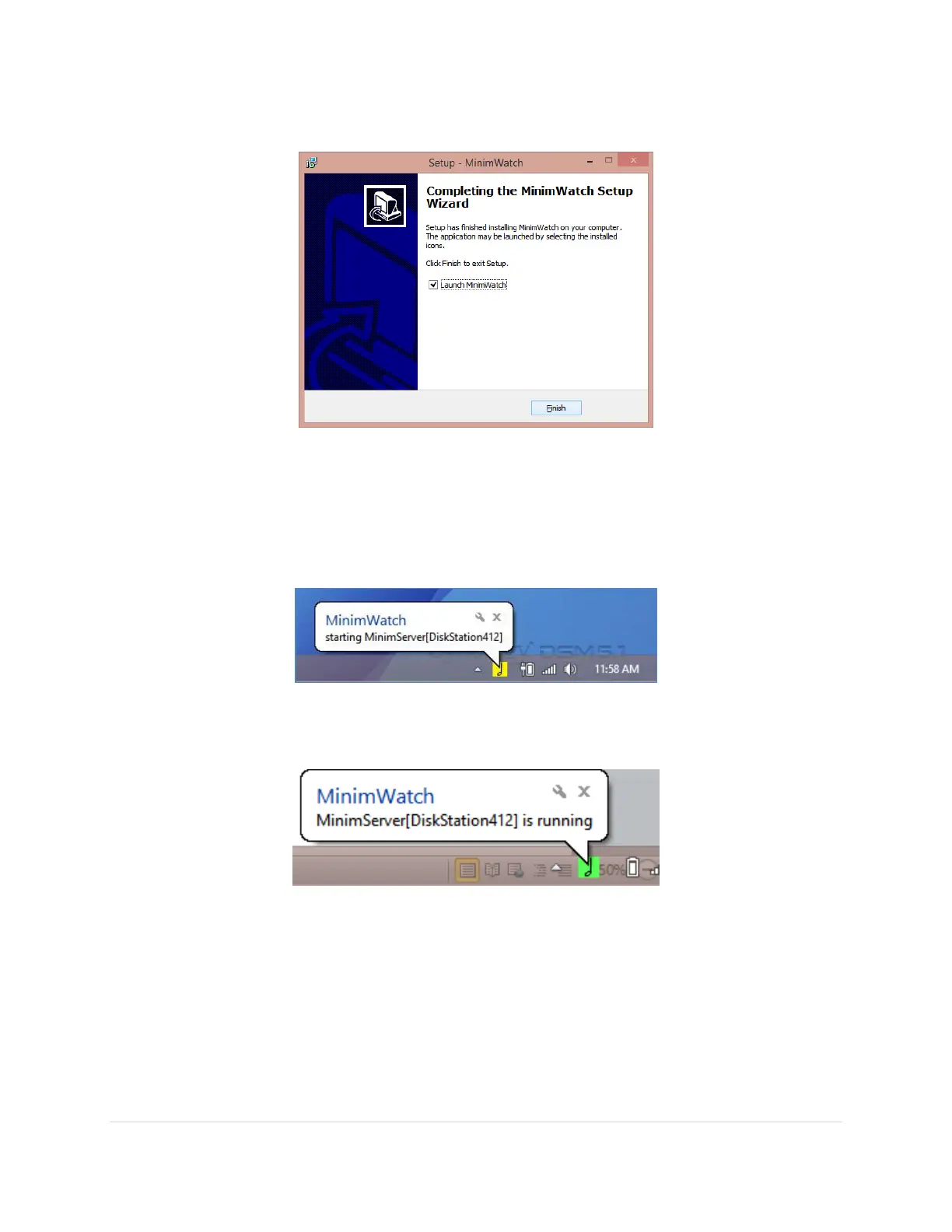
10. Click Finish. MiminWatch will launch automatically in the background.
11. In the bottom right corner you will see an icon of a musical note for the MinimWatch
program when it is running. It will try to connect with the MinimServer running on your
NAS automatically.
The icon will show yellow when MinimServer is starting
The icon will show green when MinimServer is up and running and
MinimWatch has connection
Please note: If the icon stays grey and MinimWatch cannot connect to the NAS it is often the
firewall on your laptop that is blocking the connection. A suggestion is to temporarily turn off
the firewall on your laptop just for the duration of any MinimWatch setup changes you want to
make. You can close down MinimWatch and turn back on the firewall after you are done. It will
not change the running of the MinimServer on the NAS, nor impact your audio streaming.
For more details on MinimWatch please check out the following website:
http://minimserver.com/install-windows-mwatch.html



 To Next Page