-10-
5.2.2 Basic Tools
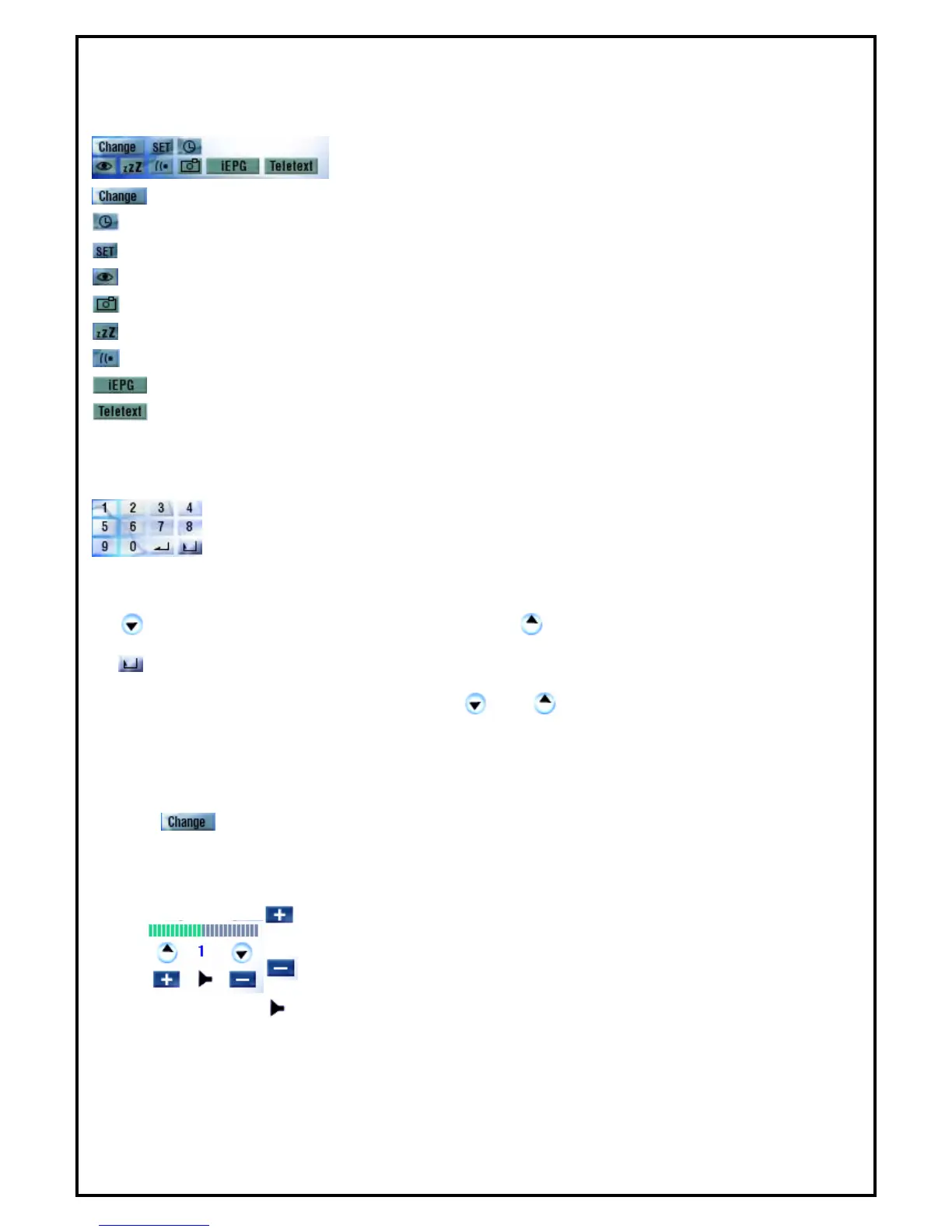
There are 9 sub functions, see following for icon definition.
: Switch different video source
: Scheduling
: Setup
: Channel preview
: Snapshot
: Sleeping timer setup
: TV audio mode switching (Your channel must support multi sound.)
: Launch IEPG function
: Launch Teletext
5.2.3 Channel Tuning
Selecting channel can be done by entering the channel through numeric keys from the
application’s control panel or keyboard.
: Previous channel.
: Next channel.
: Back to previous channel.
Note: Frequency table must be enabled in order for and buttons to be functional.
5.2.4 Input Source
There are only one video input sources for users to select from (DVB-T). Input source can be changed by
clicking “ ” button on control panel or choose "Switch Video Source" in popup menu.
5.2.5 Volume Adjust
: Volume increase
: Volume decrease
: Mute or restore sound



 To Next Page