-9-
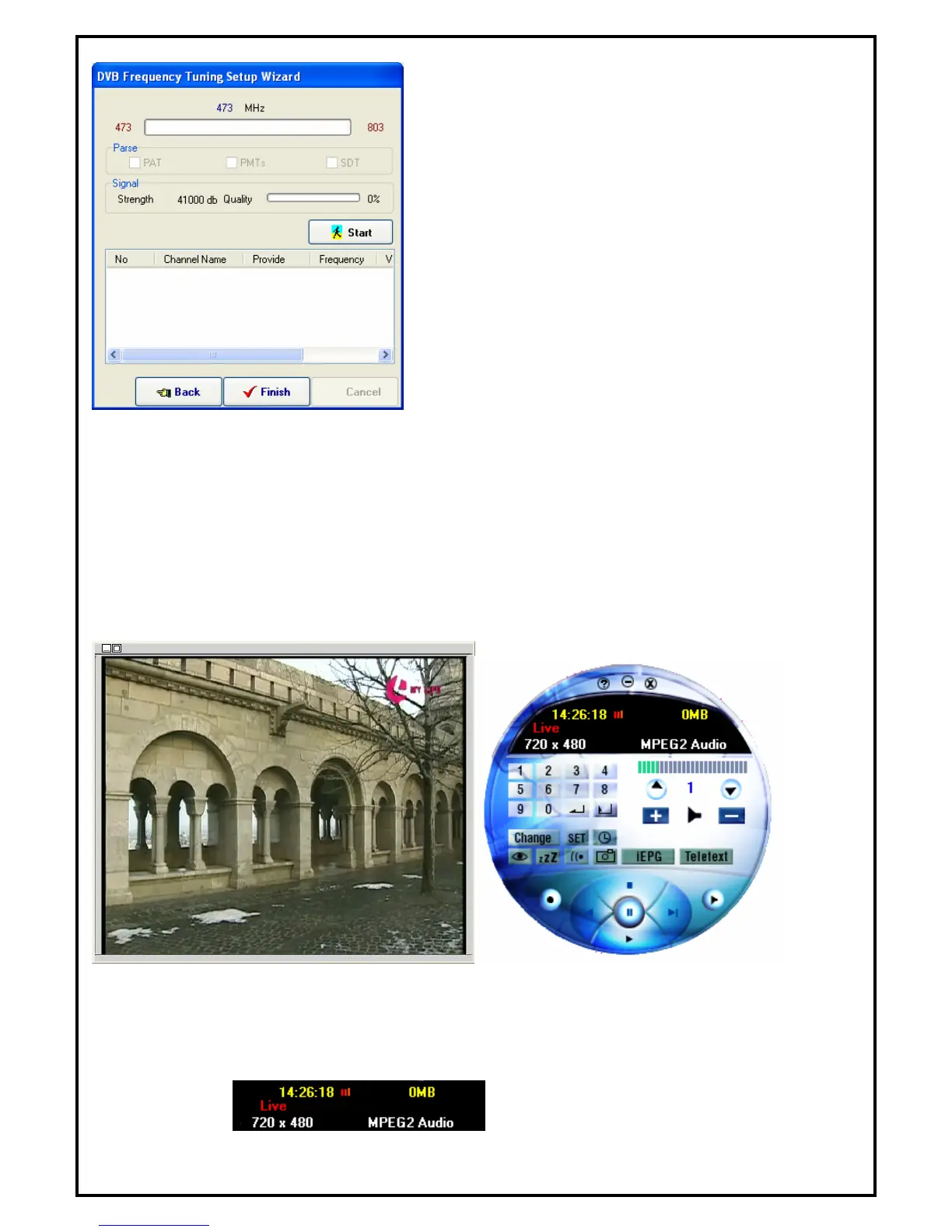
Click “Start” to start channel scanning.
After scanning the set frequency range, click “Finish” to
activate DTVR to follow the frequency table set from channel
scanning to do channel mapping.
Note:
Sometimes the signal strength will affect the scanning result. If you cannot scan enough channels,
please check the terrestrial TV signal by moving your antenna around to find a better reception spot.
5.2 Main Panel
Preview window size can be adjusted by mouse or double click to switch to full-screen. There are six major
functions of DTVR.
5.2.1 Information Window
Displays current state (Live, REC, Playback, Time-Shifting), TV sound state (Mono, Stereo or SAP),
audio volume, speaker state, recording time, recording file size and current time.


 To Next Page