-31-
8.2 Burning
: This button allows users to go back to the previous step and change selected files or selected
format.
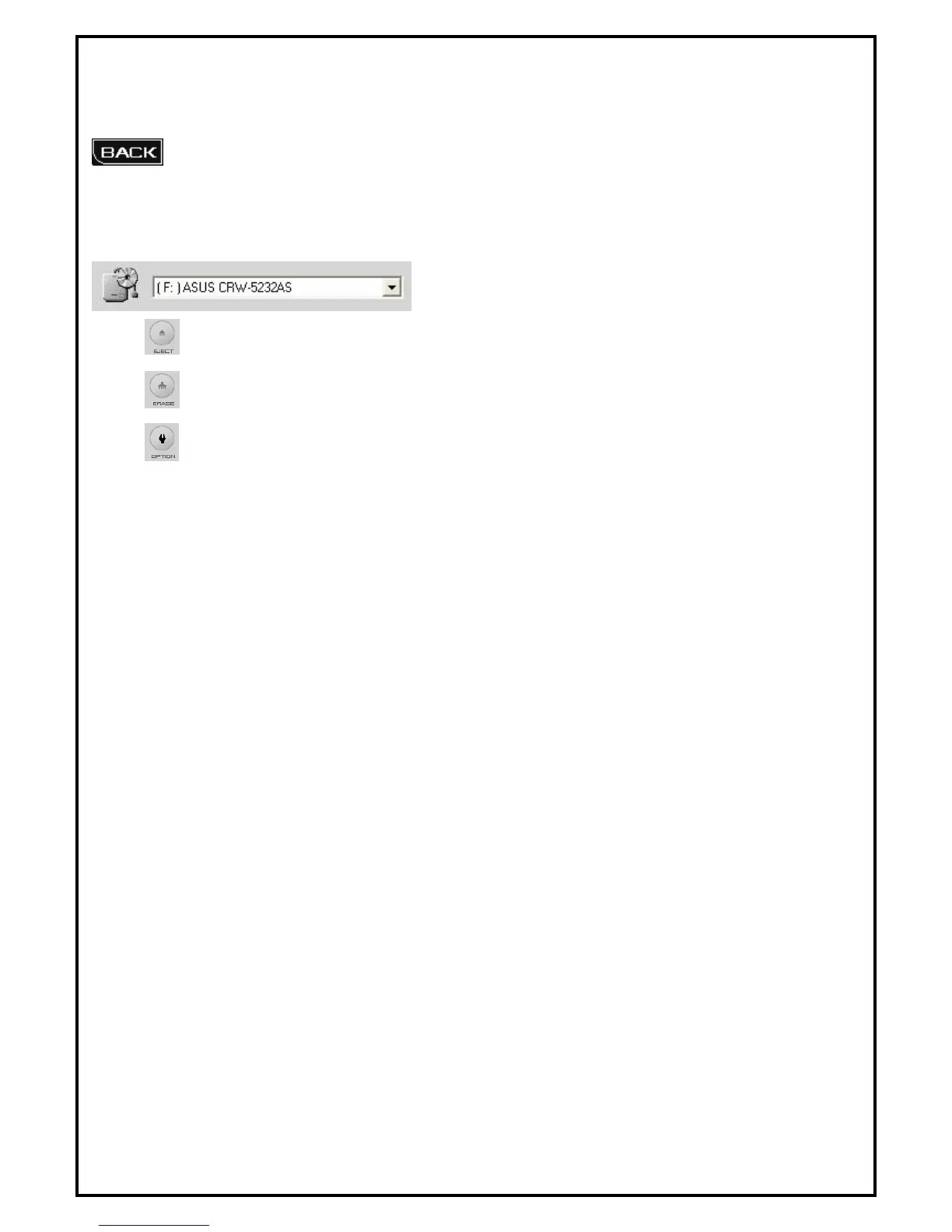
1. Select DVD/CD burner to use.
2. : Eject DVD/CD drive.
3. : Erase all content on DVD/CD media.
4. : Open option dialog box.
NTSC, PAL, Both: Select video type.
Support XVCD and XSVCD: Data rate is not checked in order to support XVCD and XSVCD.
Perform Writing Test before recording: Check to insure that the DVD/CD writer is functioning
correctly before actual burning.
Use Windows temporary directory: [Default] Uses Windows temporary directory as DVD
Maker's temporary directory.
Path: Allows DVD Maker to specify the temporary directory.


 To Next Page