12
3. Time-Shifting Function
Time-Shifting can be done during live mode by clicking on control panel or choose "Time-Shifting" in
popup menu. In Time-Shifting mode, simply click on control panel or choose "Play" in popup menu
to get back and watch the channel from where you left. Click on control panel or choose "Stop" in
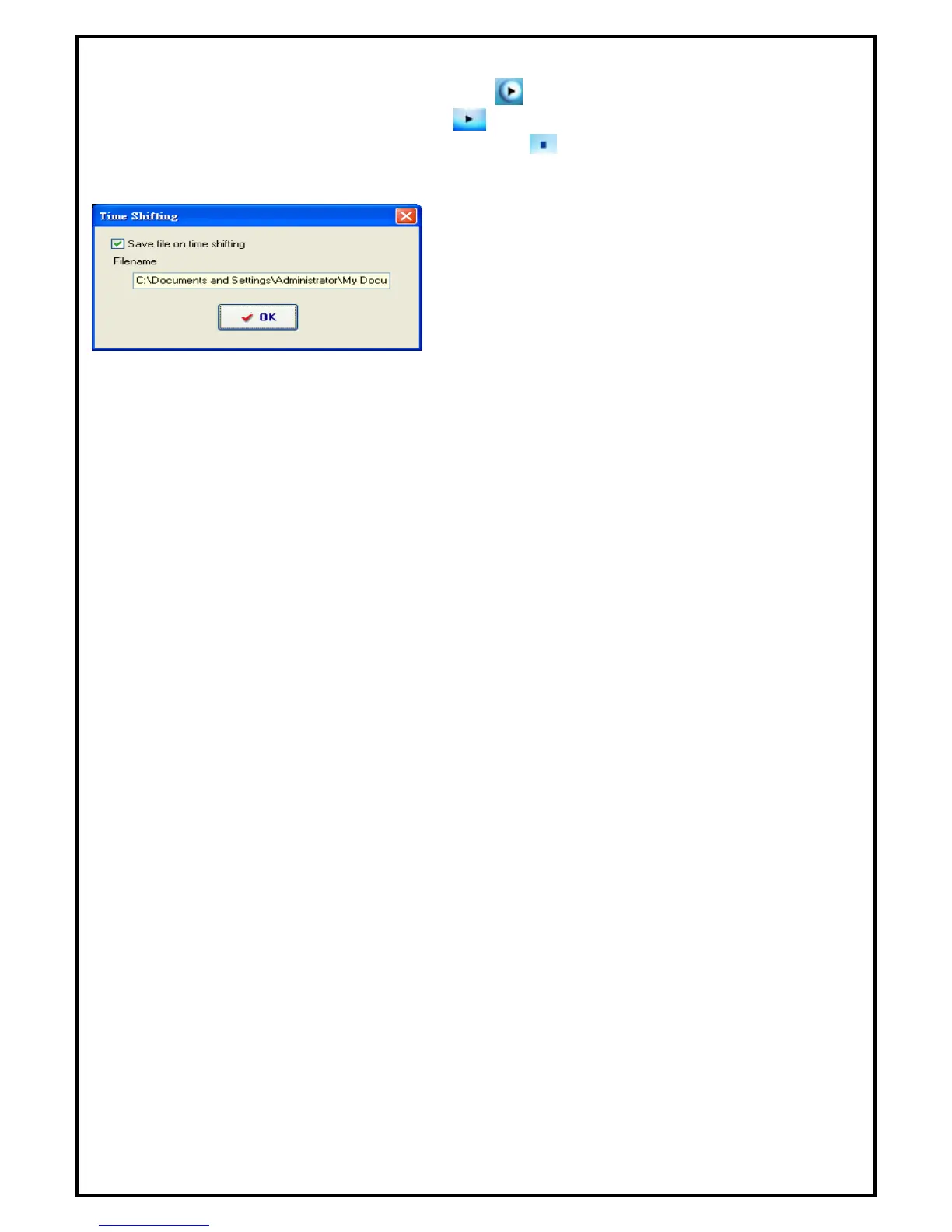
popup menu to stop Time-Shifting. Then you would see the pop up window as below. If you want to save
video clip, please select the option “Save file on time shifting” and click “OK” to save it.
During Time-Shifting mode, you can switch from current video to Time-Shifting video window and vice
versa by choosing "Real Screen" in popup menu.



 To Next Page