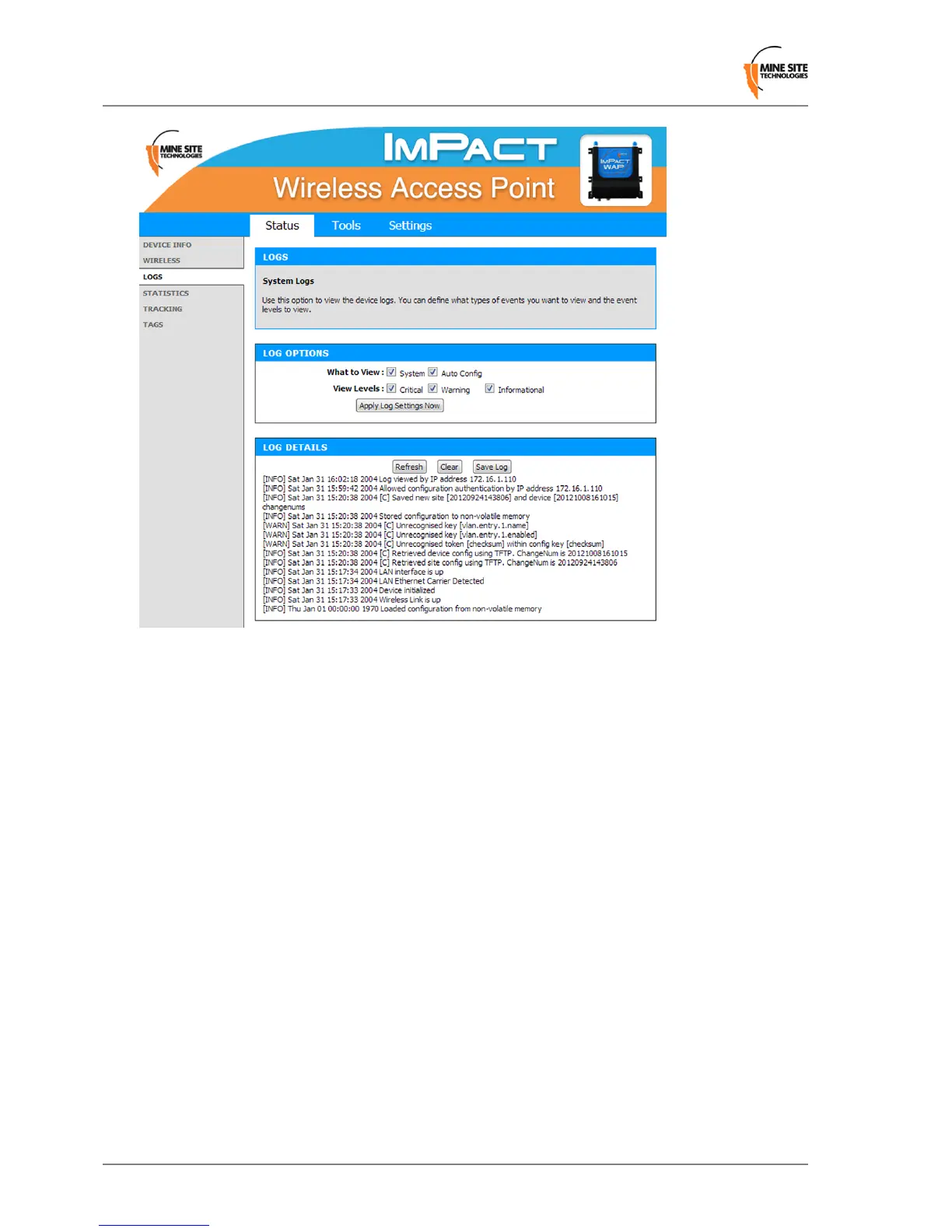
To dene LOG OPTIONS:
1.
In the What to View elds, select the System check box.
2.
In the View Levels eld, select the check boxes on the reporting levels required.
3.
Click Apply Log Settings Now.
To view LOG DETAILS:
1.
Click Refresh to update the list.
2.
Click Clear to clear the list. A conrmation message box is displayed.
3.
Click OK to continue.
4.
Click Save Log to save the log as a text le. A log of the clear action is recorded. Any changes made
to the log characteristics are also recorded in the log.
3.3.4 Viewing Network Traffic Statistics
The Statistics status screen provides network trafc statistics for the WAP's LAN interface and each of
the wireless SSIDs.
Revision B30Wireless Access Point User Manual
Conguration Using the Web Interface



 To Next Page