Video Grabber DGR-1000 User Manual - v. 1.4 (FW 1.9)
4.1.4.1. Signal
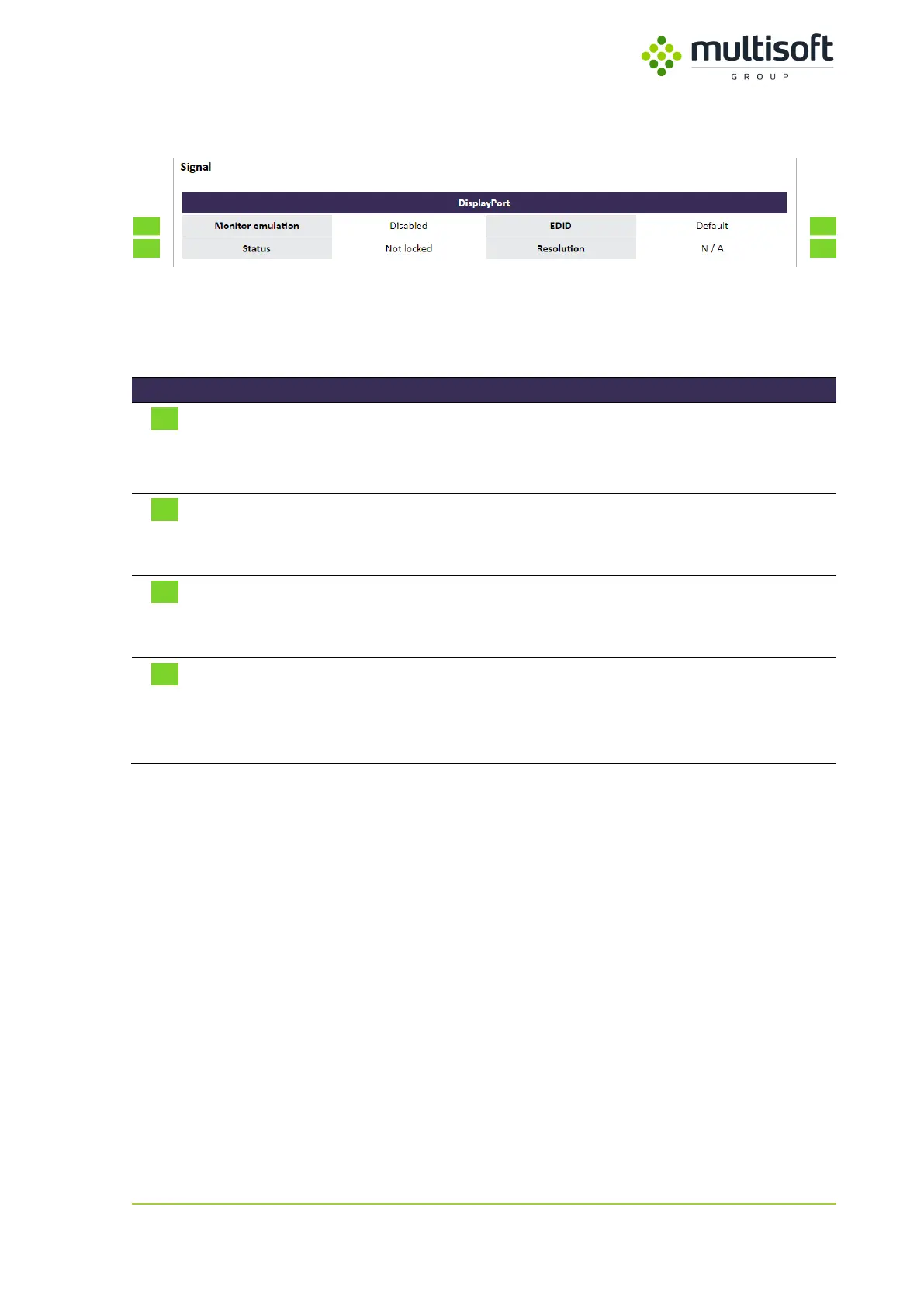
Figure 17: Signal subsection in the Video section on the Status page
Signal subsection groups parameters that relate to the signal captured by Video Grabber. See the
description of the available parameters in the table below:
Status of monitor emulation:
- Enabled – monitor emulation is enabled
- Disabled – monitor emulation is disabled
Status of the DisplayPort signal:
- Not Locked – no signal detected
- Locked – signal detected and locked
EDID used by the Monitor emulation:
- Default – default EDID in use
- Custom – custom EDID (loaded by the user) in use
Resolution of the captured signal:
- Resolution (width x height @ refresh rate) – shows detected
and locked resolution along with the refresh rate
- N / A – no signal is locked and captured
Table 6: Descriptions of parameters available in the Signal subsection of the Video Section on the Status page



 To Next Page