Video Grabber DGR-1000 User Manual - v. 1.4 (FW 1.9)
4.1.4.3. Remote filesystems
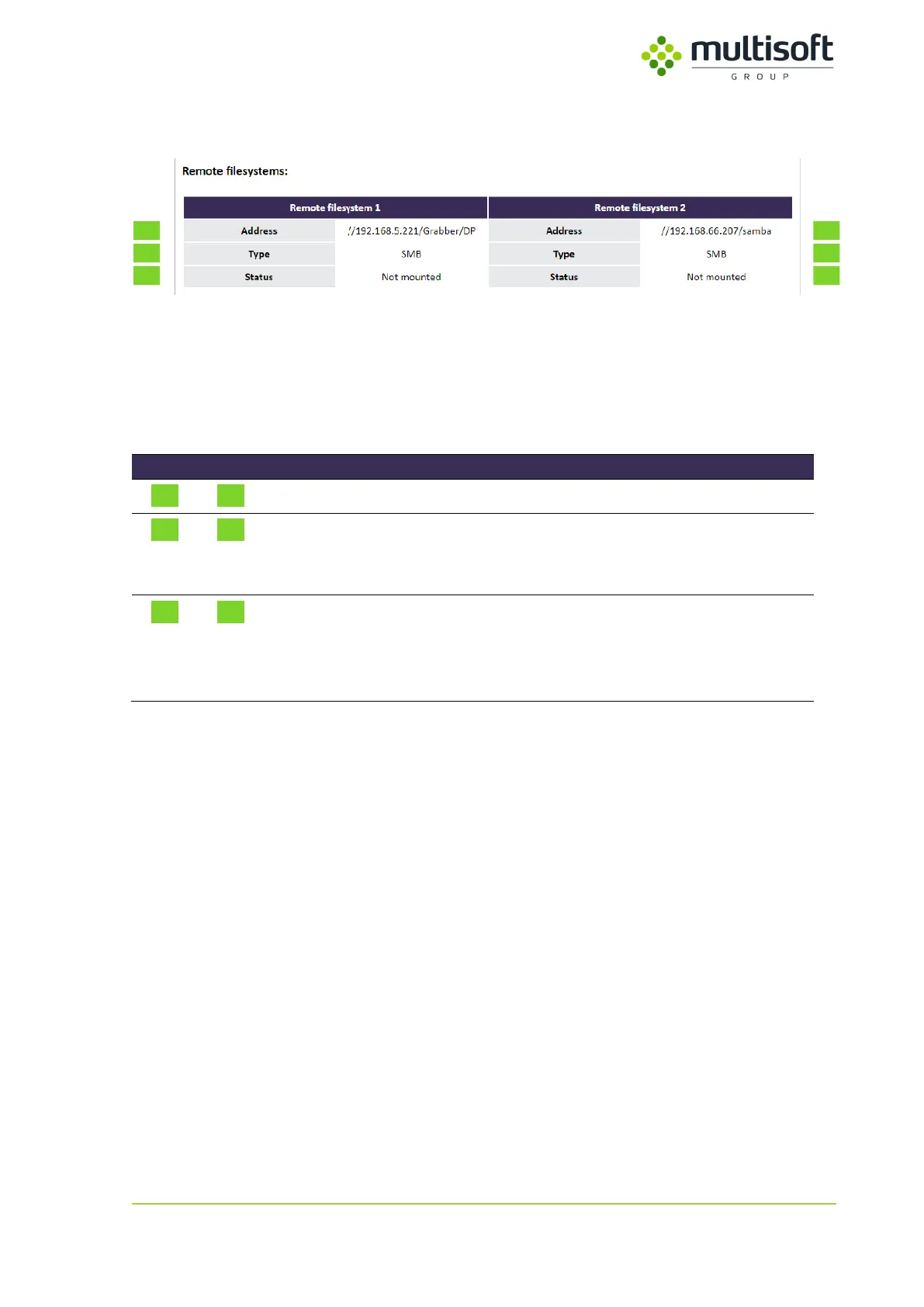
Figure 19: Remote filesystems subsection in the Video section on the Status page
Remote filesystems subsection of the Video section is only shown when either SMB or NFS protocols
are configured. Up to two remote filesystems (RF) can be configured. Since they’re characterized by
the same parameters the settings have been collected in a table so that both remote filesystems could
be compared easily. See the descriptions of the parameters in the table below:
Network address of the configured remote filesystem
Type of the configured remote filesystem:
- SMB – for SAMBA shares
- NFS – for NFS shares
Status of the configured remote filesystem:
- Mounted – filesystem is mounted and accessible
- Not mounted – filesystem is not mounted and is
not accessible by the Video Grabber
Table 8: Description of the parameters available in the Remote filesystems subsection in the Video section on
the Status page



 To Next Page