UsingtheRouter’sWebInterface 11
Configuringthe DHCPserver
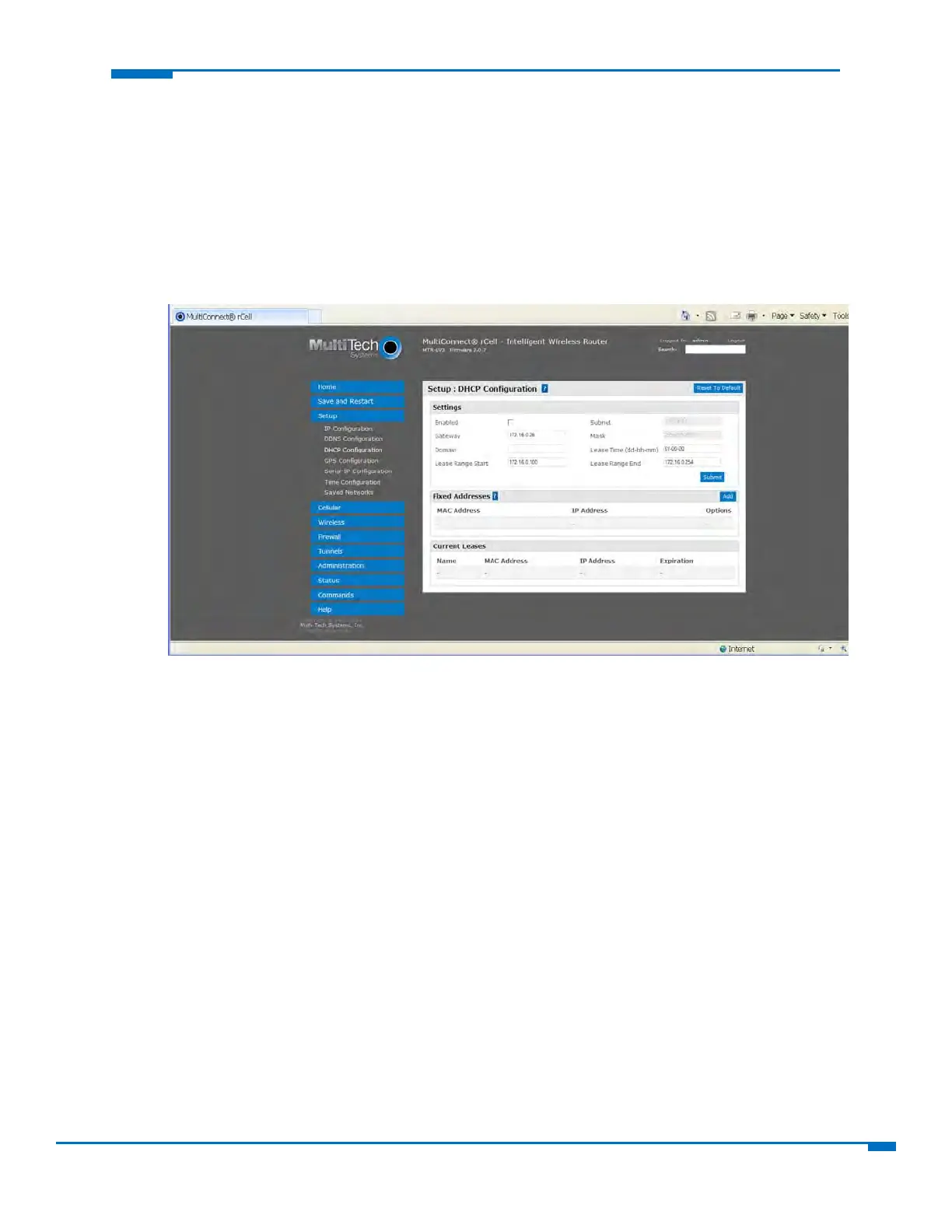
Configuringa DynamicHostConfigurationProtocol(DHCP)Ser ver
YoucanconfigureyourroutertofunctionasaDHCPserverthatsuppliesnetworkconfigurationinformation—
suchasIPaddress,subnetmask,andbroadcastaddress—todevicesonthenetwork.
ToconfiguretheDHCPserver:
1. FromSetup,selectDHCPConfiguration.
2. TousetheDHCPfeature,checkEnabled.
3. TheSubnetfielddisplaysthesubnetaddress.
4. TheMaskfielddisplaysthenetwork'ssubnetmask.
5. IntheGatewayfield,typethegatewayaddress.ThedefaultGatewayaddressistheLANIPaddressof
therouter.
6. IntheDomainfield,ty
peyo
urnetworkdomain,ifany.
7. IntheLeaseTimefield,typetheDHCPleasetime.Leasetimeissetindays,hours,andminutes.ALease
Timeof00‐00‐00isaninfiniteleasetime.
8. IntheLeaseRangeStartfieldandintheLeaseRangeEndfield,ty
petherangeofIPaddressestobe
assignedbyDHCP.
9. ClickSubmit.



 To Next Page