UsingtheRouter’sWebInterface 9
Configuringmiscellaneousfeaturesforyour
device
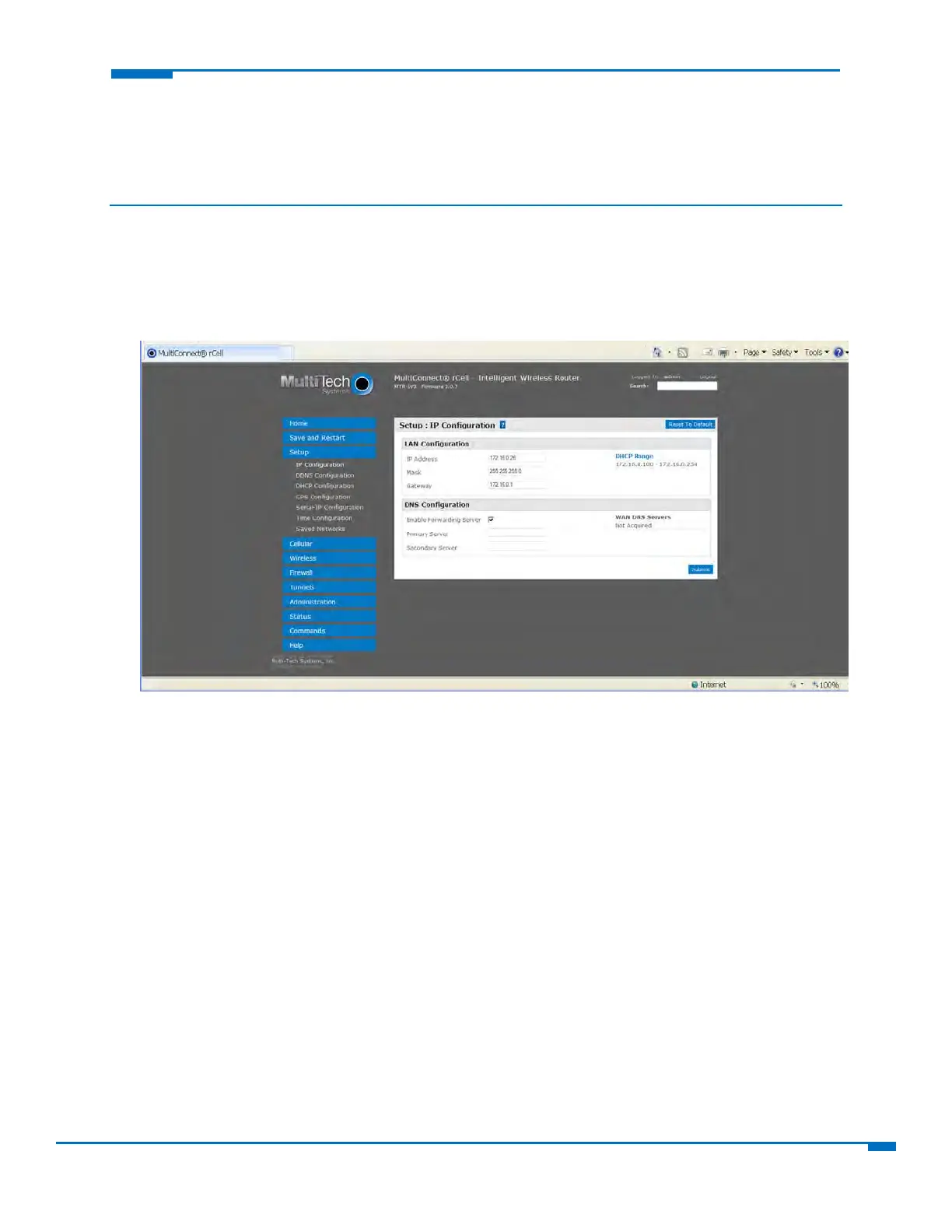
ConfiguringIPaddressandDNSinformationforLANs
Yourroutermanagestrafficforyourlocalareanetworks(LANs).TochangetheIPaddressandDNS
configuration:
1. FromSetup,selectIPConfiguration.
2. Toconfiguretheaddressinformation:
IntheIPAddressfield,typetherouter'sIPaddress.Thedefaultis192.168.2.1.
IntheMaskfield,typethemaskforthenetwork.Thedefaultis255.255.255.0.
IntheGatewayfield,typetheIPaddressofanothergateway(router)thatyouwanttouse.Inmost
routerconfigurations,thisfieldisnotused.Assuch,thedefaultis0.0.0.0.
3. ToresolvenamesofhostsontheLANintoaddresses,configuredomainnameserverinformation(DNS).
ToallowtheroutertobehaveasalocalDNSserver,checkEnableForwardingServer.WhenaDNS
requestisreceived,therouterforwardstherequesttoaremoteDNSserverifthereisnorecordin
therouter’scache.Newrequestsarecachedintherouterforfuturerequests.
InthePrimaryServerfield,typetheaddressoftheprimaryDNS.Thedefaultis0.0.0.0
IntheSecondaryServerfield,typetheaddressofthesecondaryDNS.Thedefaultis0.0.0.0
TheWANDNSServersfielddisplaysinformationaboutDNSservers,ifany,thathavebeendetected
ontheWANlinkoftherouter.



 To Next Page