UsingtheRouter’sWebInterface 38
Checkingthestatusofdevices
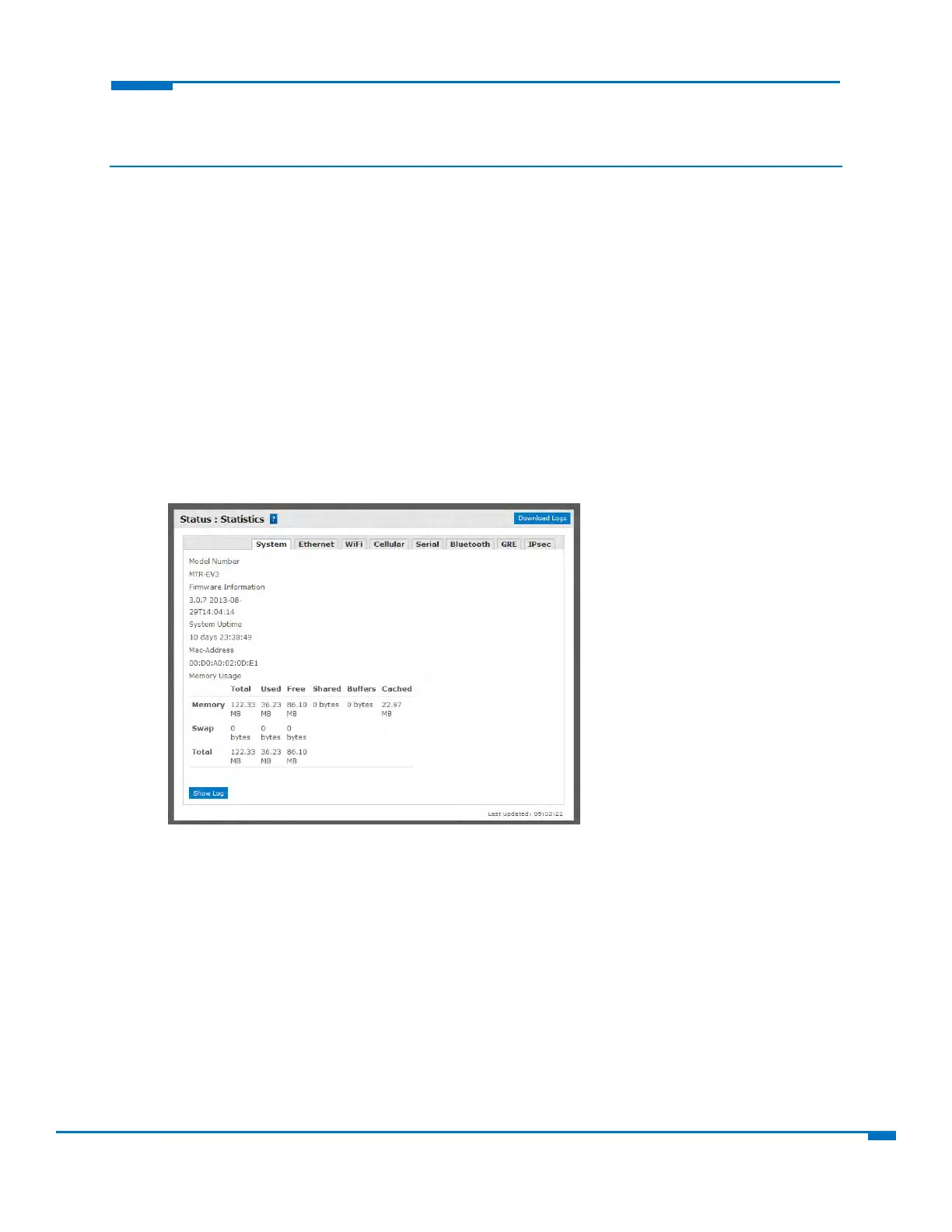
Viewingdevicestatistics
1. FromStatus,selectStatistics.
2. Theapplicationcategorizesstatisticsaboutyourdevice.Toseestatisticsthatappearinaparticular
category,clicktheappropriatetab.
System
Ethernet
Wireless
PPP
Serial
Bluetooth
GRE
IPSec
Viewingservices runningonrouters
1. FromStatus,selectServices.
Apanelappears,showingthestatusofservicesthatmayberunningontherouter:
DDNS
SNTP
TCP/ICMPkeepalive
DialonDemand



 To Previous Page