Operation Instructions Spitfire 65/90 Extreme
CHAPTER 3 : BASICS
23 AP-77140 – Rev. 1.1 – 05/04/07
3 BASICS
3.1 SWITCHING THE POWER ON/OFF
3.1.1 Turning the power ON
Turn the power of the unit ON according to following procedure.
Step 1 : Press the [POWER] key of the operation panel, to turn the unit ON.
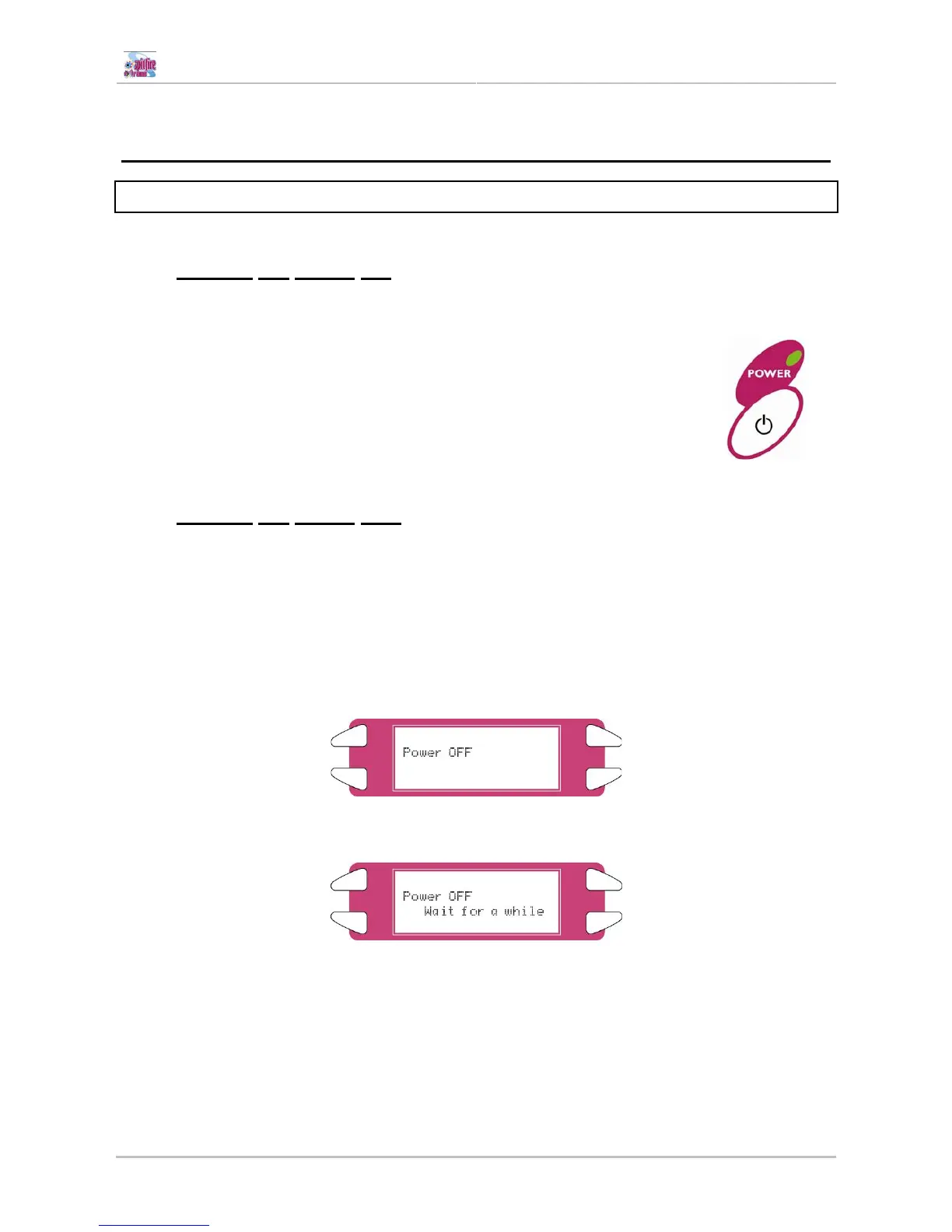
¾ The POWER lamp of the operation panel will light (green).
Step 2 : The unit will start initial start-up operations.
Step 3 : After finishing initial start-up operations, the unit will enter the normal
operating condition.
3.1.2 Turning the power OFF
Turn the power of the unit OFF according to the following procedure.
Step 1 : Verify the following regarding the operational condition of the unit.
¾ There is no printing operation being performed.
¾ The operation panel is in a normal status.
Step 2 : Press the [POWER] key of the operation panel to turn the unit OFF.
Step 3 : Following message is displayed for 3 seconds on the operation panel.
Step 4 : The product will perform the power OFF operation.
¾ Following message is displayed on the operation panel.
¾ All lamps and the LCD of the operation panel will turn OFF.
¾ The product will automatically turn the power OFF after performing a tubing flush.















 To Next Page