Operation Instructions Spitfire 65/90 Extreme
CHAPTER 3 : BASICS
26 AP-77140 – Rev. 1.1 – 05/04/07
3.2.3 Setting media type
The procedure for setting media type is explained below.
Step 1 : Turn the printer on and load the media.
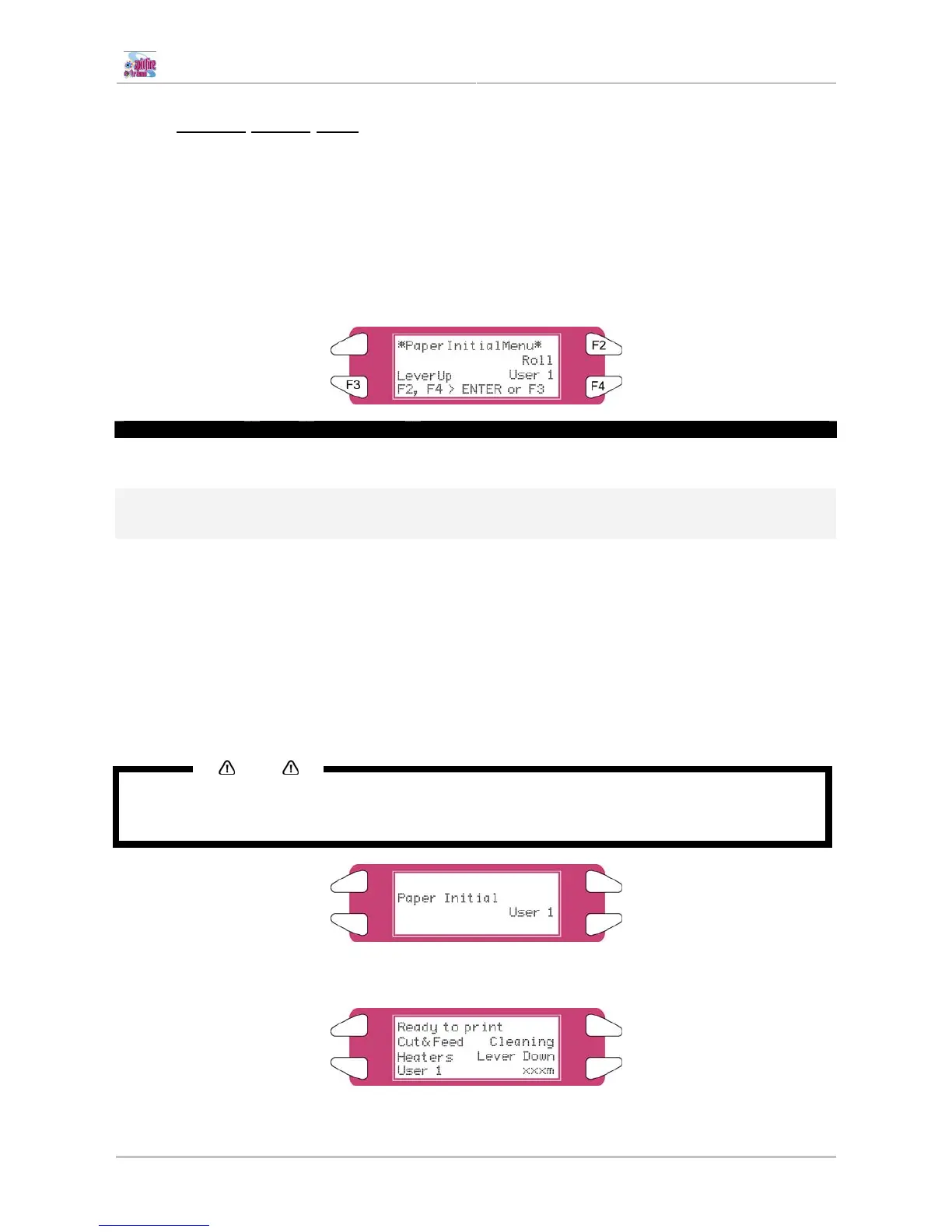
¾ Once the media has been set, the media initial menu will be displayed.
Step 2 : Press one of the following keys on the operation panel, and select the current media type.
¾ When alternating roll/sheet media selection: [F2]
¾ When changing from media loading: [F3]
¾ When changing media type: [F4]
Setup items Key Parameters Description
Roll media Media type F2
Sheet media
Alternates the roll media type.
• Roll media: Set when loading roll media.
• Sheet media: Set when loading sheet media.
Lever up Lever Down/Up F3
Lever down
Switches between up and down motion of the pressurizing
lever.
Use this when starting over from the media setup.
User 1
User 2
User 3
User 4
User 5
User 6
User 7
Media Type F4
User 8
Set media type for printing.
For setup values of printing operation, eight settings of "user 1-
8" can be set.
Refer to ‘Menu Overview’
Step 3 : Press the [Enter] key on the operation panel.
¾ The media type has been set.
¾ "Media Initial" is displayed on the LCD, and the printer starts the media initial operation.
Notes
• The printer starts the media initial operation if you :
o Press the [CANCEL] key on the operation panel
o Leave the printer for 10 seconds without doing anything
Step 4 : When the media initial operation finishes, the printer moves to normal status.
¾ The setting media loading procedure has been completed.















 To Next Page