Operation Instructions Spitfire 65/90 Extreme
CHAPTER 6 : PRINTER MENU
60 AP-77140 – Rev. 1.1 – 05/04/07
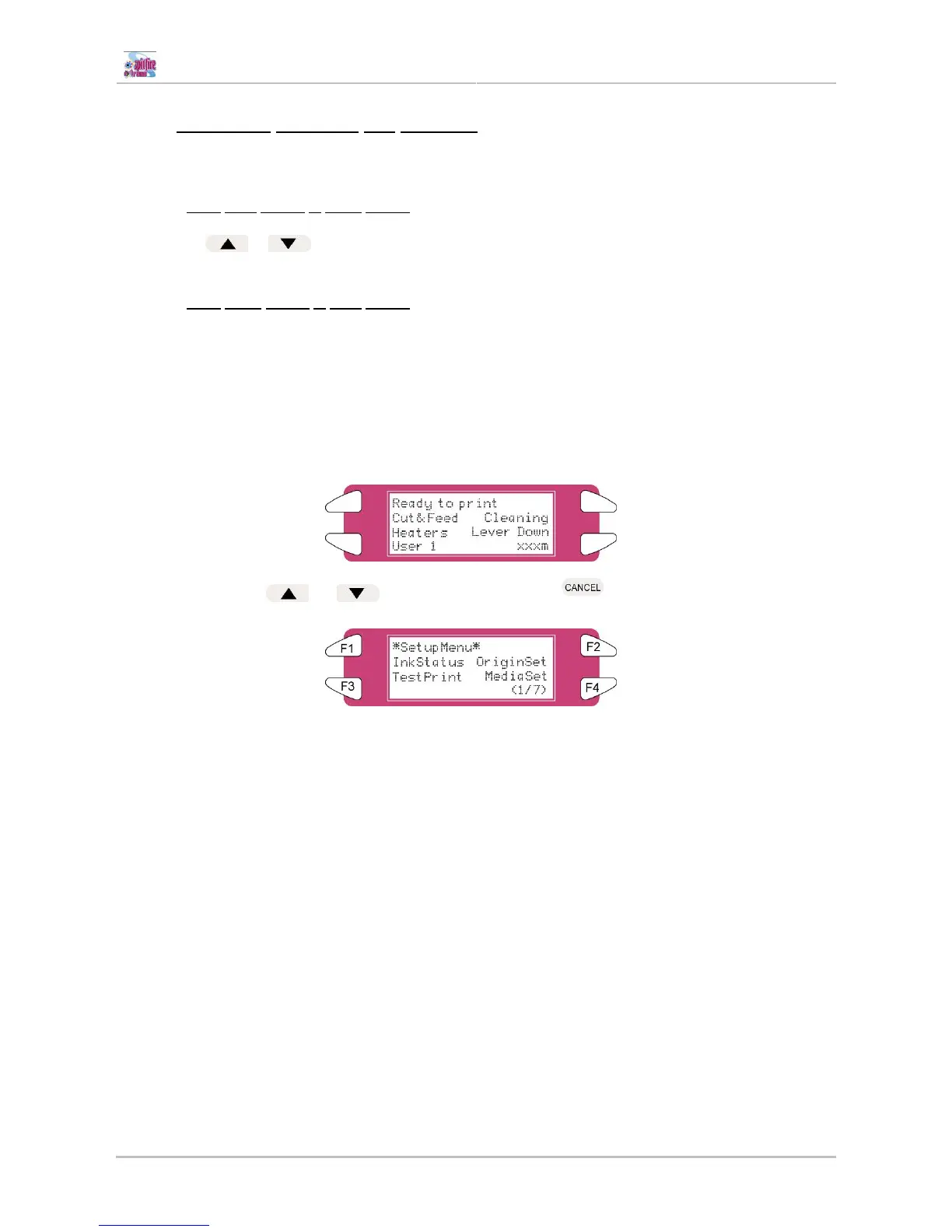
6.1.3 Changing between the screens
To change the printer status, follow the steps below.
6.1.3.1 From
main screen to menu screen
Press either
or on the operation panel when the printer is in the main screen to go to menu
screen 1/7 – 7/7
6.1.3.2 From
menu screen to main screen
To switch from a menu screen to the main screen, following actions can be taken:
• Press the [CANCEL] key on the operation panel.
• Leave the printer for 3 minutes when the status is in the setting menu display.
or
▼
▼
▲
▲
or leave the printer idle for 3 minutes















 To Next Page