Operation Instructions Spitfire 65/90 Extreme
CHAPTER 3 : BASICS
30 AP-77140 – Rev. 1.1 – 05/04/07
3.5 REPLACING THE WASTE BOTTLE
3.5.1 Replacement Time
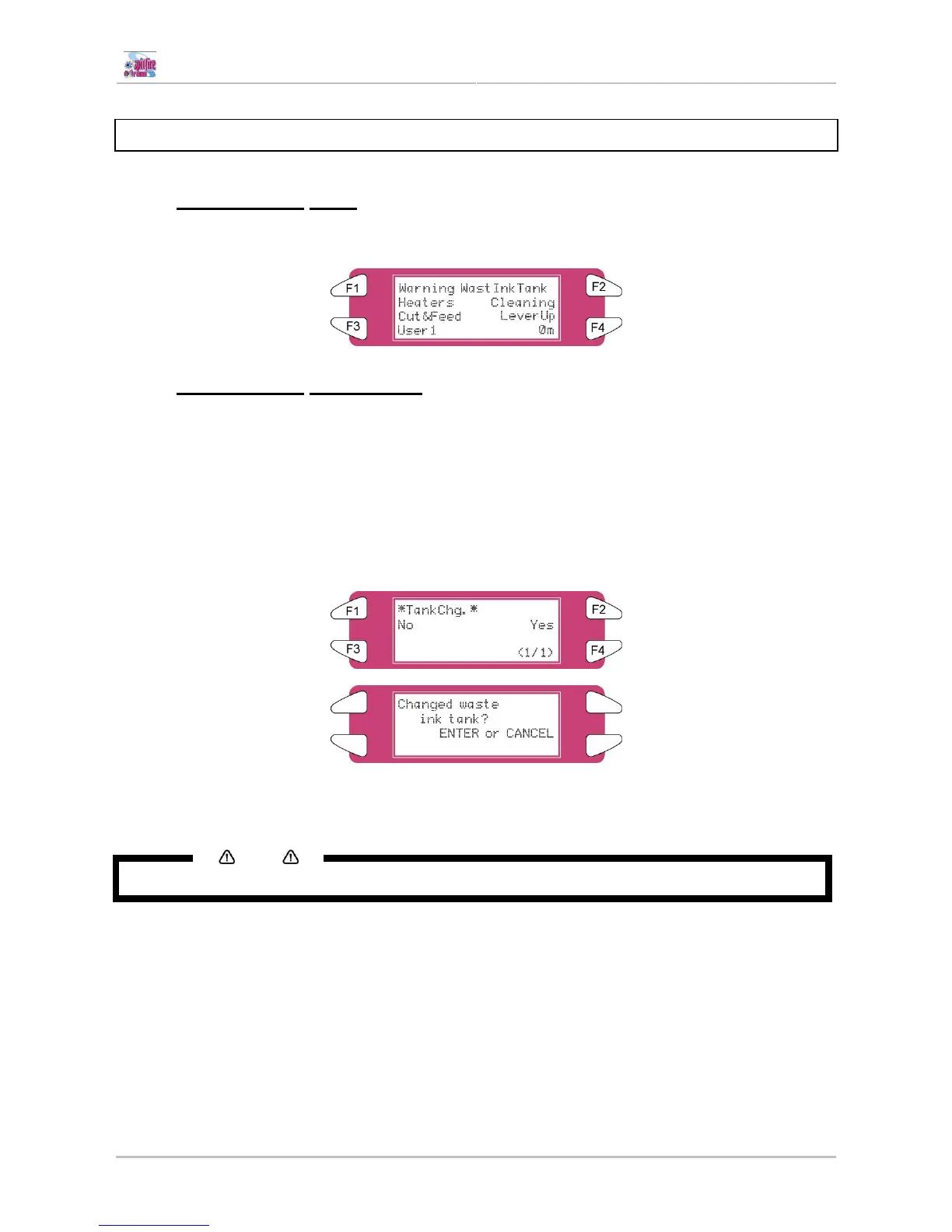
Replace the waste liquid tank when following message is displayed.
3.5.2 Replacement Procedures
Follow the steps below to replace the waste liquid tank.
Step 1 : Check the following if the power of the printer is ON.
• Printer is not printing.
• Operation panel is in its main screen.
• Media setting light on the operation panel is off.
Step 2 : Follow "Menu setup on the operation panel" and display the tank replacement menu on the
operation panel.
Step 3 : Open the cap of the waste liquid tank.
Step 4 : Remove the waste liquid tank from the tank tray of the stand.
Notes
Put the used waste liquid tank in a plastic bag and follow the local regulations when disposing.
Step 5 : Open the cap of a new waste liquid tank and put the tank to the printer.
Step 6 : Press the [ENTER] key on the operation panel.
Step 7 : The replacement of the waste liquid tank has been completed.















 To Next Page