Operation Instructions Spitfire 65/90 Extreme
CHAPTER 6 : PRINTER MENU
68 AP-77140 – Rev. 1.1 – 05/04/07
6.4.2 Manually cut off media
This section explains how to cut the media manually.
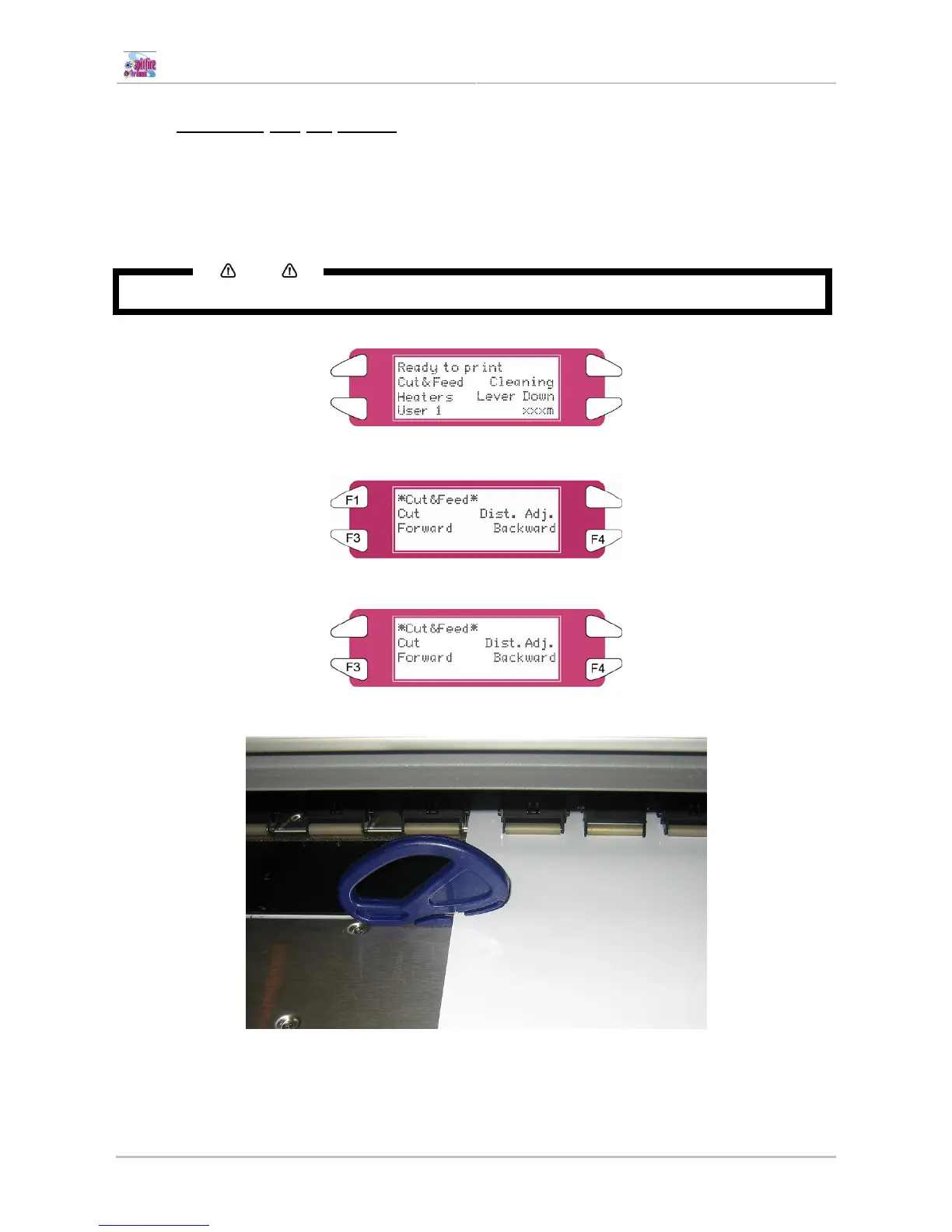
When "Manual" is set in the media cut menu, the media can be cut manually.
Cut the media according to the following procedure.
Step 1 : Make sure that the MEDIA SET lamp on the operation panel is off.
Notes
After printing, the media is automatically transferred to the media cutting position.
Step 2 : Press the [F1] key on the operation panel to shift to the cut and feed menu.
Step 5 : Feed media to the desired position using the [F3] and [F4] key.
Step 3 : Cut the roll media following the cutting groove.















 To Next Page