Operation Instructions Spitfire 65/90 Extreme
CHAPTER 5 : PREPARATIONS BEFORE PRINTING
56 AP-77140 – Rev. 1.1 – 05/04/07
5.3 I² TECHNOLOGY
Without weaving ON, an image is completed (formed) by printing a series of
complementary rectangular shaped stripes (bands, swaths, passes). Inherent to
classic inkjet printing is that ink drying effects, stepping mismatch, miss firing nozzles
show up in the printed image via ink bleeding and various types of banding. By
switching ON one of the weave patterns you will give the traditional rectangular print
swaths a wave-shaped look that will save you time and boost your output quality.
Difficult images will print smoother, banding will be suppressed (neutralized) and you
will have to spend less time fine-tuning your printer to create great looking output.
Moreover, when using wave-tuned profiles, you will be able to boost your printer’s colour gamut as the i²
(intelligent interweaving) technology allows depositing more ink, helping you to achieve higher colour
densities.
Setup items Parameters Description
Sign / Quality Weaving (1/2)
Picture / Speed
Stitch
Classic
Weaving (2/2)
Off
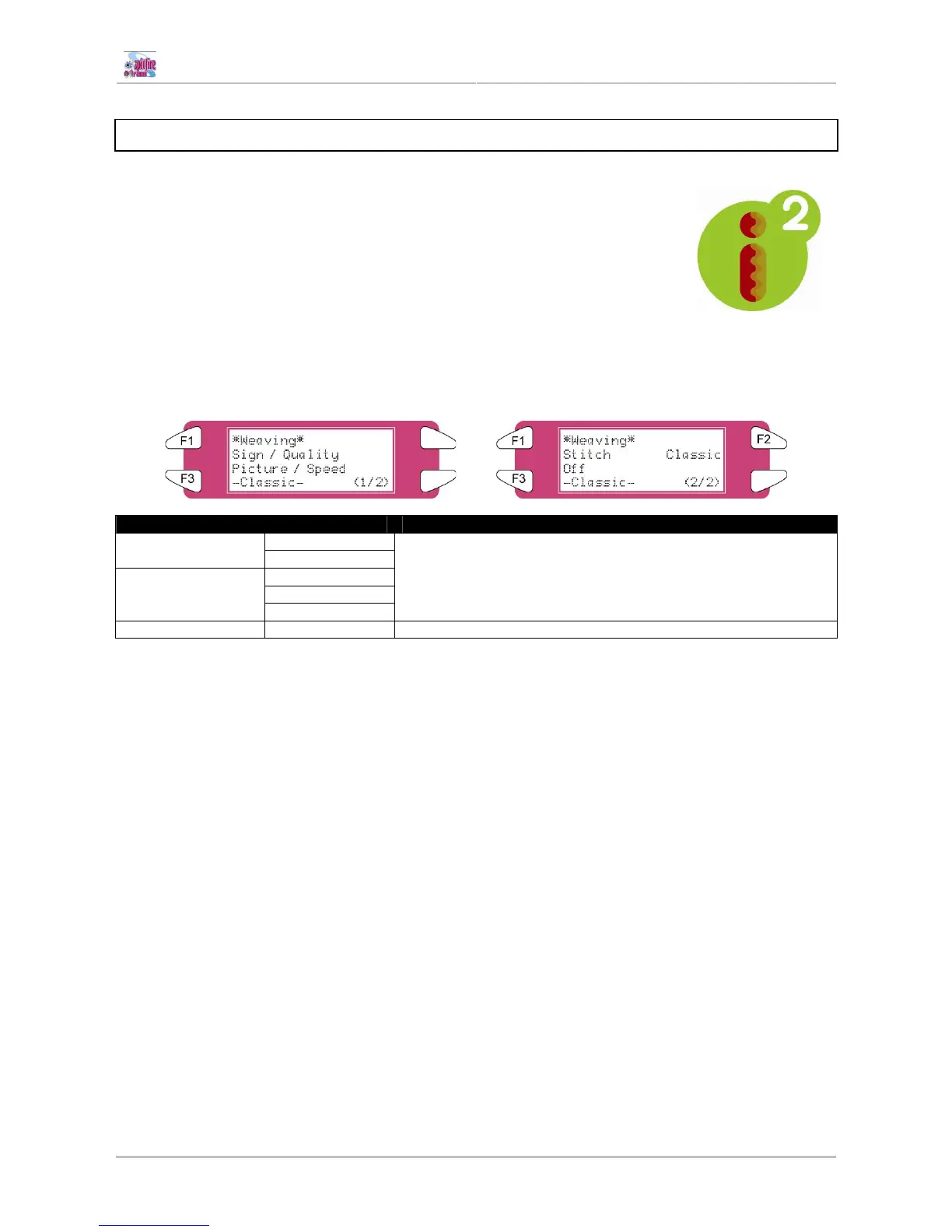
Please refer to the table below to know what the different weaving
forms are and which one to use.
Weaving (1/2 – 2/2) - [CANCEL] key: To shift to the previous hierarchy menu.















 To Next Page