Operation Instructions Spitfire 65/90 Extreme
CHAPTER 3 : BASICS
34 AP-77140 – Rev. 1.1 – 05/04/07
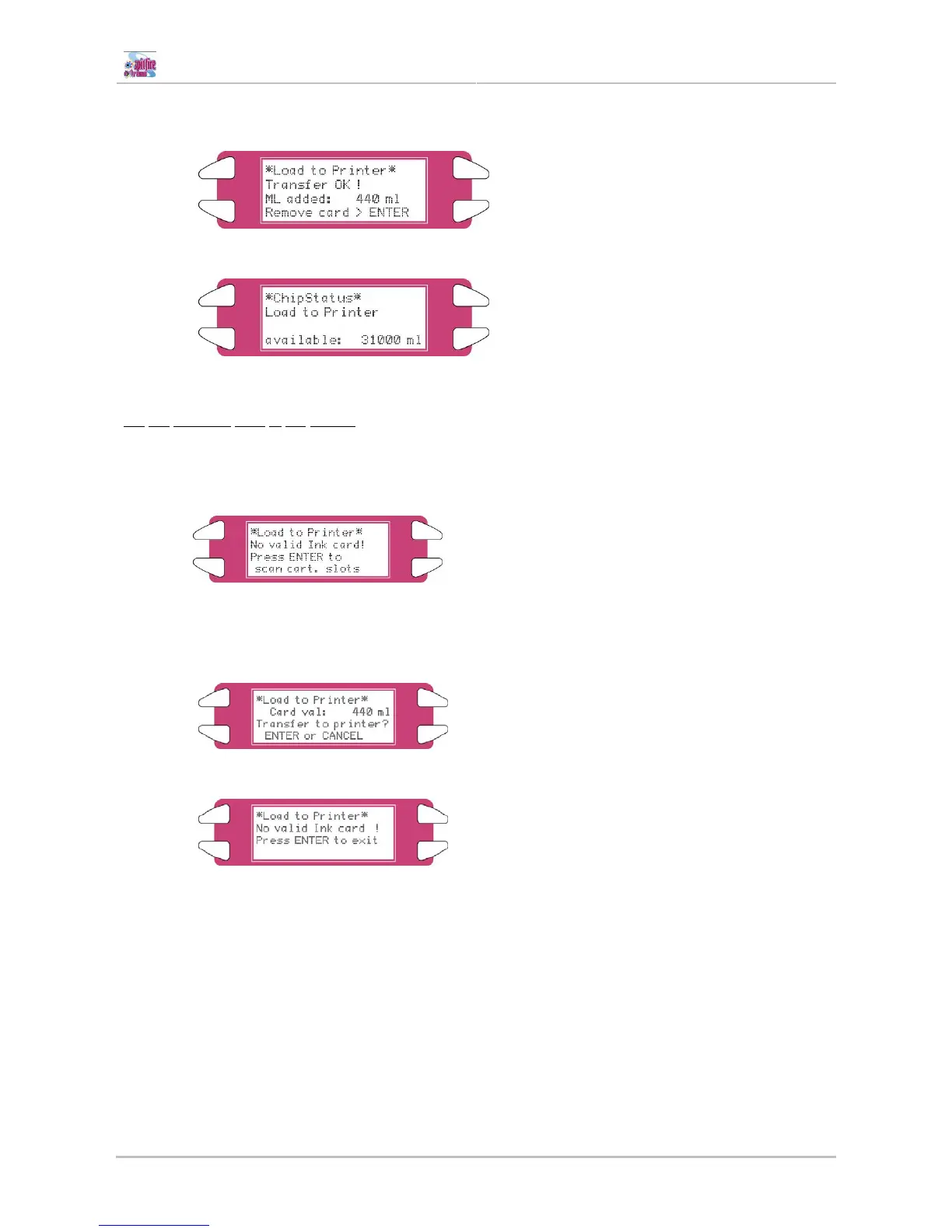
Step 5 : Remove the SmartChip card after the transfer has been finished and press the ENTER key
afterwards.
Step 6 : The printer returns to the ChipStatus menu.
Via
the Cassette slots of the printer.
When there is no or an invalid SmartChip card inserted, the management system will ask to scan all the
cassette slots and transfer the rest ink volume from the SmartChip on the cassette to the management
system.
Step 1 : Press the ENTER key to scan all slots.
Step 2 : If ink value is detected on one of the SmartChips, the following message will be displayed.
Press the ENTER key to transfer or the CANCEL key to abort.
If there is no ink volume detected, the following message will be displayed
Step 3 : The management system will scan until it found a SmartChip with ink volume, repeat this
procedure until no ink volume is found anymore.















 To Next Page